
Doodle Captioning Photo Generator
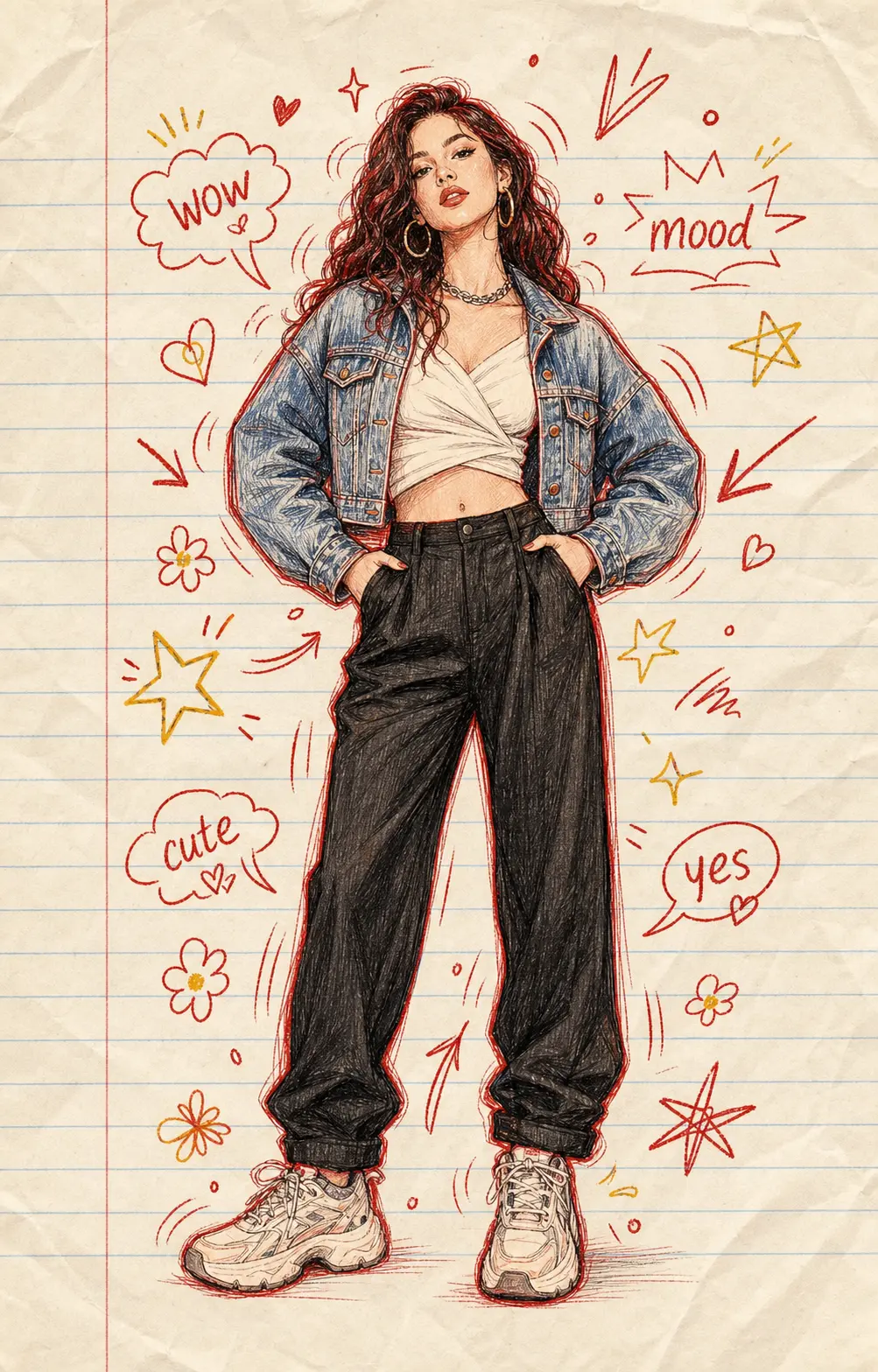
Upload a selfie, a couple shot, or a casual phone photo and PixMelody lays a layer of hand-drawn doodle captioning across the frame — marker-pen arrows, hearts, sparkles, tiny flowers, and short handwritten captions in a casual English script. The original photo still reads as itself; the doodle photo edit just gives it that diary-page, photo-dump-on-Instagram feeling, ready for Reels, TikTok, BeReal, and Pinterest moodboards.
0/5
GPT Image 2 Results
Ways to use this style
Each variation pairs a sample image with the exact prompt — copy any prompt to start.
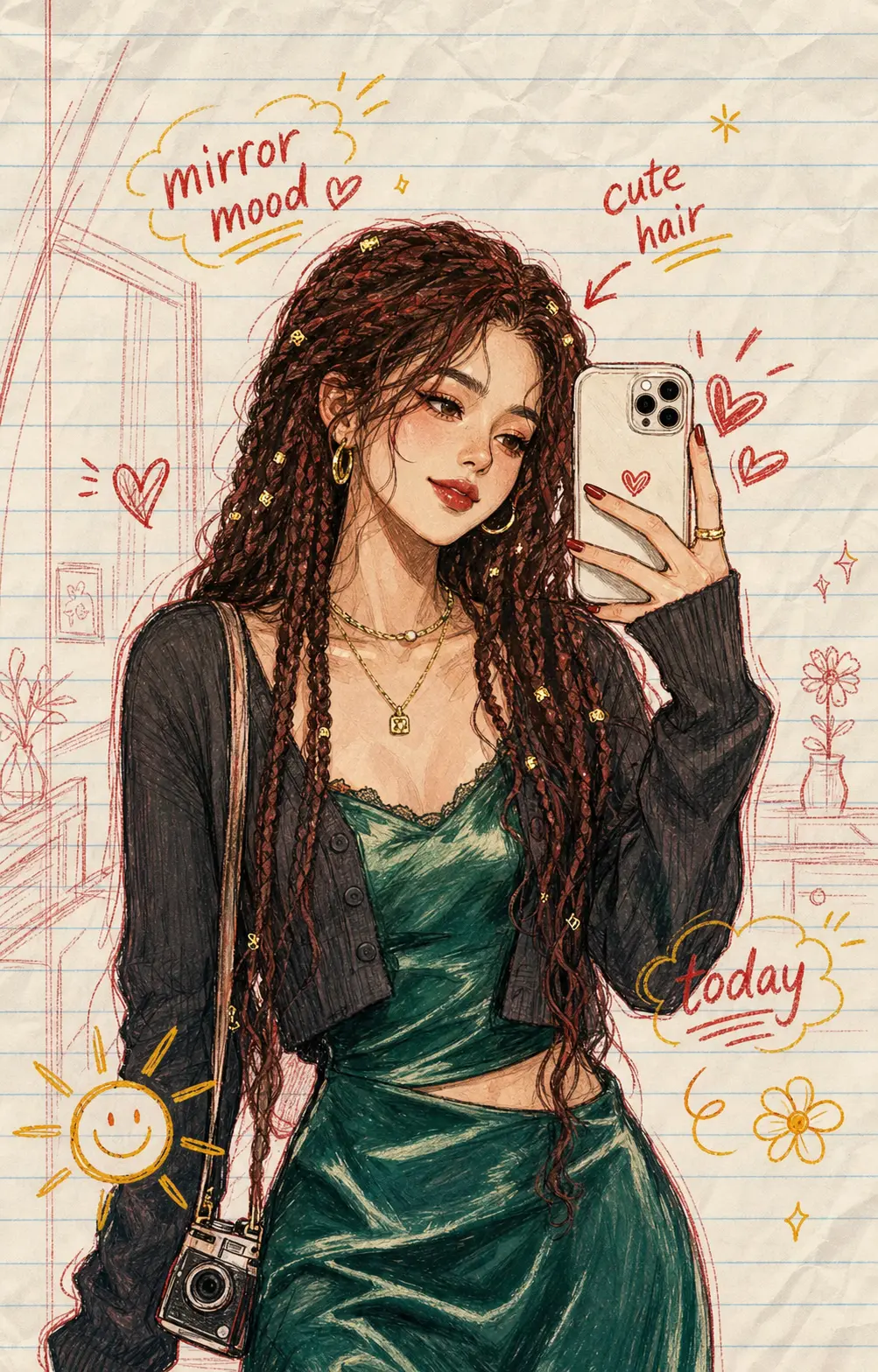
Selfies with handwritten doodle captions
Drop in a selfie and the doodle captioning generator does what your friend with the nice handwriting would do — a casual arrow off your hair, a tiny heart by your cheek, a quick handwritten caption floating off to one side. The face stays sharp, the doodles never land on top of your eyes or mouth, and the whole thing looks like a page out of a real diary photo edit.
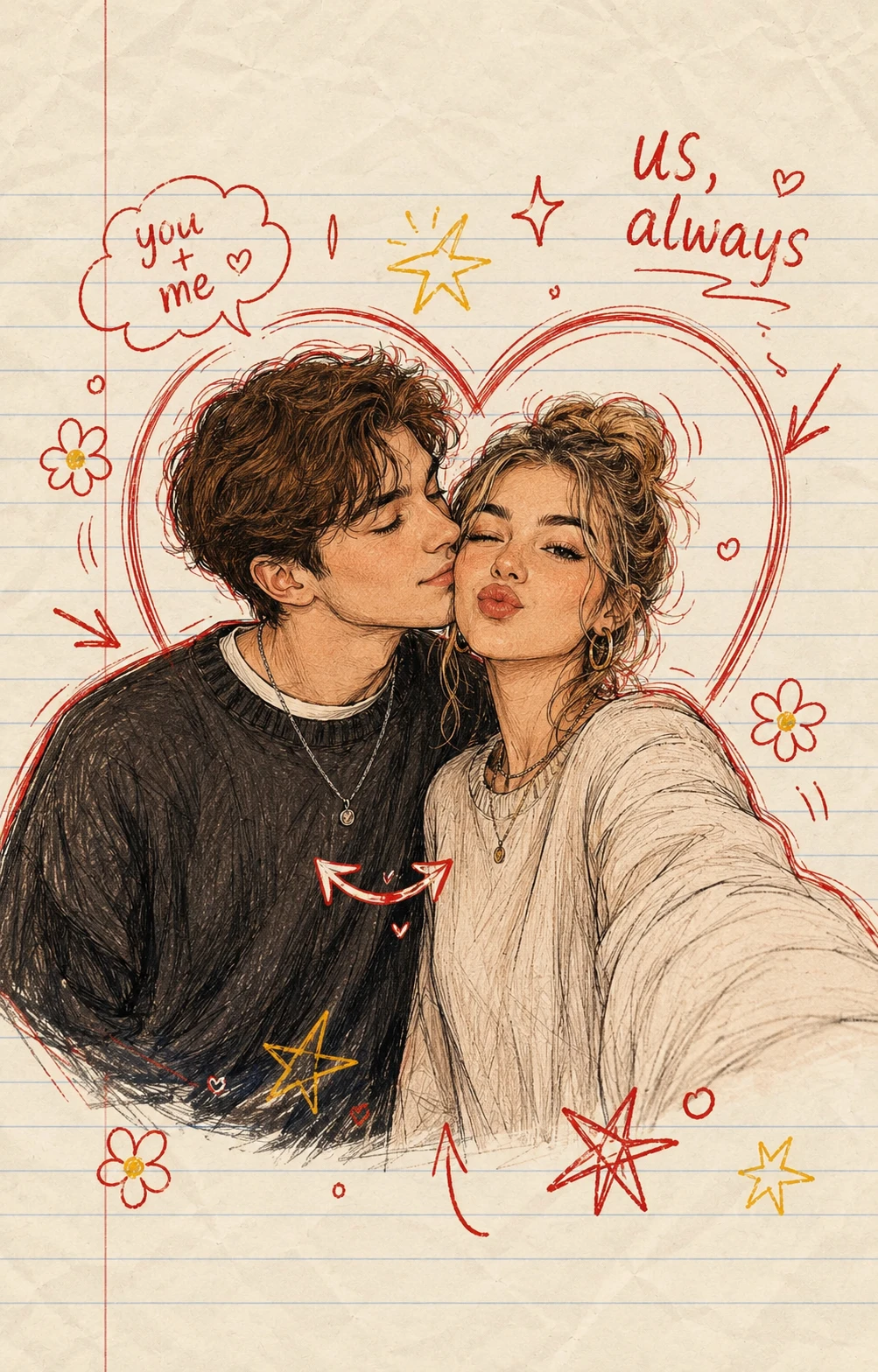
Couple and friend photos with sweet doodle notes
Couple shots and best-friend selfies are where the doodle captioning style shines hardest. A little arrow between two faces, a hand-drawn heart looping around the pair, a casual handwritten caption like 'us, always' tucked into the corner — the doodle photo edit reads as someone's actual diary entry, not as machine output. Both faces stay recognizable.
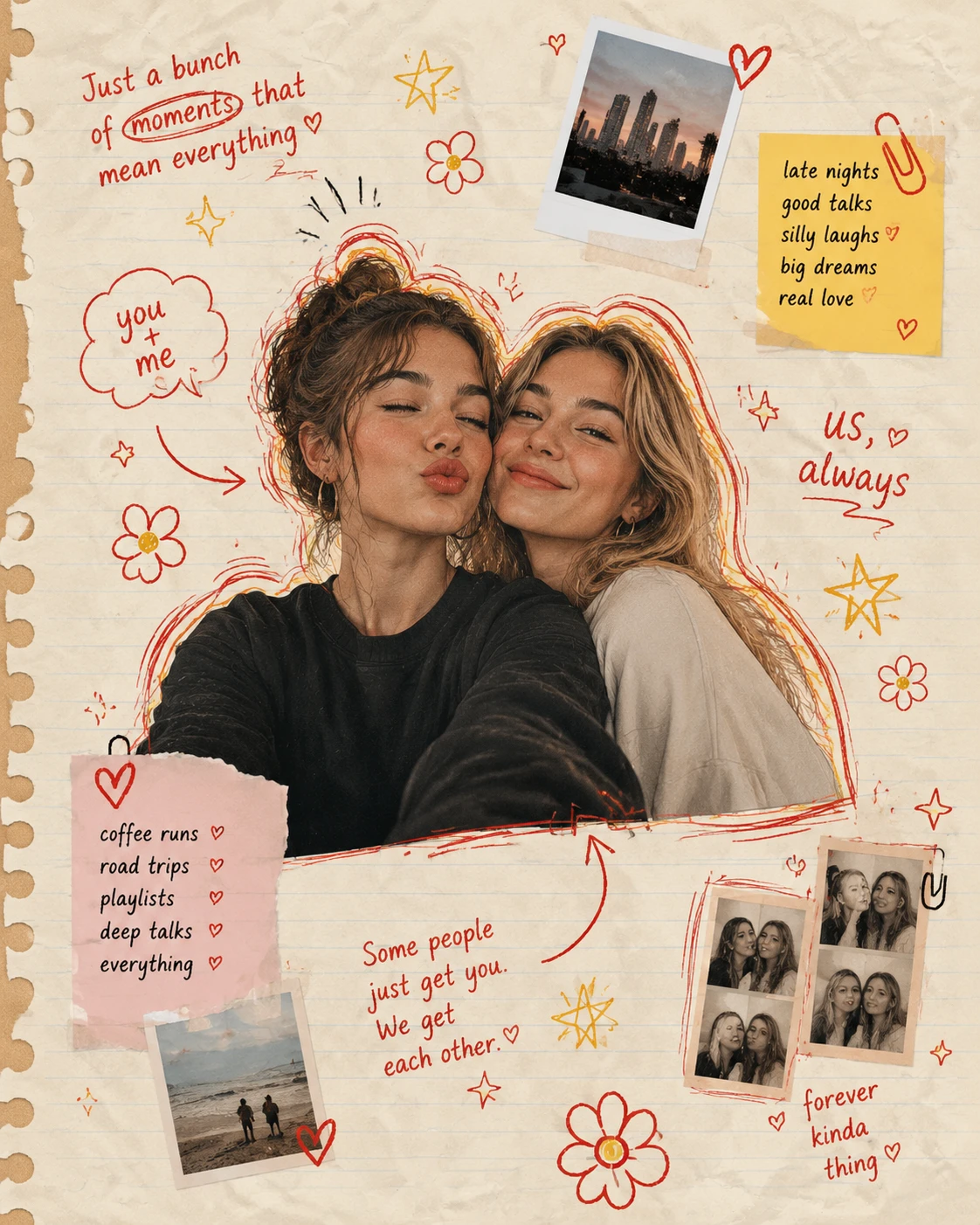
Photo dump and scrapbook moodboards
Push the doodle photo edit further and the generator goes full scrapbook — handwritten captions floating at angles, doodled flowers in the corners, marker-pen squiggles framing the subject, the photo sitting on a soft paper-textured background like it's been pasted into someone's notebook. Pure photo dump energy, ready to drop into a carousel post.
Doodle captioning prompt ideas
Use the default doodle photo edit, or grab one of these variants — copy, paste into the generator, and tweak the subject words to match your photo.
Diary Selfie With Doodles
Use the uploaded selfie as the only reference. Preserve the face, hair, expression, and outfit. Layer hand-drawn doodle captioning on top — confident marker-pen arrows pointing at hair or jewelry, small black hearts, scattered sparkles, and one short handwritten English caption (like 'tuesday mood' or 'feeling cute') floating beside the figure. Keep doodles clear of the face, casual diary photo edit, warm or black line work, no watermark.
Couple Doodle Note
Use the uploaded couple photo as the only reference. Preserve both faces, expressions, and outfits. Add doodle captioning over the image — a soft heart looping around the pair, a thin marker-pen arrow between the two faces, scattered sparkles, and one short handwritten English caption (like 'us, always' or 'my person') tucked into a corner. Off-face doodle placement, sweet photo dump feeling, no watermark.
Photo Dump Scrapbook
Use the uploaded photo as the only reference. Place it on a soft paper-textured background and decorate the surrounding space with hand-drawn doodle captioning — angled handwritten English captions, marker-pen flowers, tiny stars, sparkles, and a single curved arrow pointing at the subject. Diary scrapbook layout, warm paper texture, charming photo dump aesthetic, off-face doodle placement, no watermark.
Polaroid + Doodle
Use the uploaded photo as the only reference. Render it as a polaroid-style instant print with a generous white border, then add hand-drawn doodle captioning on top of the border and around the photo — a short handwritten English date or caption along the bottom border, small marker-pen hearts and sparkles, a casual arrow toward the subject. Photocard-keepsake feeling, warm marker-pen line, no watermark.
Recommended PixMelody models
GPT Image 2
GPT Image 2 takes a long brief and gives back a finished image with the type set right, the references locked, and the world it depicts true to life — what diffusion-only models still get wrong.
Nano Banana 2
Nano Banana 2 keeps the speed of the base model but adds a quality dial — preview at 1K, sign off at 2K, ship at 4K. The detail in faces, hands, and material textures survives the upscale.
Related styles
Photo From Emoji Generator
Drop in a portrait, pet, product, or wide-open landscape and PixMelody rebuilds it as a readable emoji mosaic. The original shape still holds across the room; lean in and the surface falls apart into hundreds of tiny smileys, hearts, stars, and sticker faces — pure Photo From Emoji energy, ready for TikTok, Instagram Reels, Shorts, and PFP swaps.
AI Coloring Page Generator — Printable Line Art
Turn any idea, photo, or pet into a printable coloring page — pure white background, clean black line art, no shading, no fill. Ready for kids' books, adult relaxation pages, classroom packs, and custom activity sheets.
AI Y2K Aesthetic Generator — Millennium Retro Future Filter
Turn photos into the Y2K aesthetic — chrome textures, frosted blues and bubblegum pinks, holographic reflections, early-2000s digital flash, and the cyber-mall energy that defined the era. Built for retro-future campaigns, album covers, and nostalgia content.
FAQ
What is doodle captioning?
Doodle captioning is the photo edit trend where a normal photo gets layered with hand-drawn marker-pen doodles and short handwritten captions — little arrows, hearts, sparkles, casual notes — like someone has been at the photo with a felt-tip pen. PixMelody's generator does the whole thing in one upload: drop in a selfie or a couple shot, and it lays the doodles down in a clean diary-style photo edit without you having to draw anything yourself.
What kind of photo works best for a doodle photo edit?
Anything with one or two clear subjects and a bit of breathing room around the edges. Selfies, couple shots, friend group photos, casual phone snaps of food and outfits — all of these convert cleanly into doodle captioning. Very tightly cropped photos with no negative space can still work, but the doodles land best when there's a little room around the subject for arrows and handwritten captions to sit.
Will the doodles cover my face?
No. The generator is tuned to keep doodle captioning off the face — arrows, hearts, and handwritten captions land around the subject and in the negative space, not on top of eyes, mouth, or features that matter. The face stays recognizable; the doodle photo edit just decorates the world around it, like a real diary annotation.
Is doodle captioning the same as a sticker overlay or a graffiti filter?
Same family, different feel. Sticker overlays drop pre-made stickers in fixed places; graffiti filters tend toward street-art lettering. Doodle captioning is the softer, diary-page version — hand-drawn marker-pen lines, casual handwritten English script, the kind of doodle photo edit you'd see in a photo dump or a personal scrapbook. PixMelody treats all three as different prompts under the same generator, but doodle captioning has its own dedicated default.
Any tips for a clean doodle captioning result?
Upload a sharp, well-lit photo so the doodles read crisply against the image. Pick a photo with a touch of negative space — sky, wall, a clean background patch — because the handwritten captions need somewhere to land. If you want a specific caption (a name, a date, a one-word mood like 'finally'), edit the prompt and put it in quotes; the generator will treat that as the handwritten caption instead of inventing one.
How long does each generation take?
Most runs finish in 20 to 60 seconds once you upload a photo, depending on the model, scene complexity, and current queue. Pro-tier models run a touch longer on heavy detail, and you see live progress while it works.
Can I use the generated images commercially?
Yes. As long as the source photo is yours or you have permission to edit it, outputs can be used in personal portfolios, social posts, brand campaigns, e-commerce assets, and client deliverables. For commercial use that features recognizable people or third-party brands, confirm likeness and trademark rights separately.
How many credits does this style use?
The inline generator runs on the same PixMelody account and credit system as the main creator. Each generation deducts credits based on the model you pick, and the exact cost shows live on screen. New accounts get free credits to try the style before topping up.