AI Coloring Page Generator — Printable Line Art
Turn any idea, photo, or pet into a printable coloring page — pure white background, clean black line art, no shading, no fill. Ready for kids' books, adult relaxation pages, classroom packs, and custom activity sheets.
0/5
Nano Banana Results
Ways to use this style
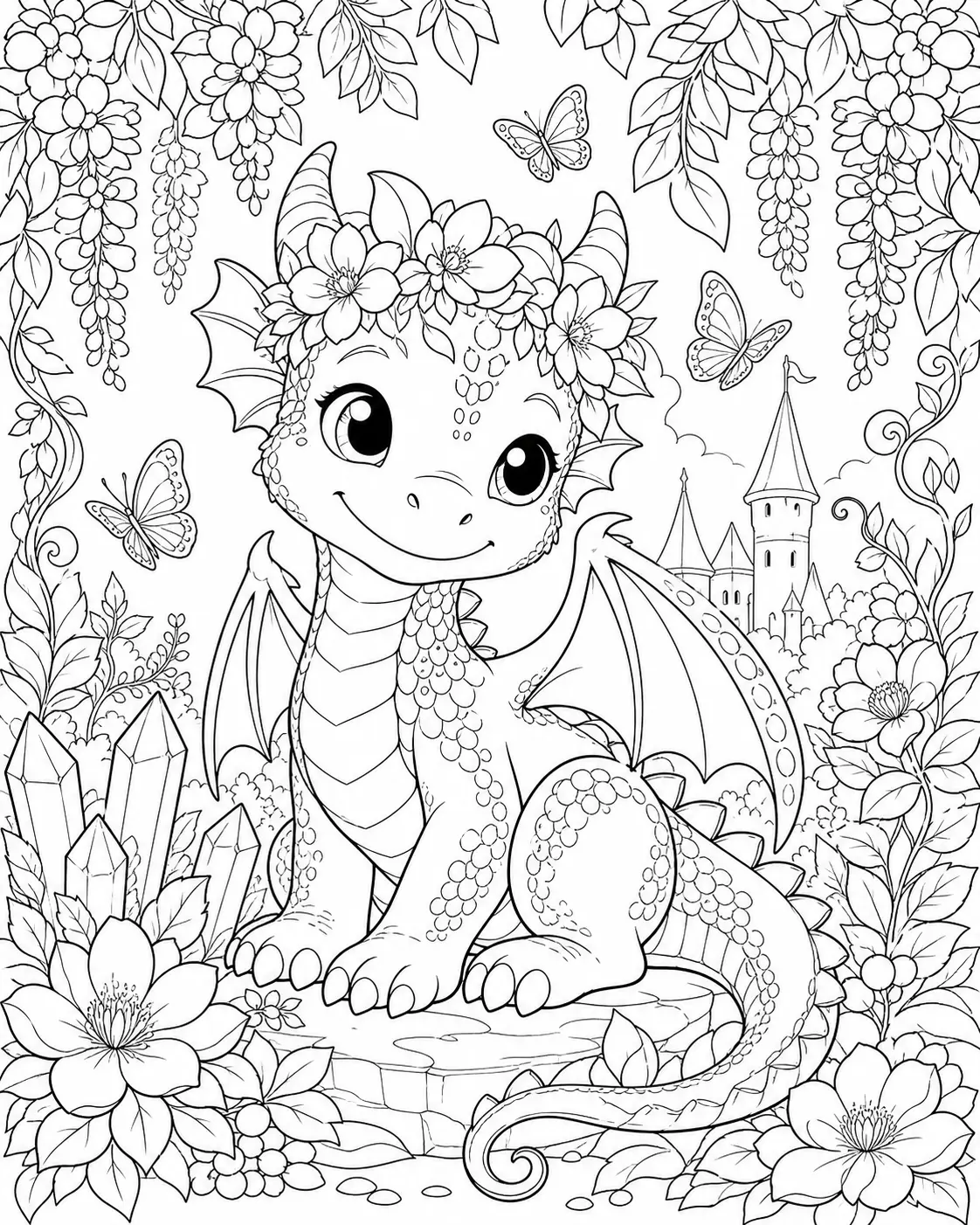
Each variation pairs a sample image with the exact prompt — copy any prompt to start.
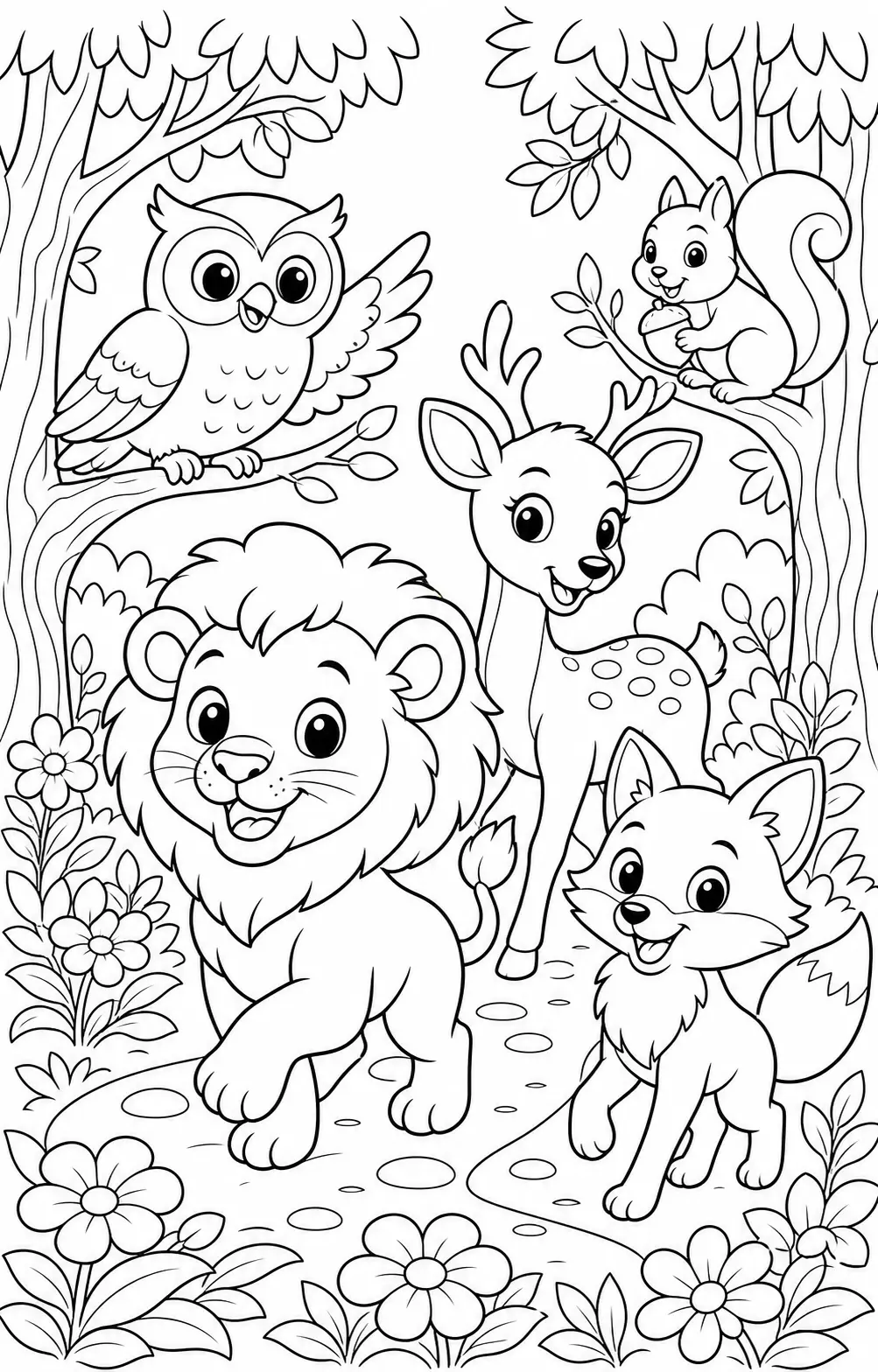
Kid-friendly animal coloring page
Big shapes, simple lines, friendly faces — designed for ages 4 to 10, fits preschool through mid-elementary.
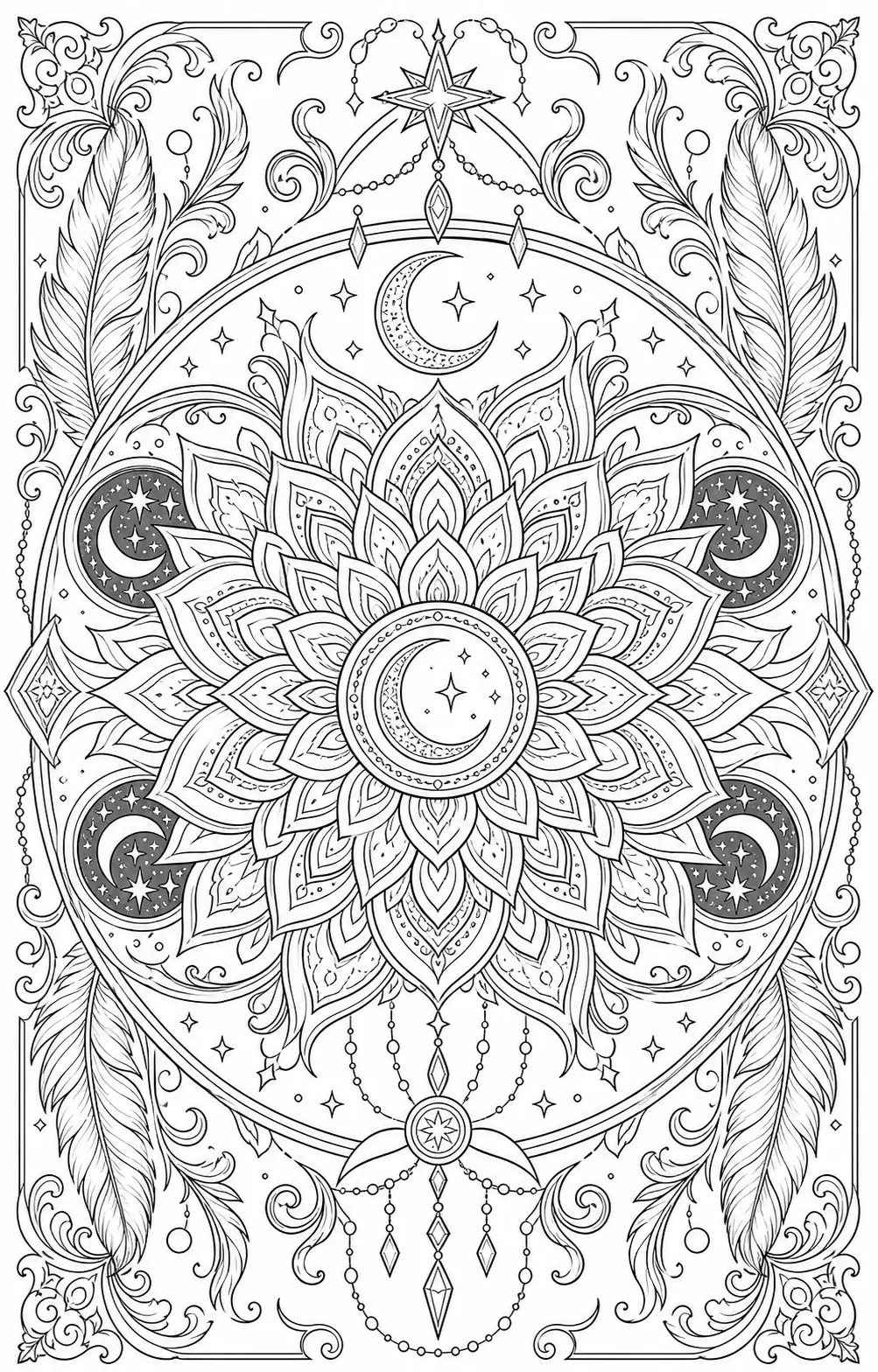
Detailed adult mandala
Symmetrical patterns, fine linework — for adult coloring books, meditation, and therapeutic gifting.
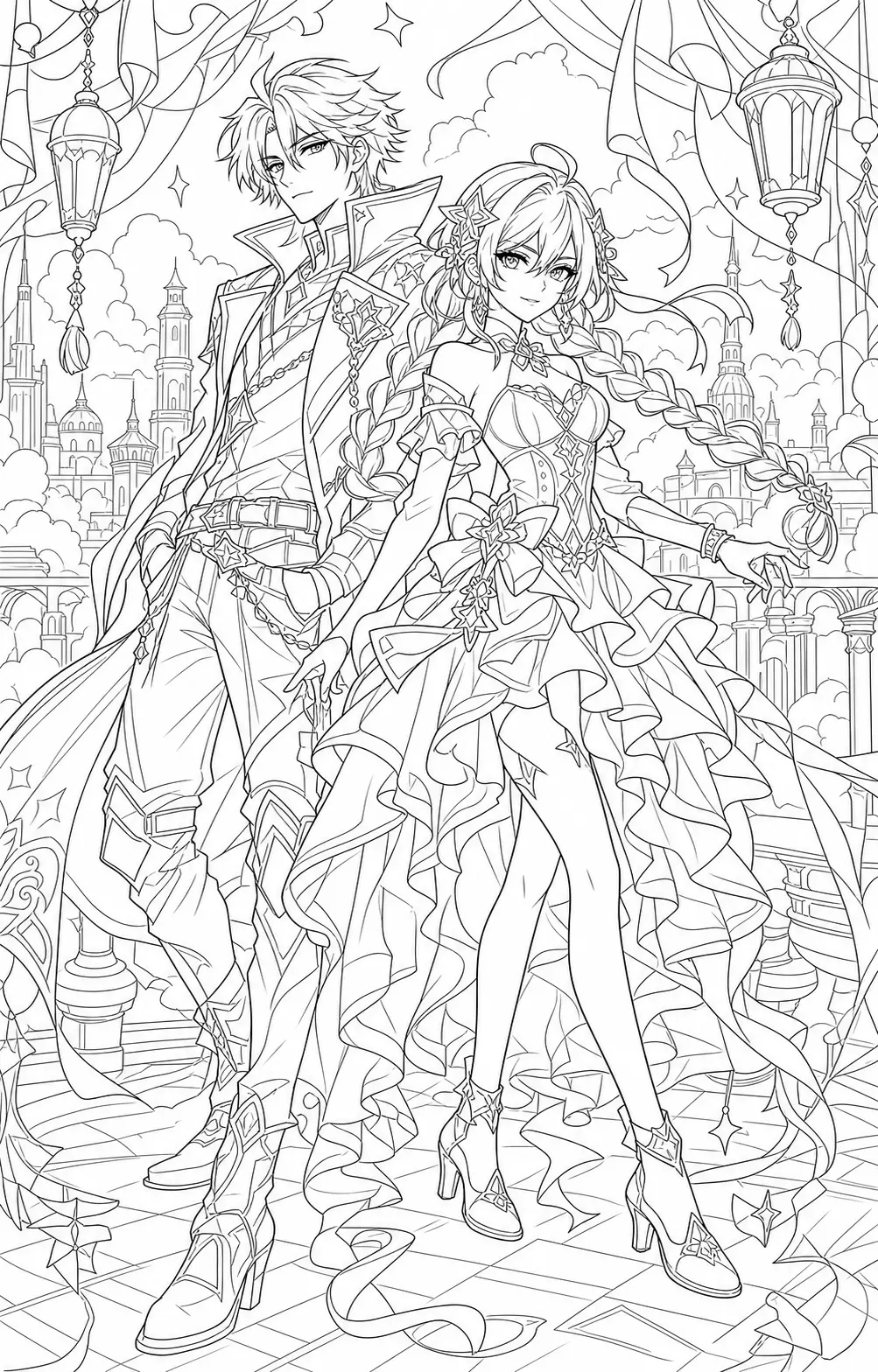
Anime character coloring page
Manga-style outlines, no fills — ready for markers, crayons, or digital coloring, fits school-age kids and anime fans alike.
Recommended PixMelody models
Nano Banana
Nano Banana is the model you reach for when the idea isn't decided yet — light credits, fast renders, every common ratio covered. Try ten directions in the time it takes a flagship to ship one.
GPT Image 2
GPT Image 2 takes a long brief and gives back a finished image with the type set right, the references locked, and the world it depicts true to life — what diffusion-only models still get wrong.
Related styles
AI Line Art to Image Generator
Turn your line art, sketch, or outline into a finished image — characters, products, and scenes rendered with color, light, material, and background, while preserving your original linework.
Studio Ghibli Style Filter
Turn any photo into a hand-painted Studio Ghibli scene — gouache backgrounds, drifting cumulus clouds, wind-moved grass, the quiet slice-of-life mood of Miyazaki's films. Faces stay recognizable, the output looks like a single frame from an animated feature.
Fashion Collage Generator — AI Editorial Collage
Turn photos into editorial fashion collages — layered outfits, magazine-grade composition, clean negative space. Drop straight into brand moodboards, lookbook concepts, seasonal campaigns, and creative proposal visuals.
FAQ
What is the AI coloring page generator?
It's the PixMelody AI line-art tool built specifically for coloring pages — it generates print-ready black outlines on a pure white background from photos, pets, toys, or plain text descriptions. Outputs print directly for kids, adults, and classroom use without ink waste.
What kind of photo converts best to a coloring page?
Subjects with clear outlines and a clean background work best — front-facing pet shots, toys, kids' birthday photos, family group photos. Crowded, dim, or small-subject photos result in over-fine line art and should be cropped before uploading.
Does it preserve features for people and pets in the source?
Yes. The model preserves the most recognizable outline features — face shape and hairstyle for people, ears, markings, and breed traits for pets — and only strips material and lighting into pure linework. The coloring page still reads as the original subject once colored in.
How is this different from the line art to image generator?
They're inverses of each other. The coloring page generator turns photos into black line art for humans to color with crayons or digital brushes. The line art to image generator does the opposite — automatically fills already-drawn line art with color, shading, and material. Pick the direction you need.
How do I make the coloring page most printable?
Keep 'pure white background, clean black outlines, no shading, no color fill, print-ready' in the prompt — output stays ink-efficient and lines stay crisp. Tune line density to the audience: simple shapes for ages 4-8, more detail for 9+, intricate mandalas or character pieces for teens and adults.
How long does each generation take?
Most runs finish in 20 to 60 seconds once you upload a photo, depending on the model, scene complexity, and current queue. Pro-tier models run a touch longer on heavy detail, and you see live progress while it works.
Can I use the generated images commercially?
Yes. As long as the source photo is yours or you have permission to edit it, outputs can be used in personal portfolios, social posts, brand campaigns, e-commerce assets, and client deliverables. For commercial use that features recognizable people or third-party brands, confirm likeness and trademark rights separately.
How many credits does this style use?
The inline generator runs on the same PixMelody account and credit system as the main creator. Each generation deducts credits based on the model you pick, and the exact cost shows live on screen. New accounts get free credits to try the style before topping up.