
AI Product Photography Generator — Product Hero AI
Turn ordinary product shots into hero-grade e-commerce visuals — lifestyle context, studio softbox setups, editorial flatlays — ready to drop into e-commerce listings, ad creative, and brand campaigns.
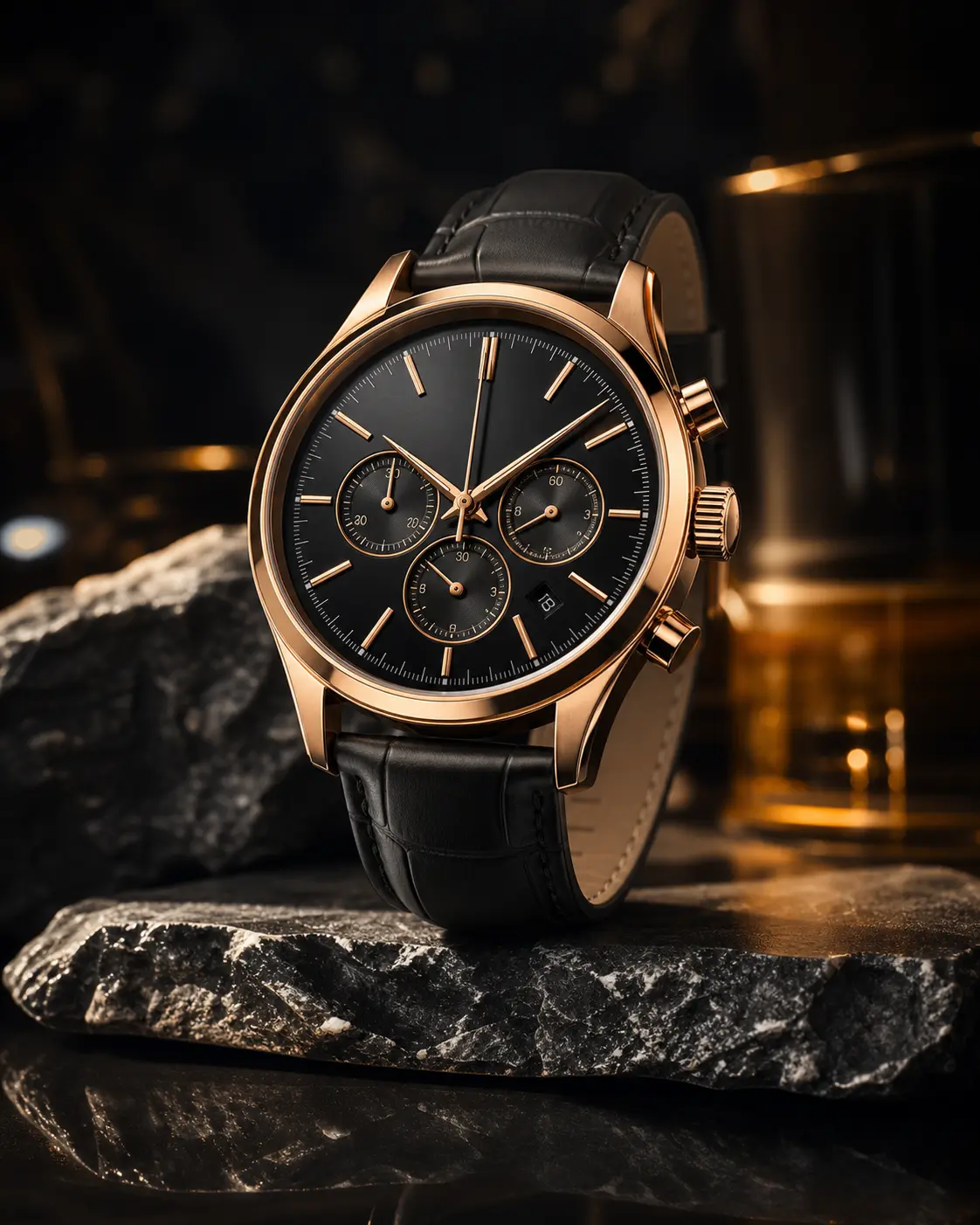
0/5
Nano Banana 2 Results
Ways to use this style
Each variation pairs a sample image with the exact prompt — copy any prompt to start.
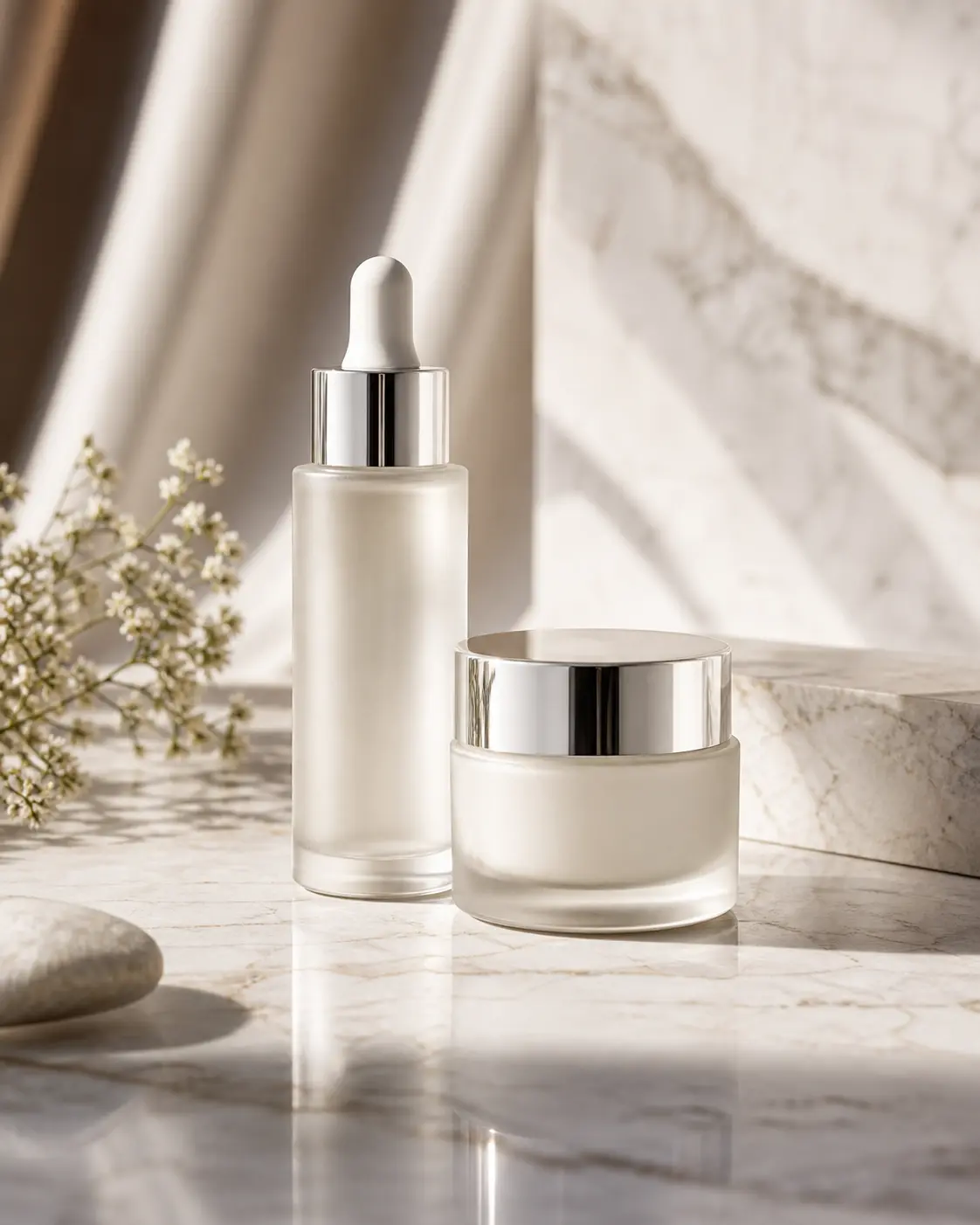
Studio softbox hero shot
Clean seamless backdrop, soft directional light — classic catalog-grade product image, perfect for e-commerce above-the-fold and ad hero visuals.
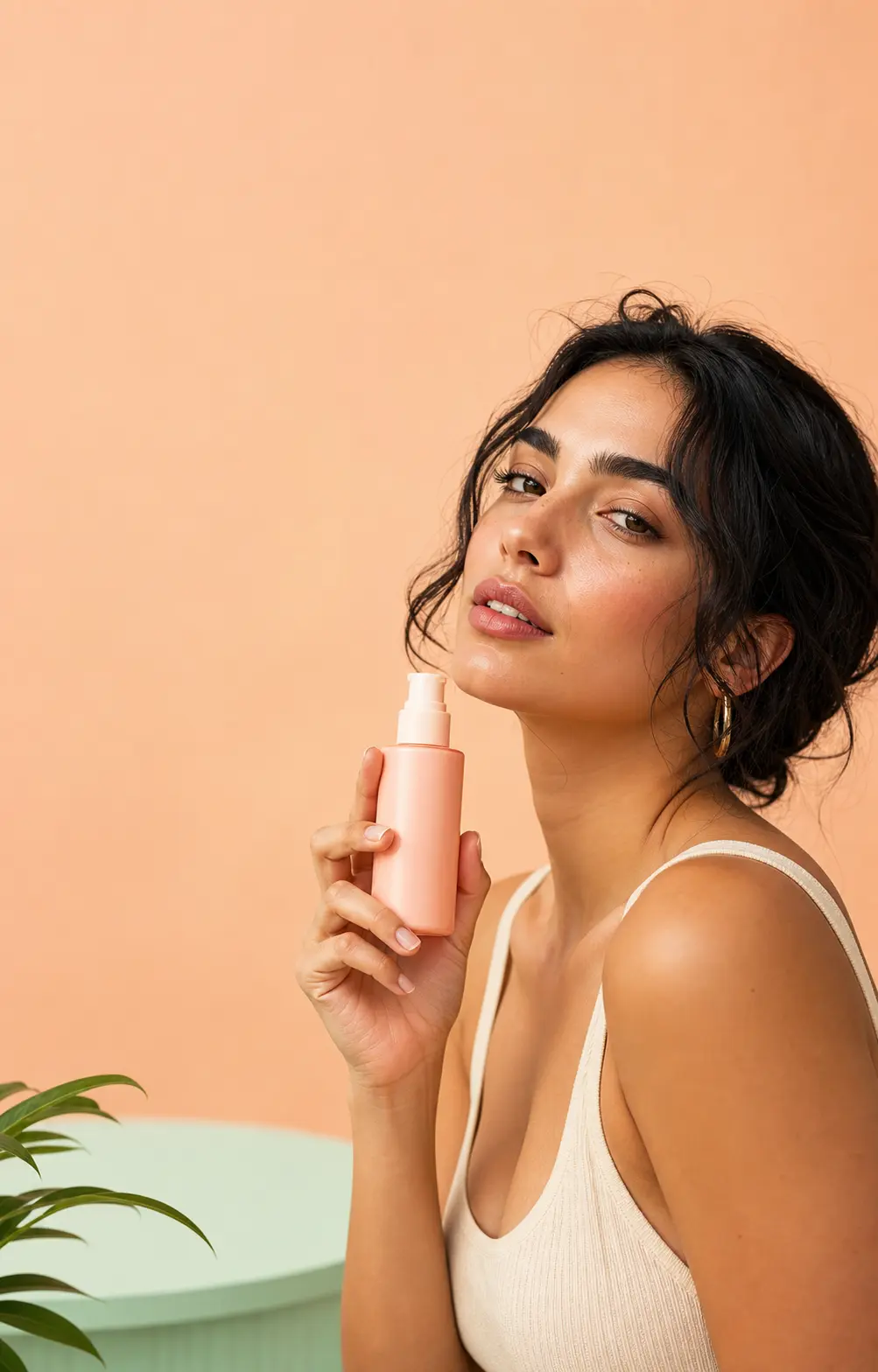
Lifestyle in-context shot
Product in a real scene with natural light — feels editorial, not staged, great for social posts, brand blog, and user stories.
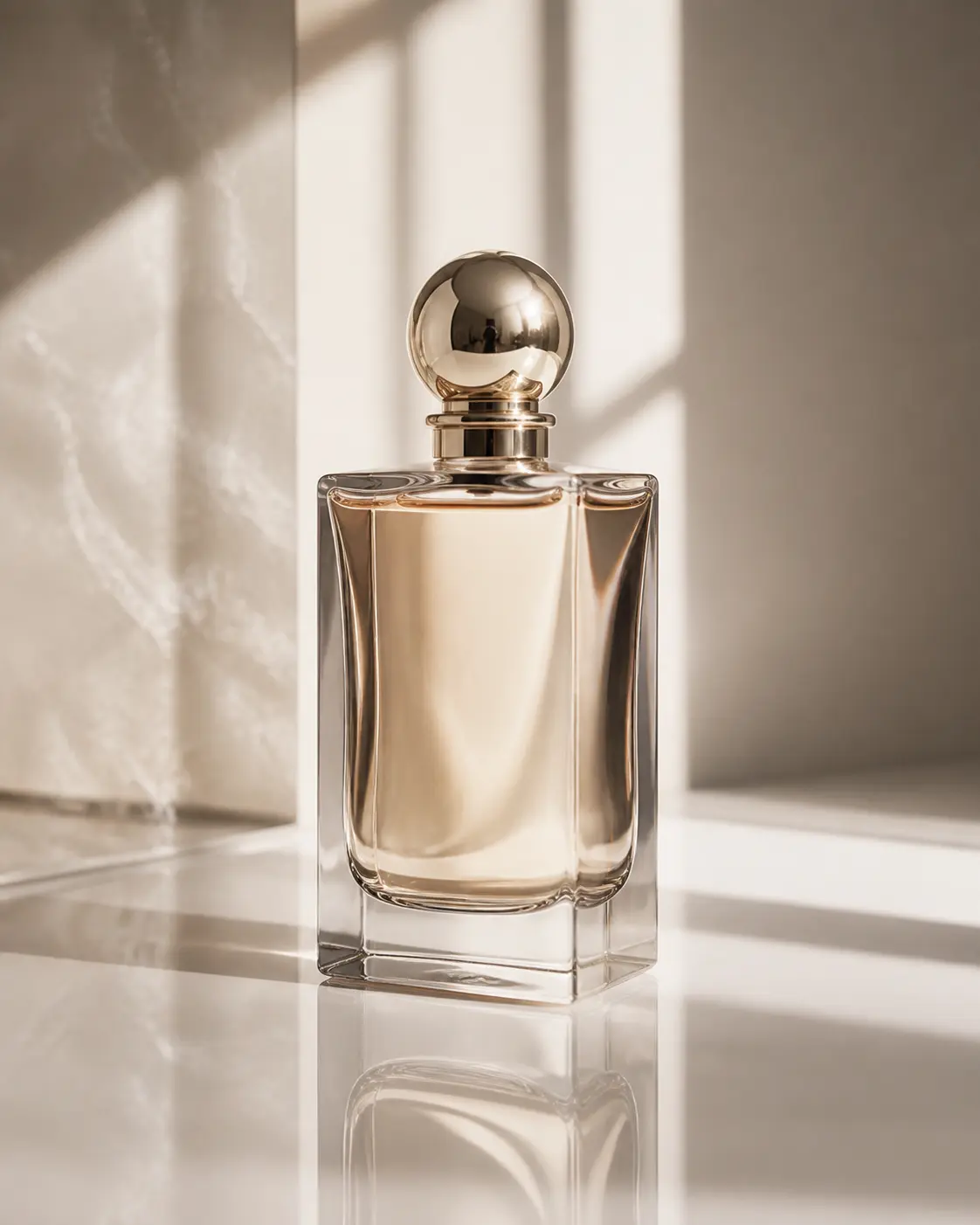
Editorial flatlay composition
Top-down composition with curated props — magazine spread energy, made for seasonal campaigns, quarterly publications, and catalog cover pages.
Product hero prompt ideas
Same product, four hero treatments — pick the one your campaign needs: clean studio, lifestyle scene, flatlay, or material macro.
Clean Studio Backdrop
Photograph the uploaded product as a hero shot on a clean seamless studio backdrop in soft neutral gray or off-white. Sharp focus on the product, balanced soft directional lighting with subtle shadow grounding, accurate color reproduction, no distracting reflections, no props. Preserve product shape, branding, label text, materials, and proportions exactly. Premium catalog photography finish, ready for e-commerce hero placement or campaign use.
Lifestyle Scene
Place the uploaded product into a styled lifestyle scene that fits its category — minimal countertop, modern desk, sunlit windowsill, or curated tabletop with complementary props in muted tones. Soft directional daylight, shallow depth of field, warm but clean color grade. Keep the product itself as the visual hero, sharp and properly lit, with the surrounding scene supporting context. Preserve all branding, labels, and material details.
Flatlay Composition
Create a top-down flatlay hero composition featuring the uploaded product as the centerpiece, arranged on a clean textured surface (linen, soft paper, light wood, or matte stone) with thoughtfully placed complementary objects around it. Even soft overhead lighting, balanced negative space, square composition suited for social hero and campaign creative. Preserve product shape, branding, and materials. Premium editorial styling.
Material Macro Detail
Tighten in on the uploaded product as a macro detail hero shot — close-up on its key material, finish, texture, or signature feature. Razor-sharp focus, soft directional studio light raking across the surface to bring out tactile detail, subtle background falloff, premium product photography mood. Preserve material truth, label position, and branding. Suited for hero strips, banner crops, and product feature pages.
Recommended PixMelody models
Nano Banana 2
Nano Banana 2 keeps the speed of the base model but adds a quality dial — preview at 1K, sign off at 2K, ship at 4K. The detail in faces, hands, and material textures survives the upscale.
GPT Image 2
GPT Image 2 takes a long brief and gives back a finished image with the type set right, the references locked, and the world it depicts true to life — what diffusion-only models still get wrong.
Related styles
Fashion Collage Generator — AI Editorial Collage
Turn photos into editorial fashion collages — layered outfits, magazine-grade composition, clean negative space. Drop straight into brand moodboards, lookbook concepts, seasonal campaigns, and creative proposal visuals.
AI Glow Up Filter — Natural Beauty Portrait
Upload a portrait or selfie and the AI Glow Up filter gently lifts skin, eyes, lighting, and overall energy — same person, but as if a professional photographer reshot you. Identity preserved, ready for avatars, IG content, and personal brand pages.
AI Action Figure Generator
Turn any person, brand mascot, or product concept into a collectible action figure — with blister-pack packaging, themed accessories, and studio product photography. Ready for creator merch concepts, mascot pitches, and product proposal visuals.
FAQ
What is the AI Product Photography Generator?
It's the PixMelody AI product-shot tool for e-commerce and brand marketing. Upload a plain product photo and the model preserves silhouette, label, and logo while rebuilding the shooting environment — studio hero, in-context lifestyle, or editorial flatlay — output is high-resolution product imagery for PDPs and ad creative.
What kind of product photo should I upload?
Upload a clean, evenly-lit, centered product photo with clear labels. Simple backgrounds (white, light gray), full product silhouette, and readable logo text give the best result. Dim, occluded, or blurry logo source images should be reshot before uploading.
Will it preserve labels, logos, and colors?
Yes. Upload a clear reference and the model keeps brand-critical details — logo position, label text, product silhouette, primary color — and only rebuilds lighting, background, props, and context. For tighter fidelity, upload two or three reference angles.
How is this different from the fashion collage generator?
AI Product Photography focuses on a single product hero visual — rebuilds the shoot to output shelf-ready commerce imagery. The Fashion Collage Generator arranges multiple elements into a magazine spread — the work is layout and editorial narrative. Use product photography for PDPs and ads, fashion collage for moodboards and brand decks.
How do I make the output feel like a real studio shoot?
Specify lighting (softbox, natural window light, even daylight), backdrop (seamless backdrop, neutral textured background), and composition (hero shot, top-down flatlay, lifestyle scene). Generate the studio hero, lifestyle, and flatlay variants and pick by venue — PDP, ad, or brand moodboard.
How long does each generation take?
Most runs finish in 20 to 60 seconds once you upload a photo, depending on the model, scene complexity, and current queue. Pro-tier models run a touch longer on heavy detail, and you see live progress while it works.
Can I use the generated images commercially?
Yes. As long as the source photo is yours or you have permission to edit it, outputs can be used in personal portfolios, social posts, brand campaigns, e-commerce assets, and client deliverables. For commercial use that features recognizable people or third-party brands, confirm likeness and trademark rights separately.
How many credits does this style use?
The inline generator runs on the same PixMelody account and credit system as the main creator. Each generation deducts credits based on the model you pick, and the exact cost shows live on screen. New accounts get free credits to try the style before topping up.