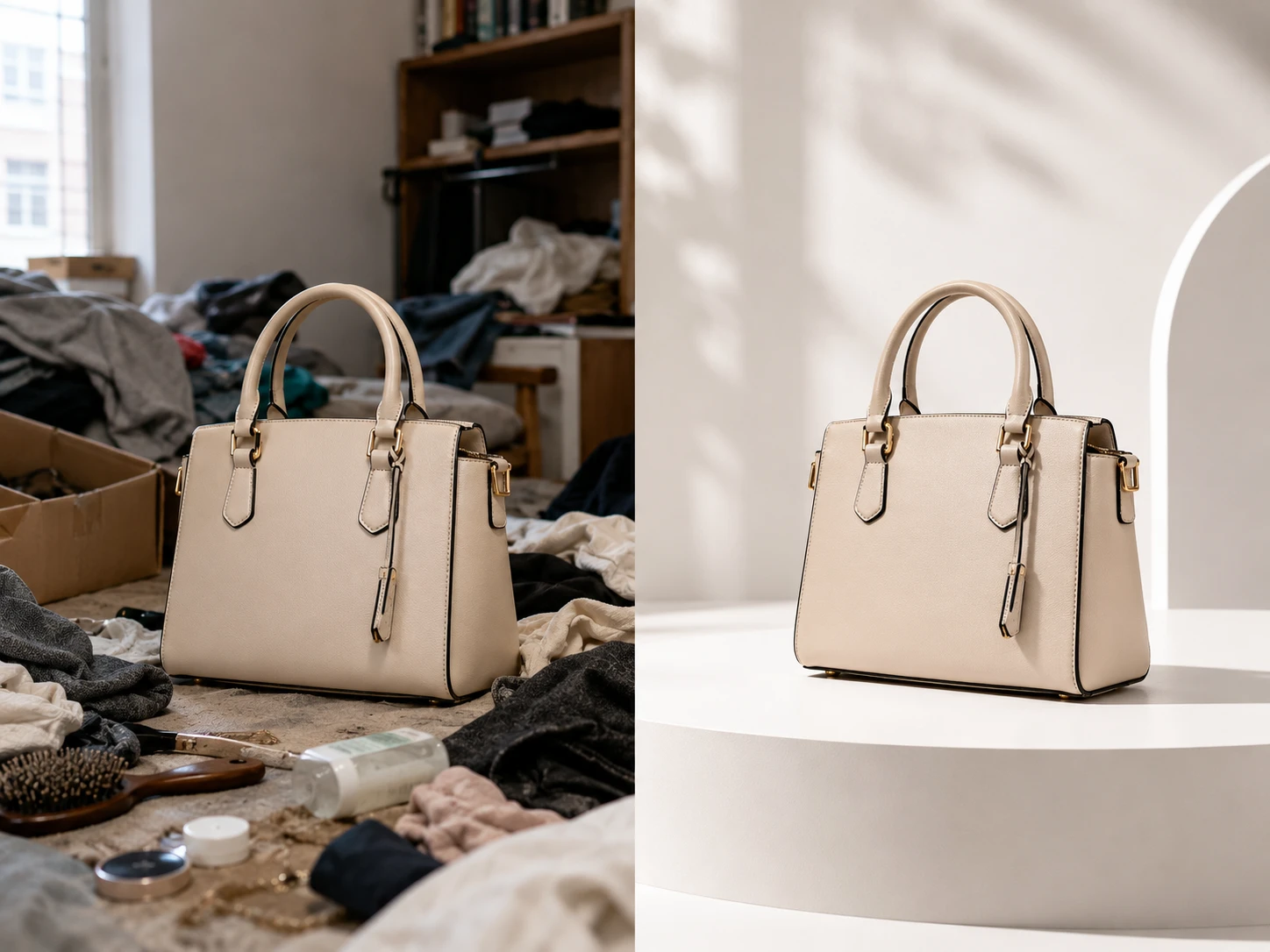
Before
After
01
Remove distractions
Brush away objects, people, or clutter and let the editor rebuild a clean, natural background.
Upload a photo, describe the change, and get a clean result in seconds — remove or swap backgrounds, erase objects and people, retouch, upscale to 4K, and restyle. No layers, no masks, no design skills required.
0/5
GPT Image 2 Results
Upload the photo you want to edit — or start from a text prompt to generate one.
Describe the change in plain words: remove the background, erase an object, upscale, retouch, or restyle.
Preview the result, refine it with another prompt, and download when it looks right.
Three concrete moments where this tool saves a step.
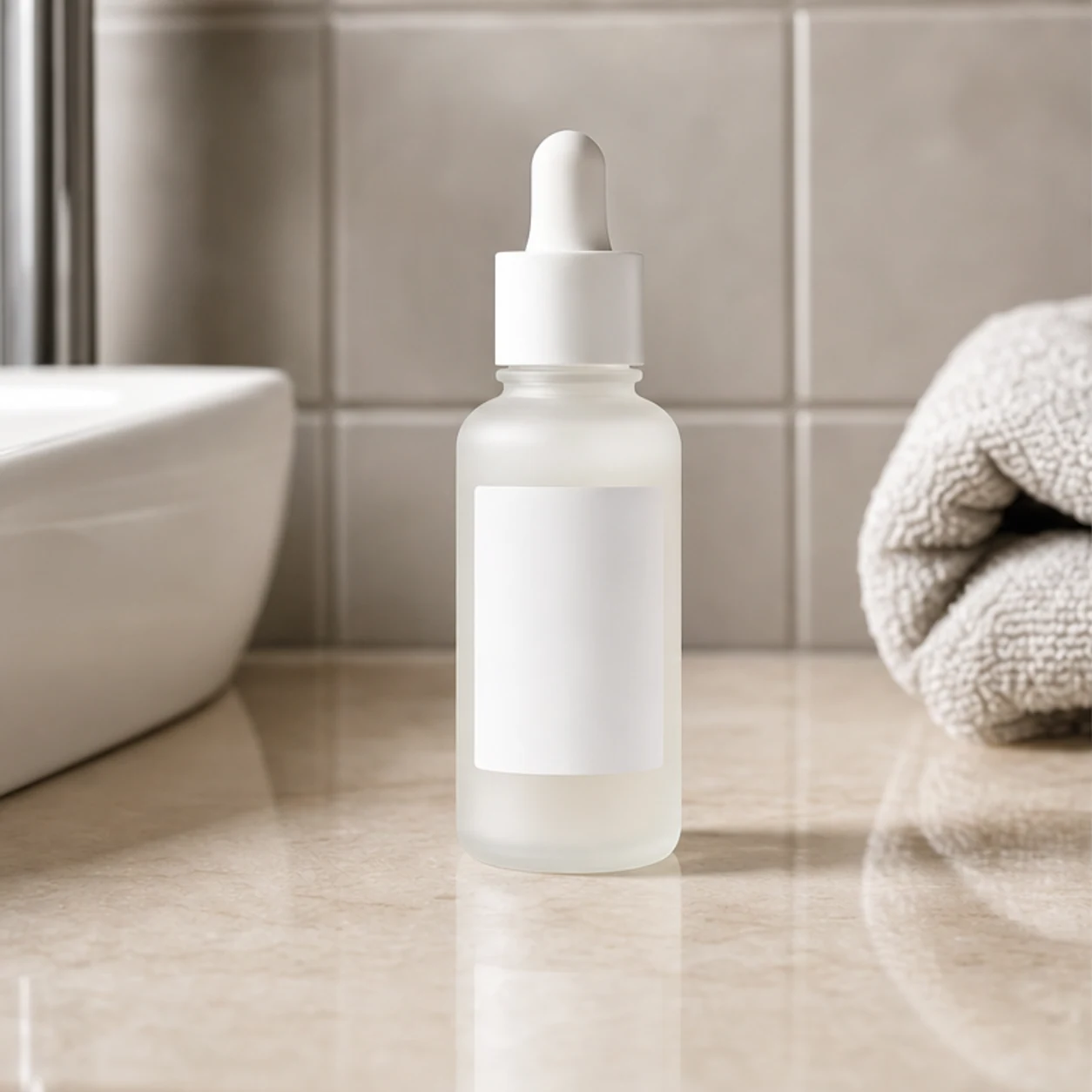
Cut messy backgrounds, remove props, and retouch listings into clean, consistent product photos.
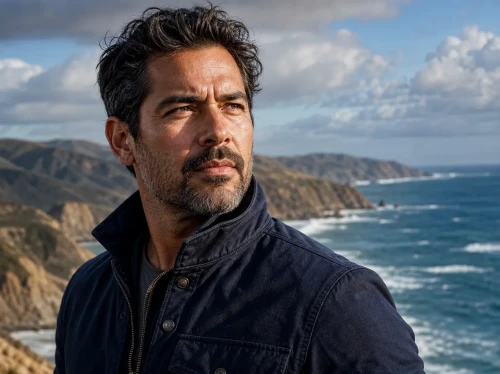
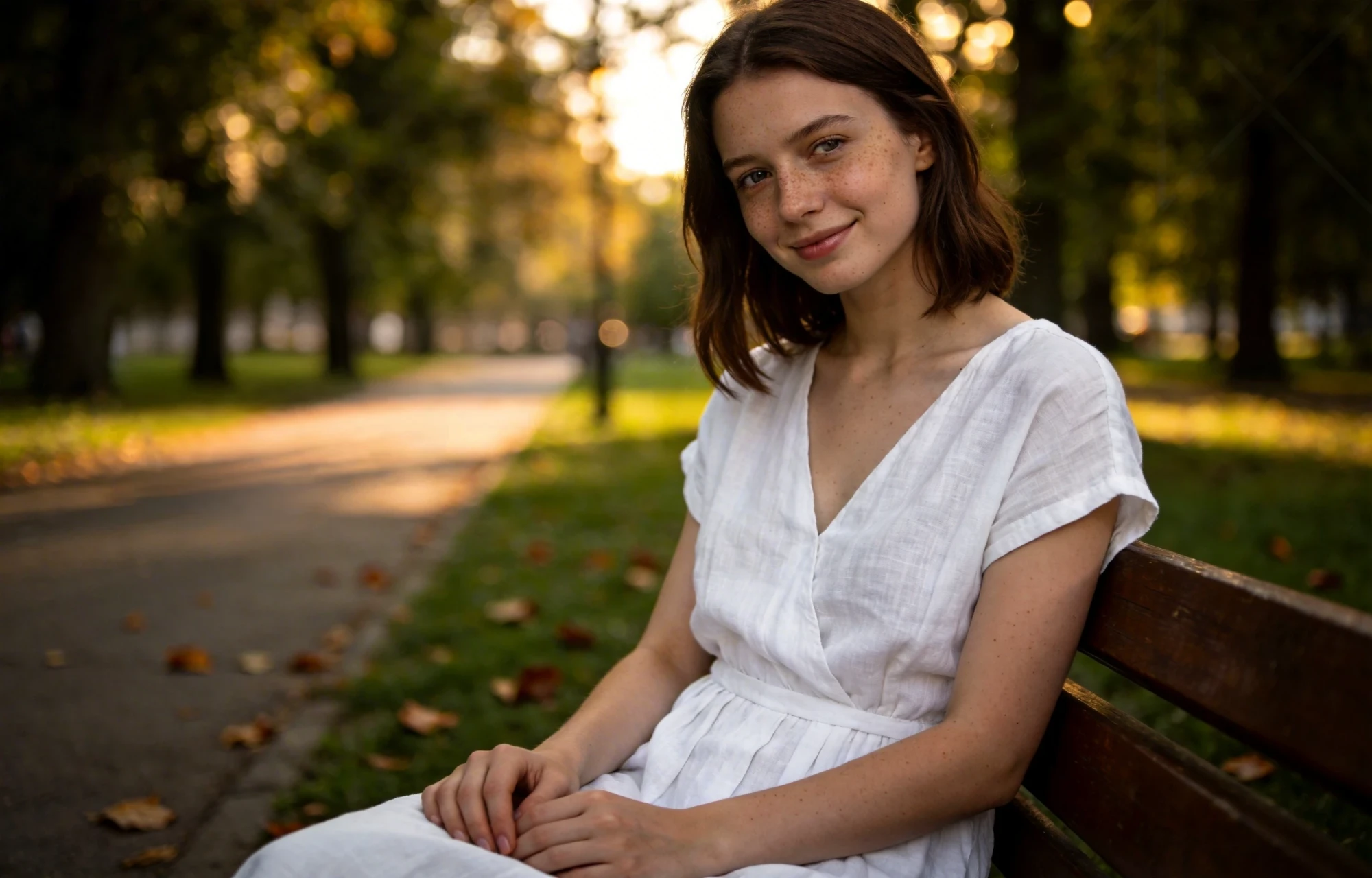
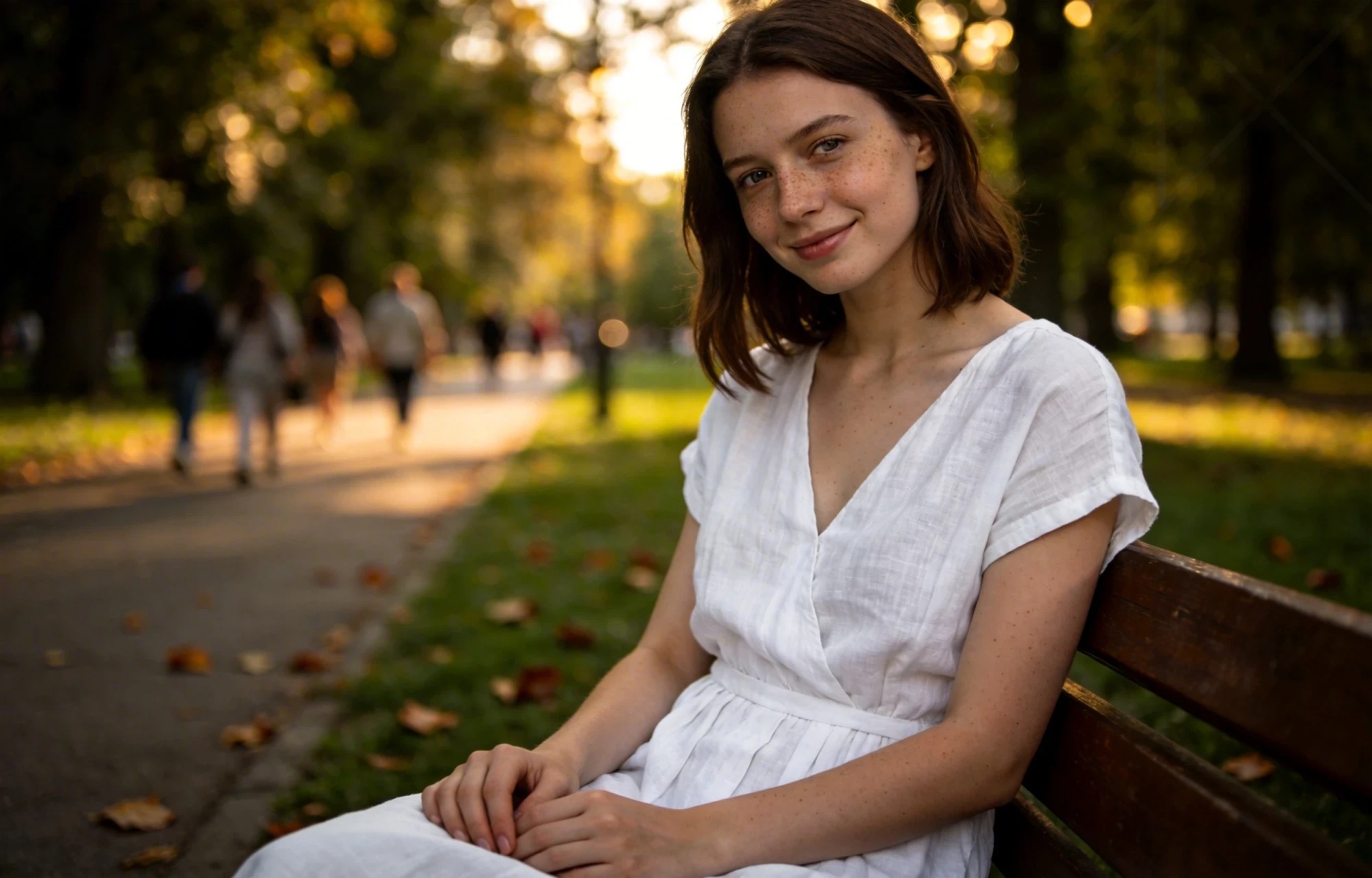
Swap the background, fix lighting, and retouch selfies into polished headshots and avatars.
Erase distractions, repair old scans, and upscale low-res images back to a sharp, usable state.
Drag each image to see what changes, then run the same workflow on your own upload.
Brush away objects, people, or clutter and let the editor rebuild a clean, natural background.
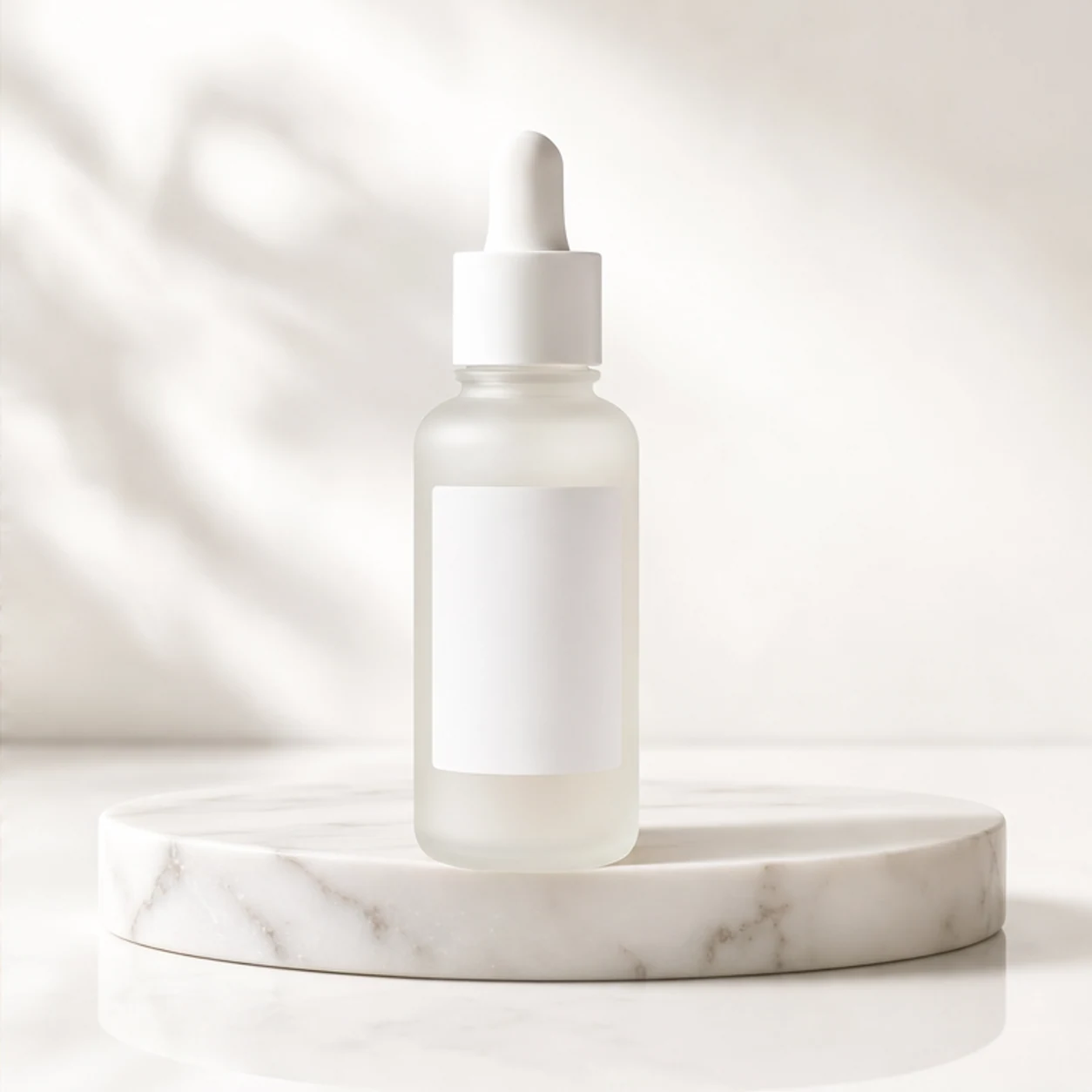
Replace plain or messy backgrounds with studio, lifestyle, or branded scenes in one prompt.
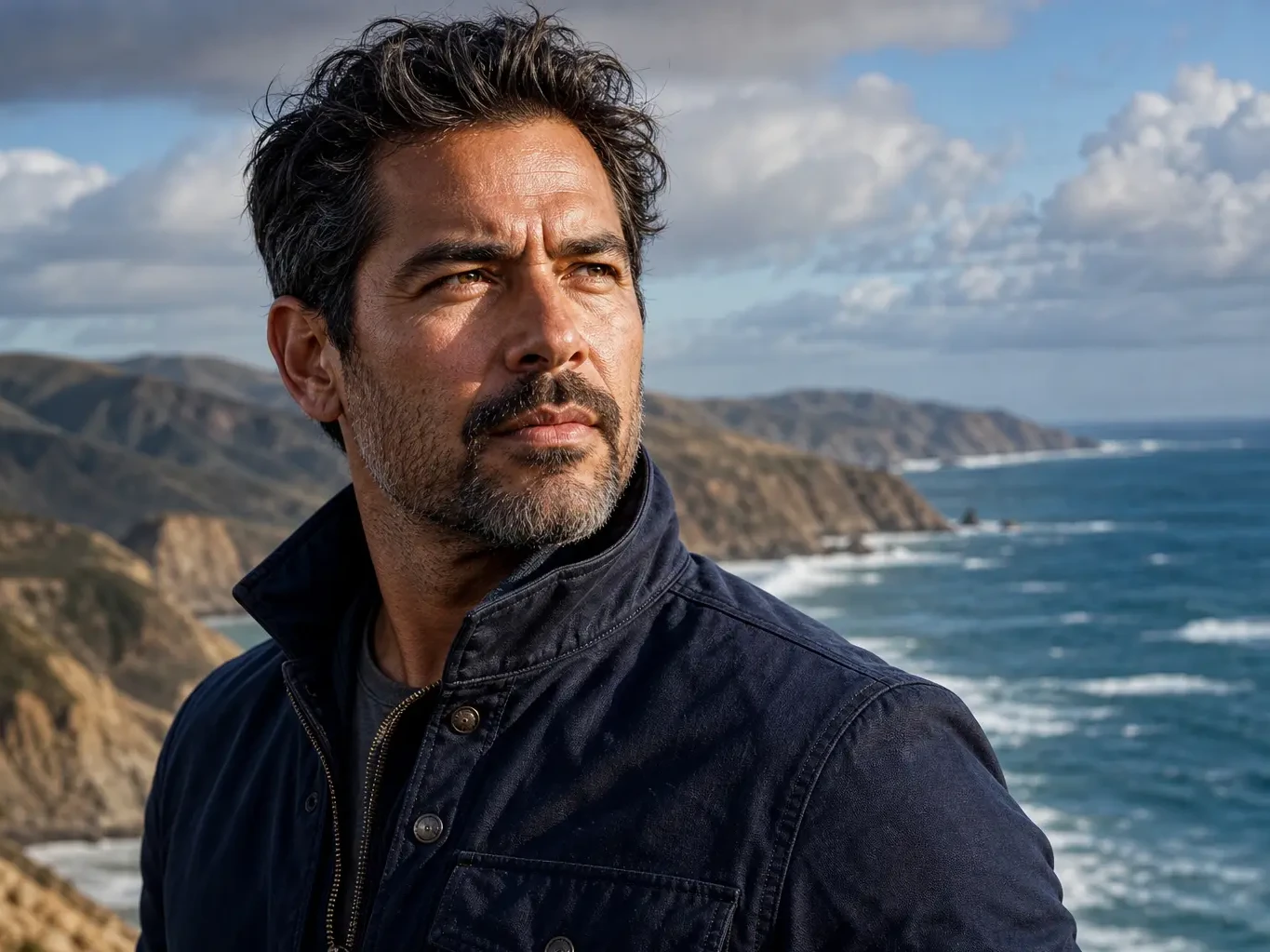
Sharpen and enlarge small or blurry photos to crisp, print-ready resolution.
Say what you want in plain language — no layers, masks, or brushes to learn.
Background, objects, upscale, retouch, and restyle live together, so you never swap tools mid-edit.
GPT Image 2 and Nano Banana under the hood keep faces, products, and details consistent.
GPT Image 2
GPT Image 2 takes a long brief and gives back a finished image with the type set right, the references locked, and the world it depicts true to life — what diffusion-only models still get wrong.
Nano Banana 2
Nano Banana 2 keeps the speed of the base model but adds a quality dial — preview at 1K, sign off at 2K, ship at 4K. The detail in faces, hands, and material textures survives the upscale.
LinkedIn Headshot Generator
Upload a casual selfie and get a studio-grade LinkedIn headshot in 30 seconds. PixMelody swaps in proper attire, cleans up lighting and background, and preserves your face — ready for LinkedIn, resumes, and team pages.
AI Old Photo Restoration
Upload old, faded, scratched, or low-contrast scans and PixMelody repairs damage, restores detail, and recovers natural color — with optional realistic colorization for black and white prints, while preserving the original people and scene.
AI Product Photography Generator — Product Hero AI
Turn ordinary product shots into hero-grade e-commerce visuals — lifestyle context, studio softbox setups, editorial flatlays — ready to drop into e-commerce listings, ad creative, and brand campaigns.
An AI photo editor lets you edit images by describing what you want instead of using manual layers, brushes, and masks. Upload a photo, type an instruction like "remove the background" or "make the sky sunset orange," and the AI applies the change while keeping the rest of the image consistent.
Yes — you get free credits on signup with no credit card required, so you can edit photos right away. Paid plans add more credits, higher resolutions, and commercial usage.
Remove and change backgrounds, erase unwanted objects or people, upscale to 4K, retouch and restore old photos, extend or uncrop shots, and restyle images into new looks. You can also generate a brand-new image from a prompt and keep editing it in the same place.
No. There are no layers, masks, or brushes to learn. If you can describe the change in a sentence, the editor handles the rest — most edits are done in a few seconds.
Yes. The editor analyzes the subject, lighting, and composition before applying a change, so edits blend into the original instead of looking pasted on. You can also mask a specific area when you want to limit the change to one region.
Both. This page is built as an AI photo editor — for editing photos you upload. But the same editor also works for AI-generated images, product visuals, creative graphics, and illustrations, so it doubles as an AI image editor for any image type.
Yes. This AI photo editor works online in your browser, so there's no Photoshop or complex desktop software to install. It's designed for faster prompt-based editing — describe the change, see the result, refine if needed, and download.
Upload a supported image (JPG, PNG, or WebP are safest) under the size limit shown in the tool. For best results, start from the highest-quality version you have with the subject in focus.
Yes, on paid plans, as long as you have the rights to the original image and anything visible in it — brands, people, products, or artwork. Always review the licensing terms tied to your plan and the source model.