
Black and White Portrait Generator — AI Monochrome Filter
Upload a portrait and PixMelody outputs a classic black and white image with bright catchlights, deep tonal range, and clean editorial composition — perfect for author bios, artist features, album covers, and brand bio pages.
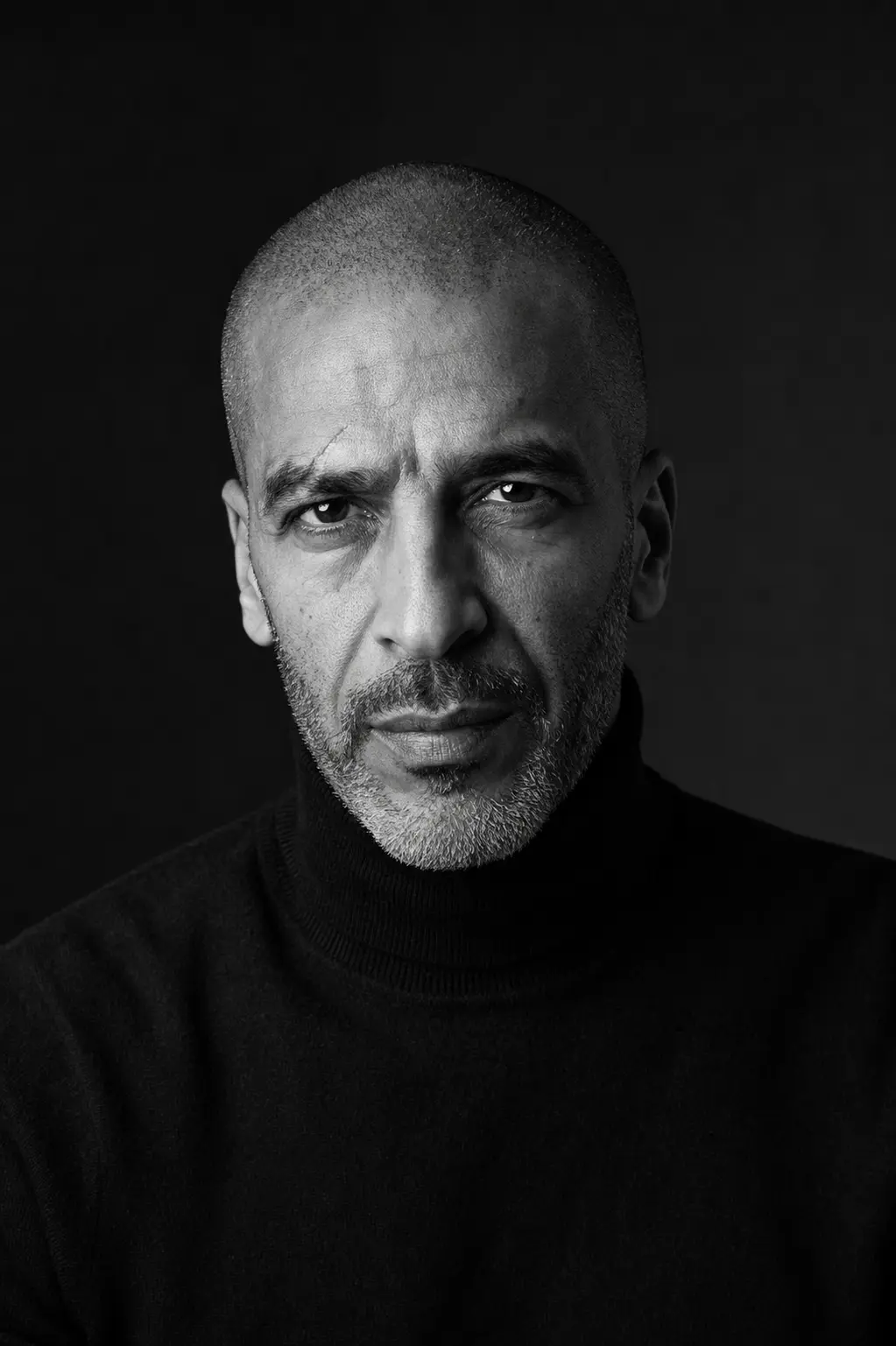
0/5
GPT Image 2 Results
Ways to use this style
Each variation pairs a sample image with the exact prompt — copy any prompt to start.
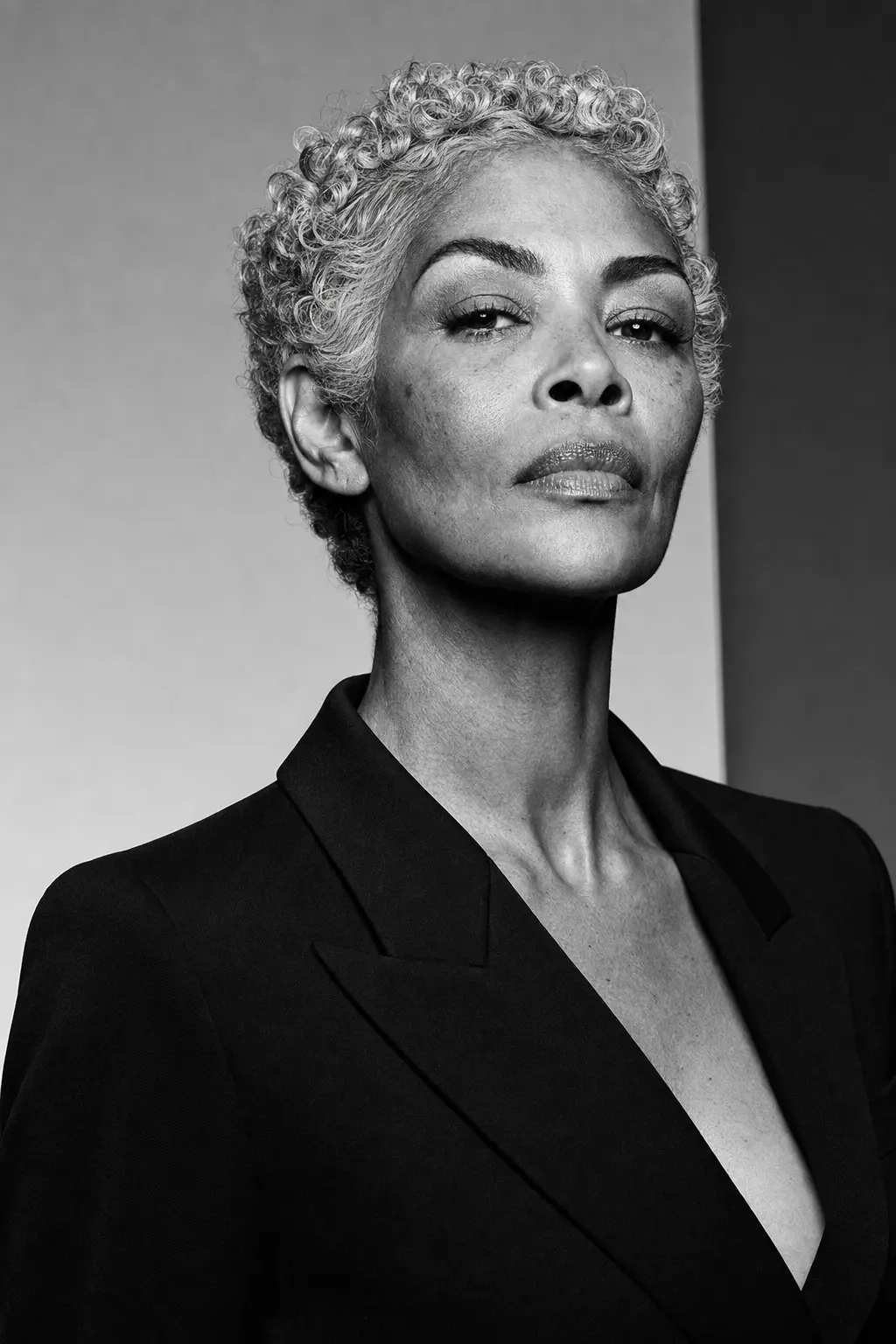
Studio softbox classic
Single softbox key light, dark seamless backdrop — the look that defined studio portraiture, ideal for author and founder formal portraits.
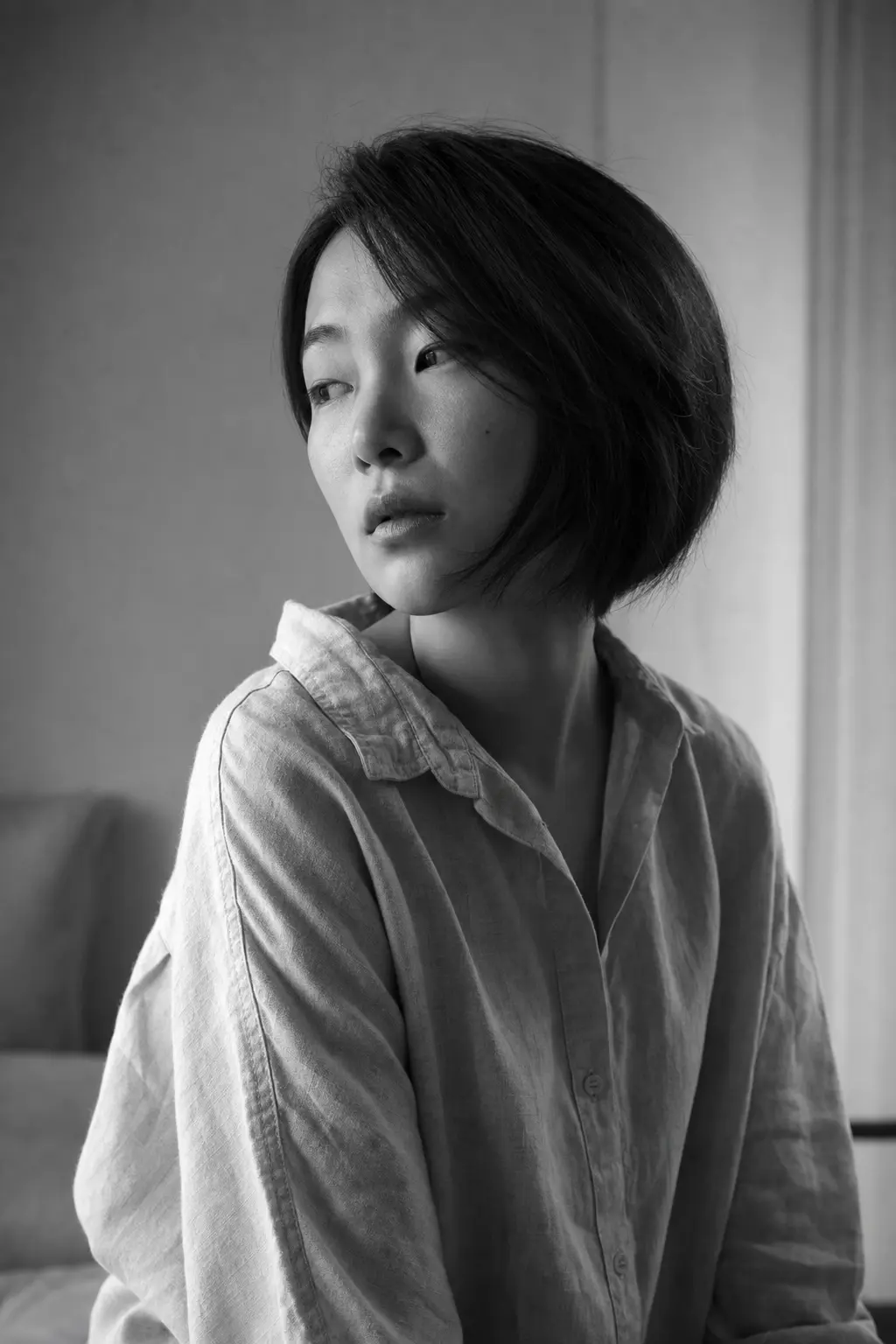
Window light intimacy
Side window light and gentle shadow falloff — quiet, considered, personal, perfect for interview features and bio first images.
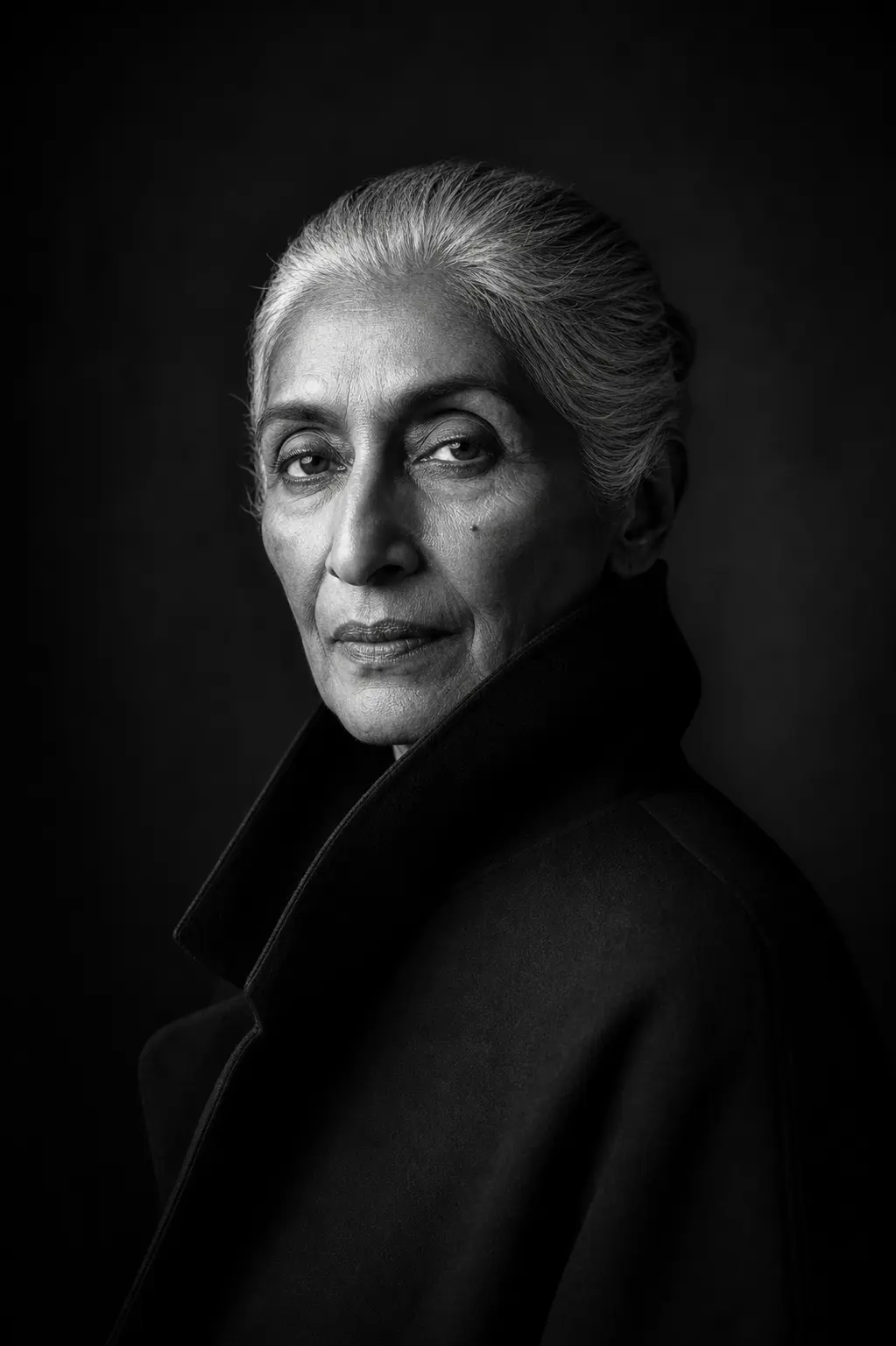
High-contrast editorial portrait
Punchy contrast, fine grain — magazine-cover finish, ideal for band EP covers and artist key art.
Recommended PixMelody models
GPT Image 2
GPT Image 2 takes a long brief and gives back a finished image with the type set right, the references locked, and the world it depicts true to life — what diffusion-only models still get wrong.
Nano Banana 2
Nano Banana 2 keeps the speed of the base model but adds a quality dial — preview at 1K, sign off at 2K, ship at 4K. The detail in faces, hands, and material textures survives the upscale.
Related styles
LinkedIn Headshot Generator
Upload a casual selfie and get a studio-grade LinkedIn headshot in 30 seconds. PixMelody swaps in proper attire, cleans up lighting and background, and preserves your face — ready for LinkedIn, resumes, and team pages.
AI Old Photo Restoration
Upload old, faded, scratched, or low-contrast scans and PixMelody repairs damage, restores detail, and recovers natural color — with optional realistic colorization for black and white prints, while preserving the original people and scene.
AI Glow Up Filter — Natural Beauty Portrait
Upload a portrait or selfie and the AI Glow Up filter gently lifts skin, eyes, lighting, and overall energy — same person, but as if a professional photographer reshot you. Identity preserved, ready for avatars, IG content, and personal brand pages.
FAQ
What is the black and white portrait generator?
It's the PixMelody AI portrait filter tuned for classic monochrome photography. Upload a portrait and the model rebuilds the lighting and color — preserving face and pose, replacing the image with one that has clear key-light direction, deep tonal range, sharp catchlights, and natural skin texture — ready for interviews, bios, and portfolio first images.
What kind of photo works best?
Single-person front or slight-side portraits with clear directional light on the face work cleanest. Eyes looking toward camera or slightly off-axis give the strongest editorial result; original side-light or high-contrast shots are easiest for the model to push into monochrome. Crop group photos or busy backgrounds beforehand.
Will it change my facial features or face shape?
No. The model only rebuilds lighting, contrast, grain, and background — your face structure, expression, hairstyle, and age stay intact. For even stronger identity lock, add 'same person, preserve facial identity, natural skin texture' to the prompt.
How is this different from a phone's B&W filter?
A phone B&W filter just desaturates — the original lighting, background, and contrast stay as they were. PixMelody's black and white portrait generator actively redraws the lighting — adds a softbox key light, places a catchlight, simplifies the background, opens the tonal range — like a studio reshoot in monochrome, output to the standard of an editorial portrait.
How do I get that film-era atmosphere?
In the prompt, specify lighting (softbox key light, window light, side light), contrast (high contrast, deep tonal contrast), and grain (fine grain, film grain). Generate three variations — studio classic, window intimacy, high-contrast editorial — then pick the one that fits the venue.
How long does each generation take?
Most runs finish in 20 to 60 seconds once you upload a photo, depending on the model, scene complexity, and current queue. Pro-tier models run a touch longer on heavy detail, and you see live progress while it works.
Can I use the generated images commercially?
Yes. As long as the source photo is yours or you have permission to edit it, outputs can be used in personal portfolios, social posts, brand campaigns, e-commerce assets, and client deliverables. For commercial use that features recognizable people or third-party brands, confirm likeness and trademark rights separately.
How many credits does this style use?
The inline generator runs on the same PixMelody account and credit system as the main creator. Each generation deducts credits based on the model you pick, and the exact cost shows live on screen. New accounts get free credits to try the style before topping up.