
Studio Ghibli Style Filter
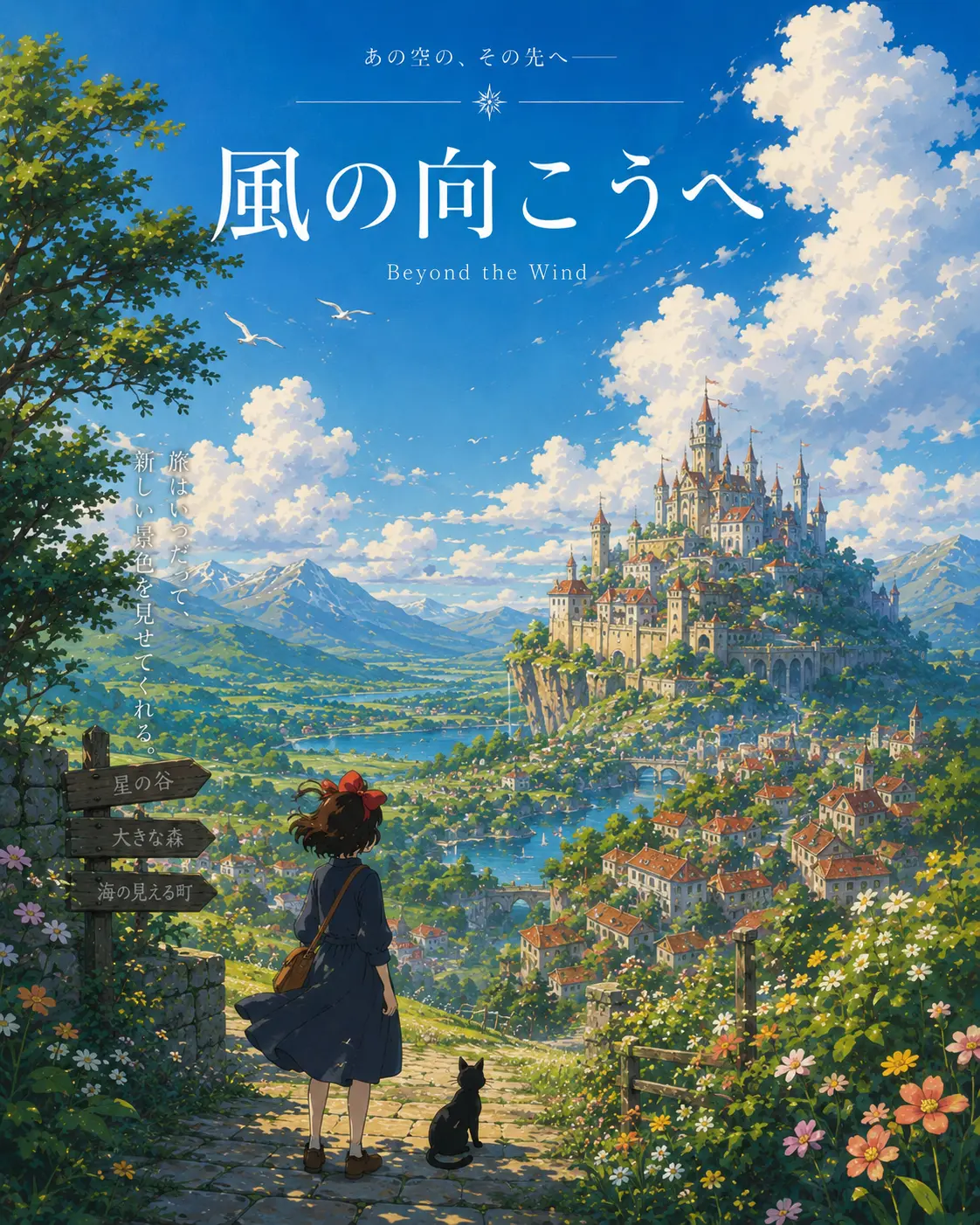
Turn any photo into a hand-painted Studio Ghibli scene — gouache backgrounds, drifting cumulus clouds, wind-moved grass, the quiet slice-of-life mood of Miyazaki's films. Faces stay recognizable, the output looks like a single frame from an animated feature.
0/5
Nano Banana Results
Ways to use this style
Each variation pairs a sample image with the exact prompt — copy any prompt to start.
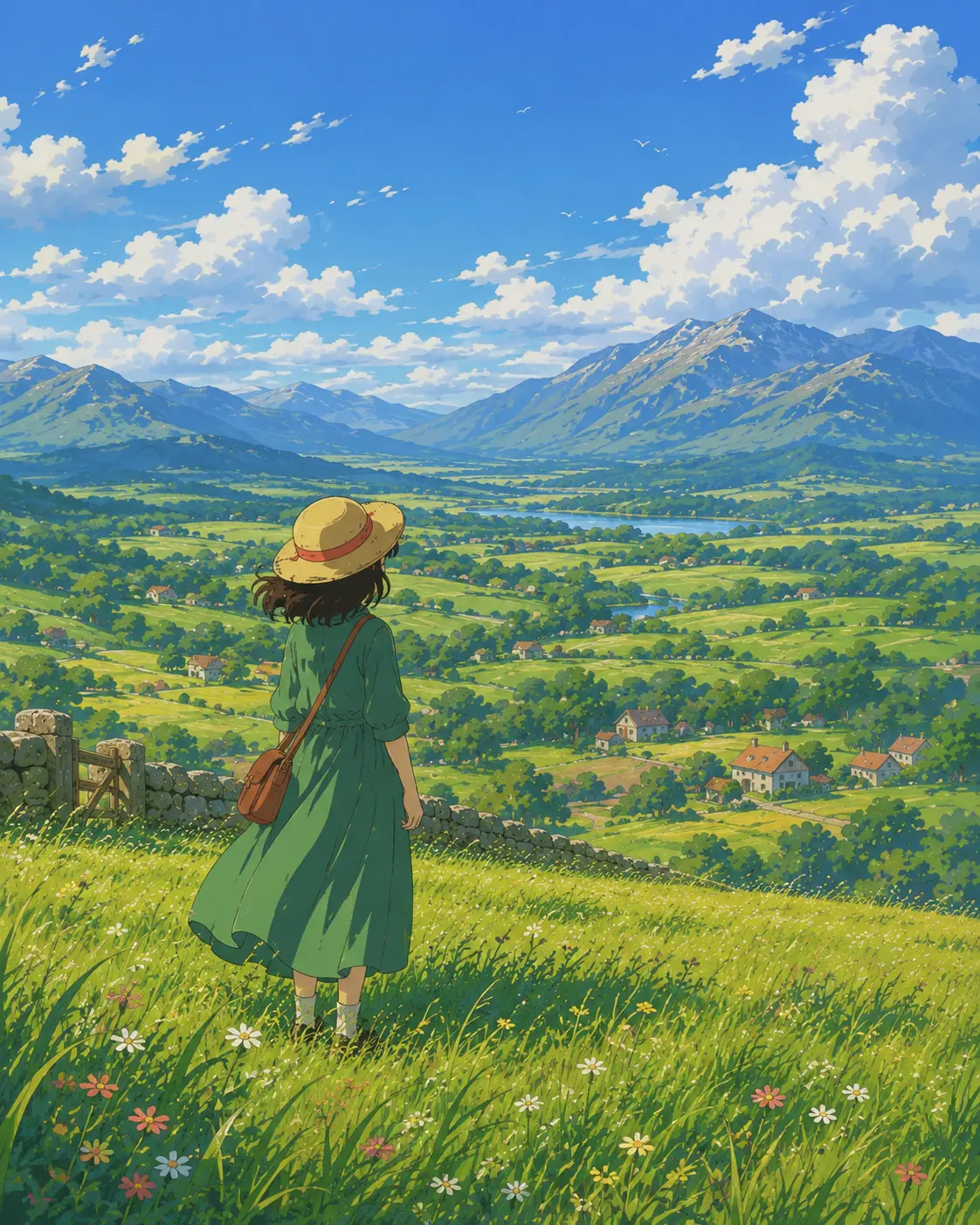
Pastoral countryside afternoon
Wind-rippled grass, distant hazy mountains, a single figure pausing in the sun — turns everyday portraits and landscapes into a single frame of hand-painted animation.
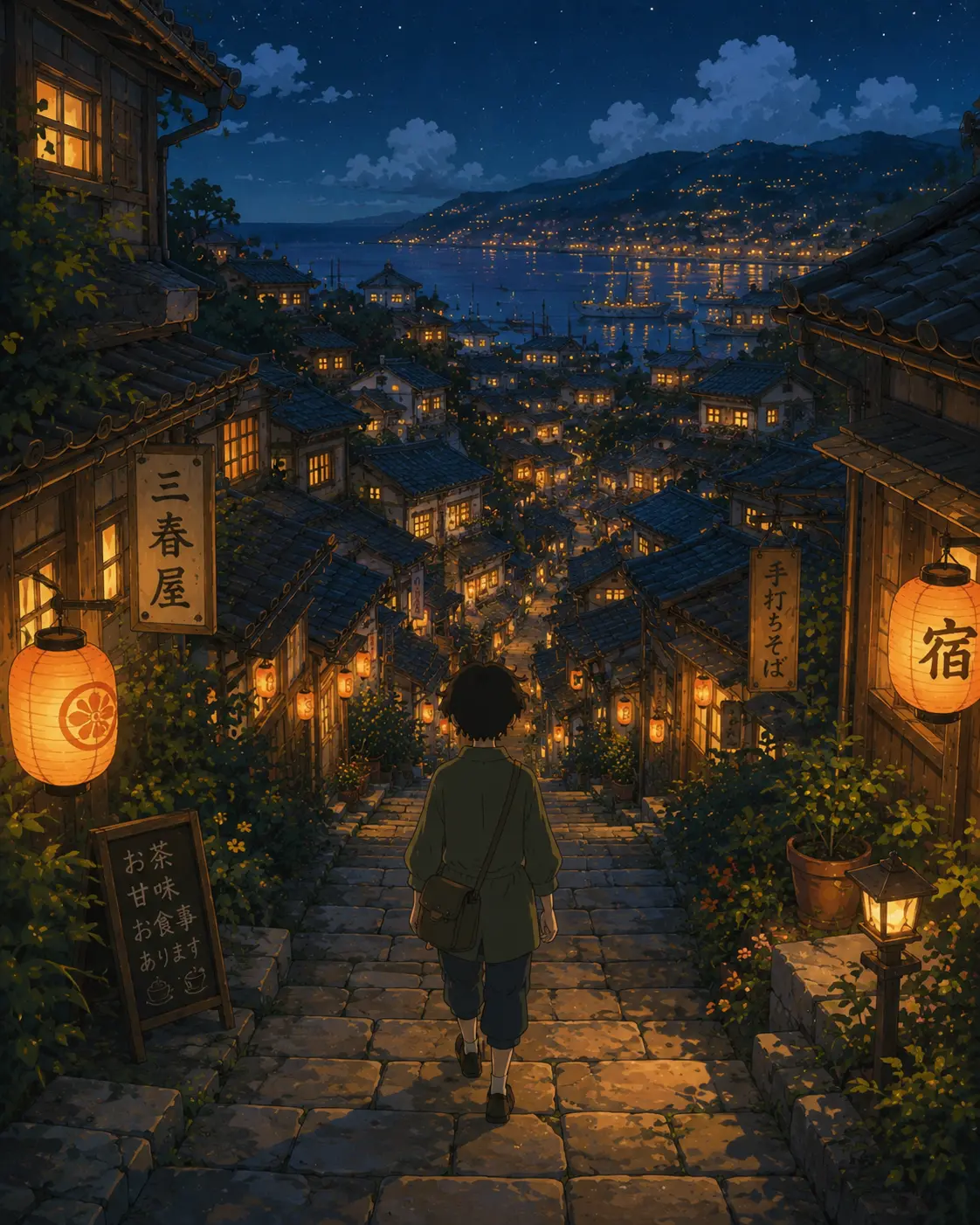
Lantern-lit hillside town
Tiled rooftops, narrow stone lanes, warm window light as someone walks home — works on travel photos, street scenes, and dusk imagery in Miyazaki style.
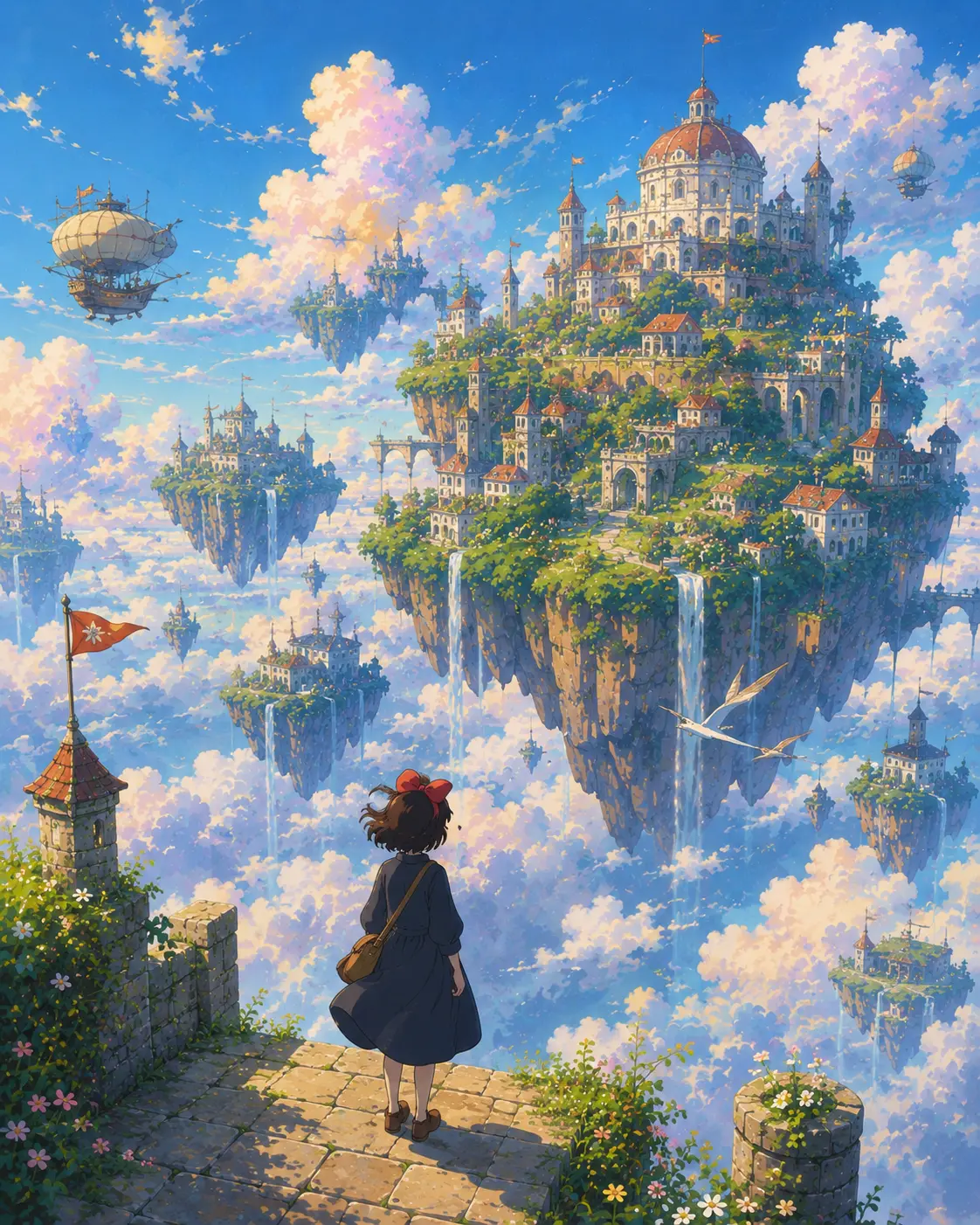
Floating sky islands
Cloud kingdoms drifting through pastel air — pushes the style into invented landscapes, great for posters, wallpapers, and children's book key art.
Studio Ghibli prompt ideas
Drop your subject into a different Ghibli world — countryside afternoon, dusk small town, fantasy kingdom, or a quiet character close-up.
Countryside Afternoon
Reimagine the uploaded photo in hand-painted Studio Ghibli animation style, set in a soft countryside afternoon — golden grass, painted cumulus clouds drifting over rolling hills, warm low sun, a wooden fence or distant farmhouse hinted in the background. Preserve the subject's pose, expression, and outfit colors as a Ghibli character design. Painted line work, cel-shaded skin, soft watercolor wash on the landscape, cozy storybook mood.
Small Town at Dusk
Convert the uploaded photo into a Ghibli-style scene set in a quiet small town at dusk — warm lantern light along stone alleyways, painted rooftops, faintly glowing windows, soft purple-orange sky overhead, distant chimney smoke. Preserve the subject as a recognizable Ghibli-styled character with original outfit colors and pose. Hand-painted detail, gentle ambient glow, that lingering 'walking home in summer' mood.
Fantasy Kingdom Vista
Render the uploaded photo as a Studio Ghibli fantasy-kingdom scene — sprawling painted clouds, a distant floating island or grand mountain temple, lush detailed foliage in the foreground, a soft wind in the air. Subject placed as a hand-drawn Ghibli character with original outfit, expression, and pose preserved. Painterly atmospheric perspective, dreamy color palette, rich storybook scenery.
Character Close-Up Portrait
Reimagine the uploaded portrait as a tight Studio Ghibli character close-up — large expressive painted eyes, soft cel-shaded skin, hand-drawn hair detail, subtle painted background suggesting a calm interior or window light. Preserve facial identity, expression, hair, and outfit colors as a recognizable Ghibli character design. Warm gentle palette, careful linework, that quiet animation-still feeling.
Recommended PixMelody models
Nano Banana
Nano Banana is the model you reach for when the idea isn't decided yet — light credits, fast renders, every common ratio covered. Try ten directions in the time it takes a flagship to ship one.
Nano Banana 2
Nano Banana 2 keeps the speed of the base model but adds a quality dial — preview at 1K, sign off at 2K, ship at 4K. The detail in faces, hands, and material textures survives the upscale.
Related styles
AI Action Figure Generator
Turn any person, brand mascot, or product concept into a collectible action figure — with blister-pack packaging, themed accessories, and studio product photography. Ready for creator merch concepts, mascot pitches, and product proposal visuals.
Fashion Collage Generator — AI Editorial Collage
Turn photos into editorial fashion collages — layered outfits, magazine-grade composition, clean negative space. Drop straight into brand moodboards, lookbook concepts, seasonal campaigns, and creative proposal visuals.
Retro Digital Camera Filter
Turn any photo into a 2000s compact digital camera snapshot — direct flash, CCD color noise, glossy highlights, mild motion blur, timestamp feel. Perfect for social avatars, event recaps, and nostalgic brand campaigns.
FAQ
What is the Studio Ghibli style filter?
It's the PixMelody AI filter tuned for the hand-painted animation look. Upload a photo and the model rebuilds it with gouache backgrounds, atmospheric perspective, painterly cloud light, and soft afternoon warmth — your face, pose, and scene structure are preserved, the texture and lighting language are swapped for the look of a Ghibli film frame.
What kind of photo converts best to the Ghibli style?
Clear portraits, pets, and outdoor scenes with soft natural light translate most cleanly. Window-light portraits, fields, streetscapes, and travel memories work especially well. Busy, very dim, or heavily filtered shots fight the painterly look and often need a second pass — or basic cleanup before uploading.
Does it preserve my face and pose?
Yes. The model keeps facial structure, expression, hairstyle, and body proportions while replacing only the texture, lighting, and background language. The result is still you — standing in a single frame of an animated film.
How is this different from a generic anime filter?
Generic anime filters lean on sharp linework, glossy cel shading, and saturated palettes. The Studio Ghibli style filter leans on hand-painted gouache backgrounds, atmospheric perspective, painterly cloud light, and a quiet rural slice-of-life mood — closer to animated film background art than mainstream anime character art.
How do I get the most atmospheric Ghibli result?
Pick subjects the films return to — outdoor landscapes, train and window views, sunlit kitchens, school-uniform portraits, rural homes. In the prompt, specify time of day (early morning, dusk, golden hour) and weather (thin clouds, after rain, mist) — that's what makes the result feel like a film frame rather than a stylized snapshot.
How long does each generation take?
Most runs finish in 20 to 60 seconds once you upload a photo, depending on the model, scene complexity, and current queue. Pro-tier models run a touch longer on heavy detail, and you see live progress while it works.
Can I use the generated images commercially?
Yes. As long as the source photo is yours or you have permission to edit it, outputs can be used in personal portfolios, social posts, brand campaigns, e-commerce assets, and client deliverables. For commercial use that features recognizable people or third-party brands, confirm likeness and trademark rights separately.
How many credits does this style use?
The inline generator runs on the same PixMelody account and credit system as the main creator. Each generation deducts credits based on the model you pick, and the exact cost shows live on screen. New accounts get free credits to try the style before topping up.