AI Pop Art Portrait Generator
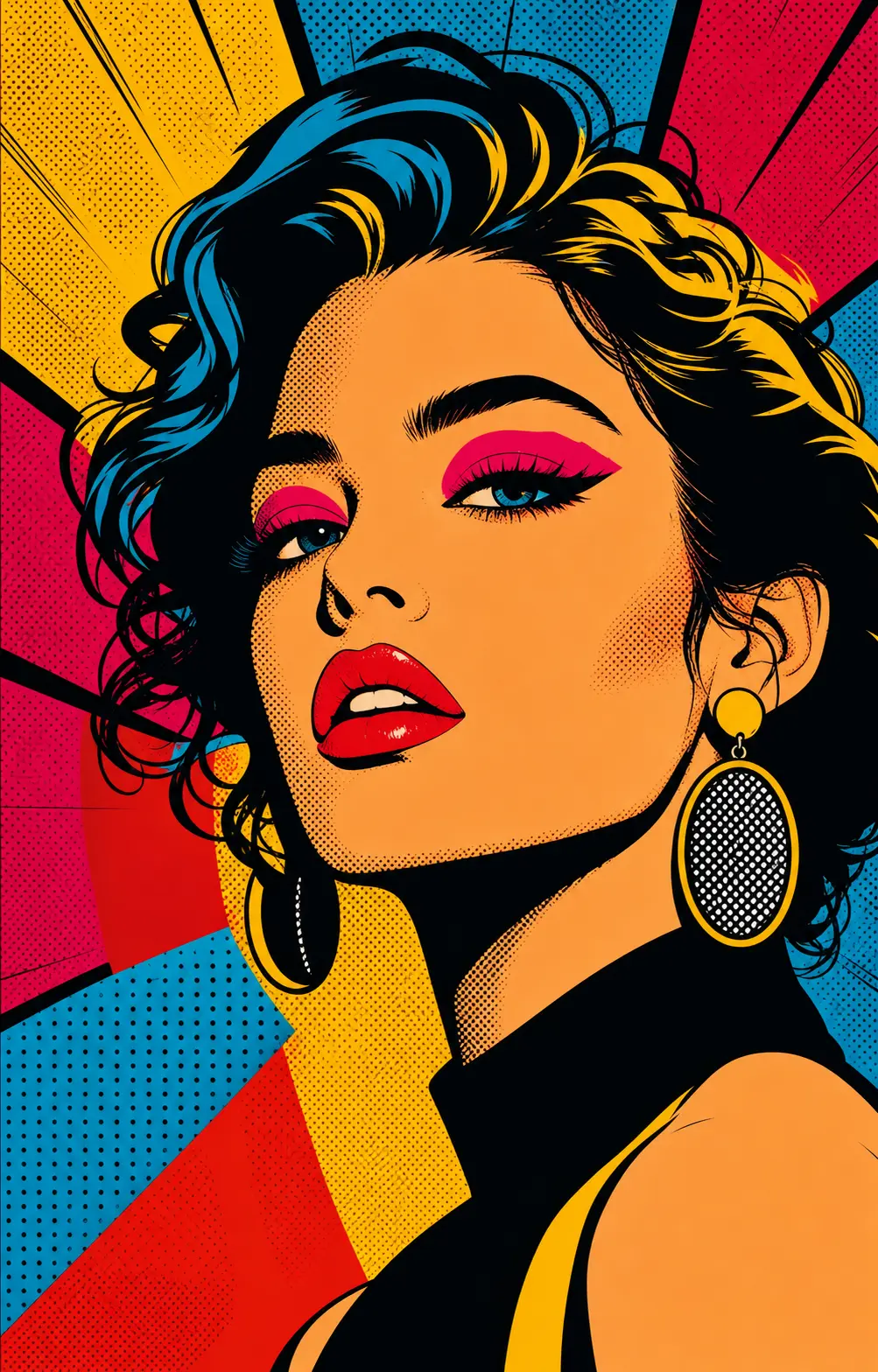
Turn any photo into a bold pop art portrait — Warhol-style color grids, Lichtenstein comic dots, silkscreen poster prints with high-contrast palettes. Use for gallery prints, social avatars, magazine covers, and gifts.
0/5
GPT Image 2 Results
Ways to use this style
Each variation pairs a sample image with the exact prompt — copy any prompt to start.
Warhol-style color grid
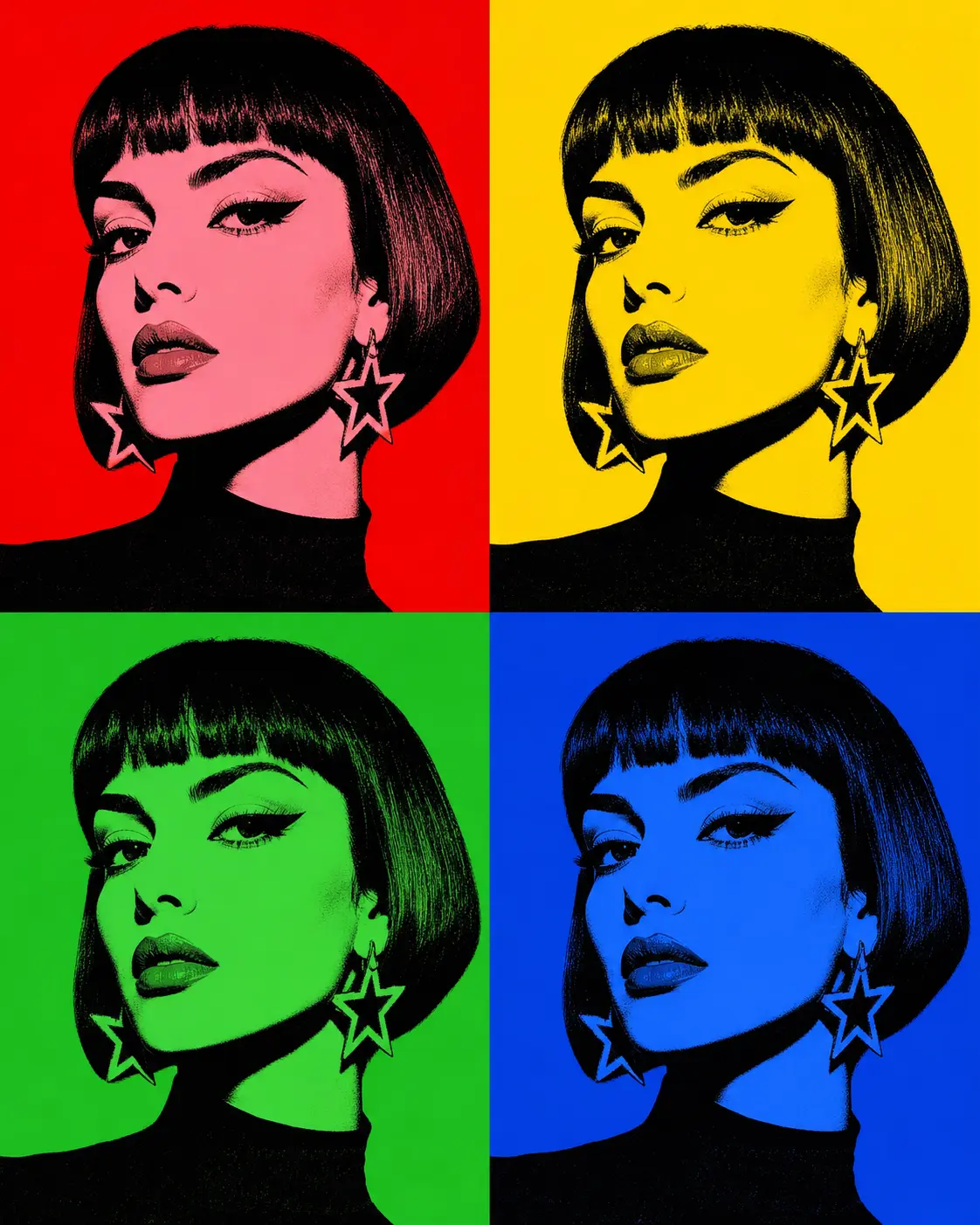
Four panels, four palettes — the iconic silkscreen repetition, perfect for gallery prints and brand campaign hero visuals.
Comic book Ben-Day dots
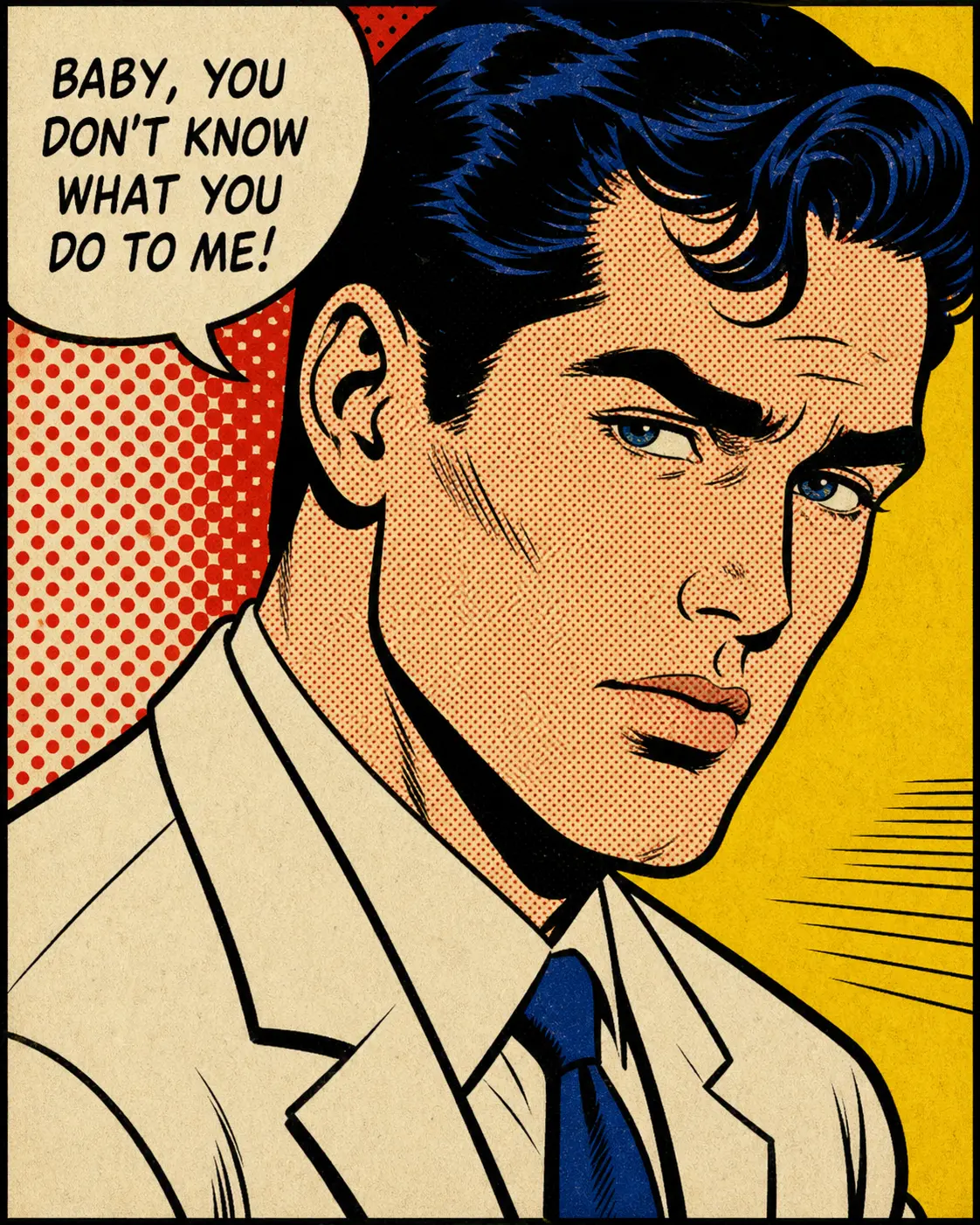
Halftone dots, bold outline, primary palette — vintage comic panel feel, ideal for t-shirts, posters, and magazine spreads.
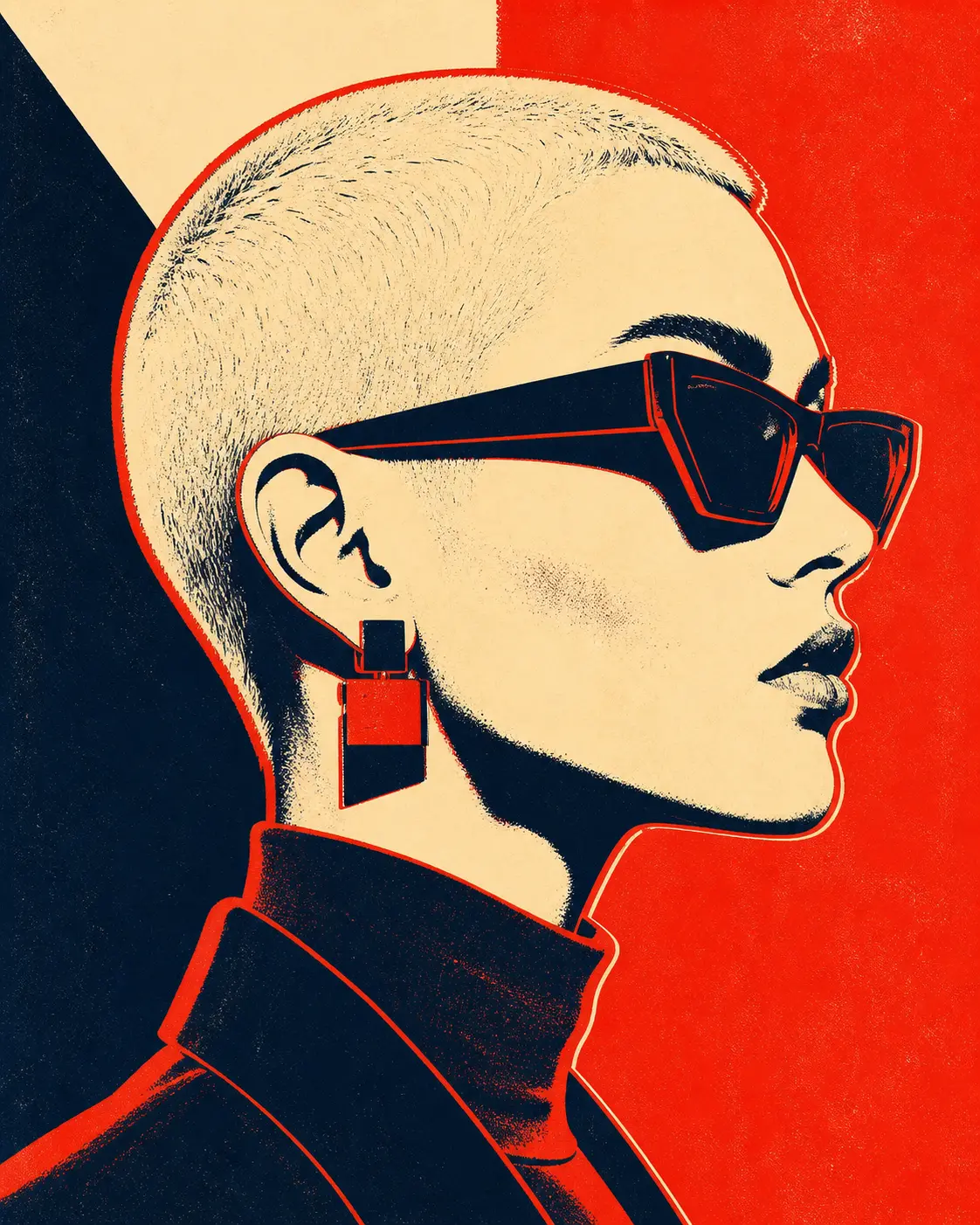
Silkscreen poster
Bold flat colors, slight registration offset — gallery silkscreen energy, made for limited prints and exhibition visuals.
Recommended PixMelody models
GPT Image 2
GPT Image 2 takes a long brief and gives back a finished image with the type set right, the references locked, and the world it depicts true to life — what diffusion-only models still get wrong.
Nano Banana 2
Nano Banana 2 keeps the speed of the base model but adds a quality dial — preview at 1K, sign off at 2K, ship at 4K. The detail in faces, hands, and material textures survives the upscale.
Related styles
Black and White Portrait Generator — AI Monochrome Filter
Upload a portrait and PixMelody outputs a classic black and white image with bright catchlights, deep tonal range, and clean editorial composition — perfect for author bios, artist features, album covers, and brand bio pages.
AI Glow Up Filter — Natural Beauty Portrait
Upload a portrait or selfie and the AI Glow Up filter gently lifts skin, eyes, lighting, and overall energy — same person, but as if a professional photographer reshot you. Identity preserved, ready for avatars, IG content, and personal brand pages.
Fashion Collage Generator — AI Editorial Collage
Turn photos into editorial fashion collages — layered outfits, magazine-grade composition, clean negative space. Drop straight into brand moodboards, lookbook concepts, seasonal campaigns, and creative proposal visuals.
FAQ
What is the pop art portrait generator?
It's the PixMelody AI portrait filter tuned for the Pop Art tradition. Upload a portrait and the model rebuilds it as a flat-color, heavy-outline silkscreen Pop Art piece. Output comes in three main directions — Warhol-style color grid, Lichtenstein-style comic dots, or silkscreen poster.
What kind of photo converts best to pop art?
Front-facing, evenly lit portraits with clear subject-to-background contrast convert most cleanly — well-defined features and a clear expression preserve recognizability through the flat-color treatment. Heavily filtered, low-contrast, or busy-background photos should be cleaned up or reshot first.
Will it distort the face beyond recognition?
No. The model preserves the subject's recognizable face features — brow line, hairline, eye proportions — and only swaps color and texture for flat color blocks and bold outlines. The portrait still reads as you, just spoken in the visual language of Pop Art.
How is Warhol style different from Lichtenstein style?
Warhol leans on repetitive silkscreen panels — the authorized portrait subject in four different two-color palettes, evoking mass-production consumer culture. Lichtenstein leans on comic-book Ben-Day dots — thick black outline, primary red/blue/yellow palette, vintage newsprint texture. Pick the lineage that matches your concept.
How do I make the pop art portrait feel like a flat poster?
Specify palette in the prompt (two-color, three-color flat palette), outline (heavy black outline, thick outline), print texture (silkscreen, newsprint, Ben-Day dots), and composition (four-panel grid, single-panel poster). Generate Warhol grid, comic dots, and silkscreen poster variants and pick the one that fits the use case.
How long does each generation take?
Most runs finish in 20 to 60 seconds once you upload a photo, depending on the model, scene complexity, and current queue. Pro-tier models run a touch longer on heavy detail, and you see live progress while it works.
Can I use the generated images commercially?
Yes. As long as the source photo is yours or you have permission to edit it, outputs can be used in personal portfolios, social posts, brand campaigns, e-commerce assets, and client deliverables. For commercial use that features recognizable people or third-party brands, confirm likeness and trademark rights separately.
How many credits does this style use?
The inline generator runs on the same PixMelody account and credit system as the main creator. Each generation deducts credits based on the model you pick, and the exact cost shows live on screen. New accounts get free credits to try the style before topping up.