
AI Y2K Aesthetic Generator — Millennium Retro Future Filter
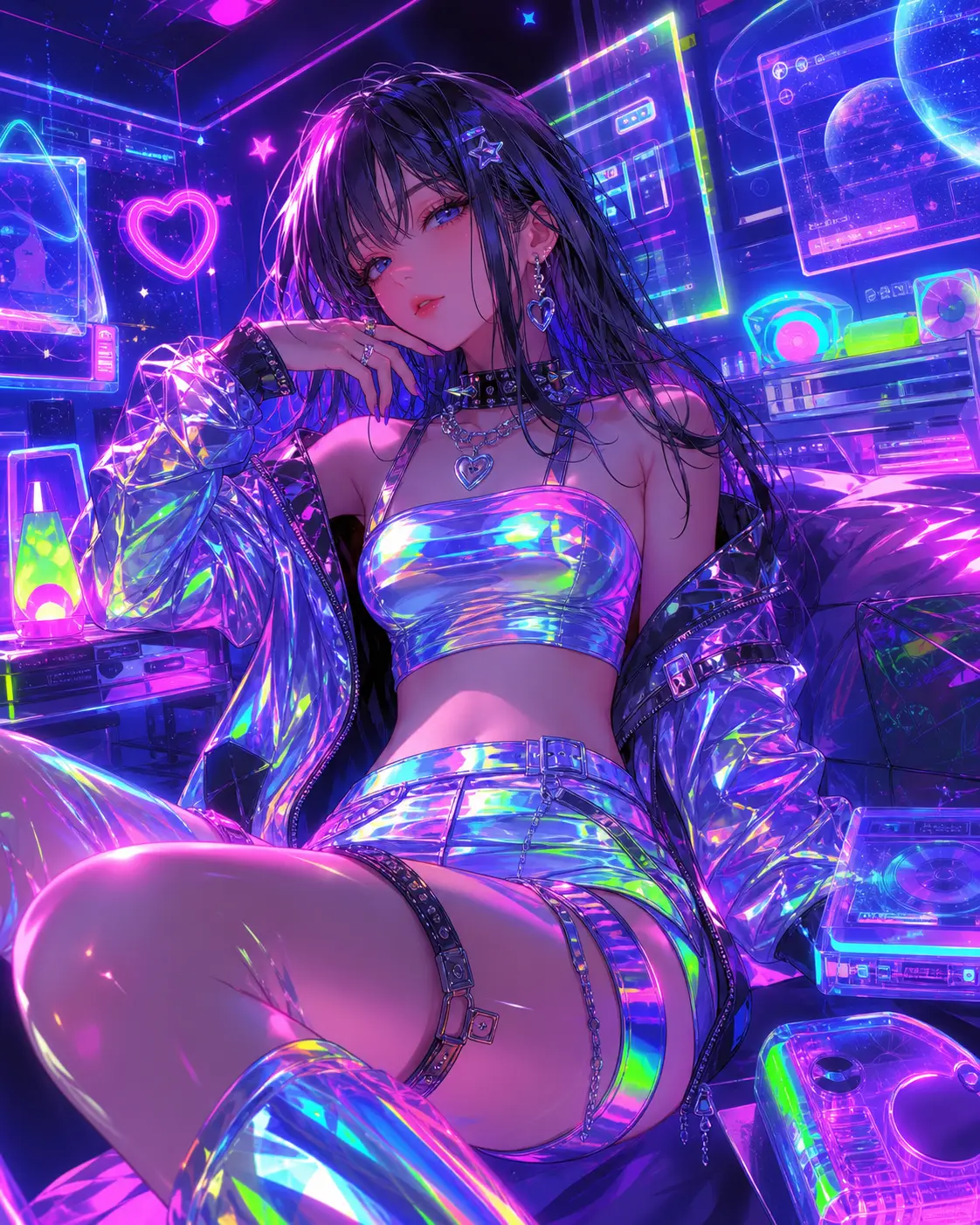
Turn photos into the Y2K aesthetic — chrome textures, frosted blues and bubblegum pinks, holographic reflections, early-2000s digital flash, and the cyber-mall energy that defined the era. Built for retro-future campaigns, album covers, and nostalgia content.
0/5
Nano Banana Results
Ways to use this style
Each variation pairs a sample image with the exact prompt — copy any prompt to start.
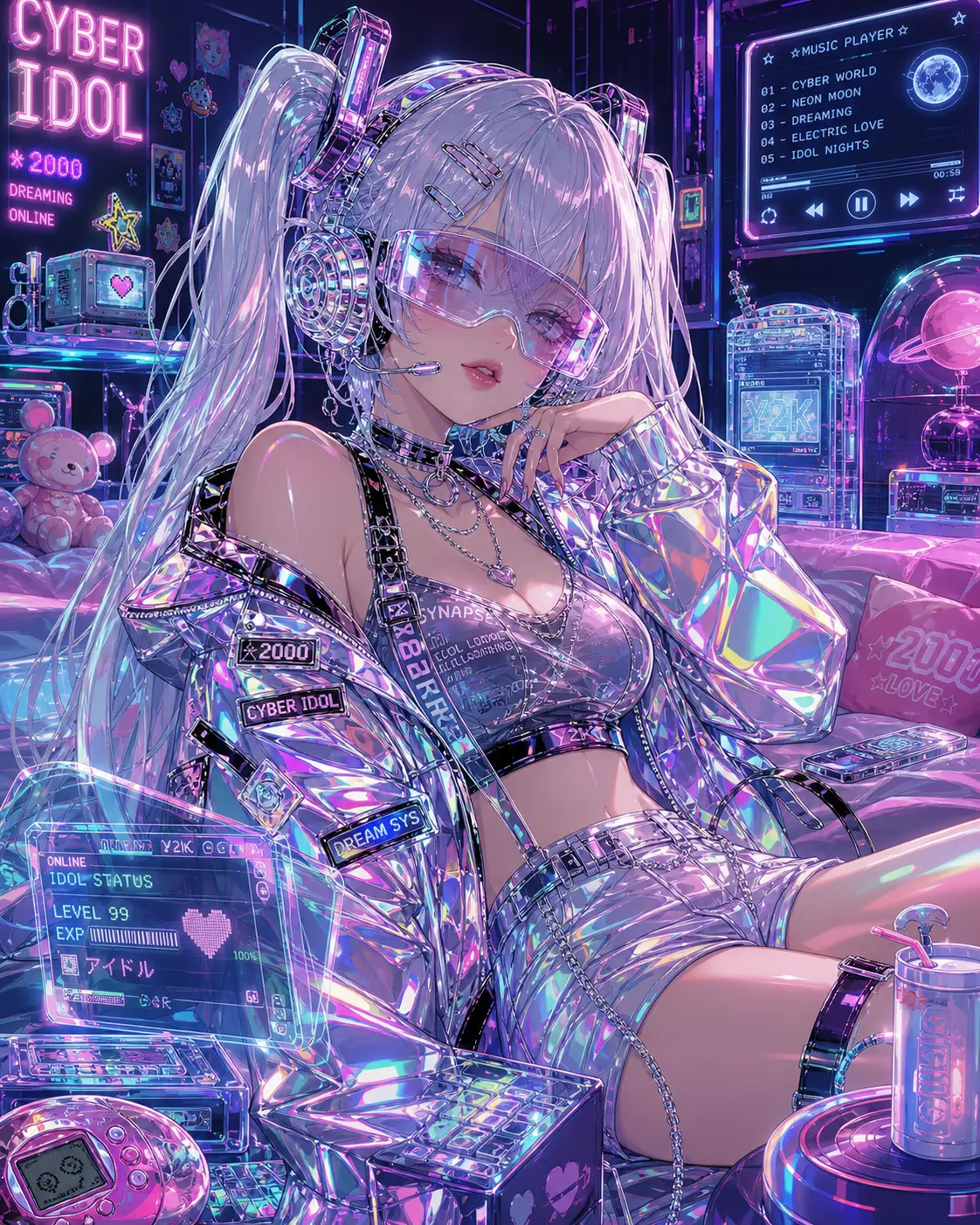
Chrome cyber Y2K
Liquid chrome, icy blue light, 2002 future-magazine cover energy — best for fashion campaigns and album hero visuals.
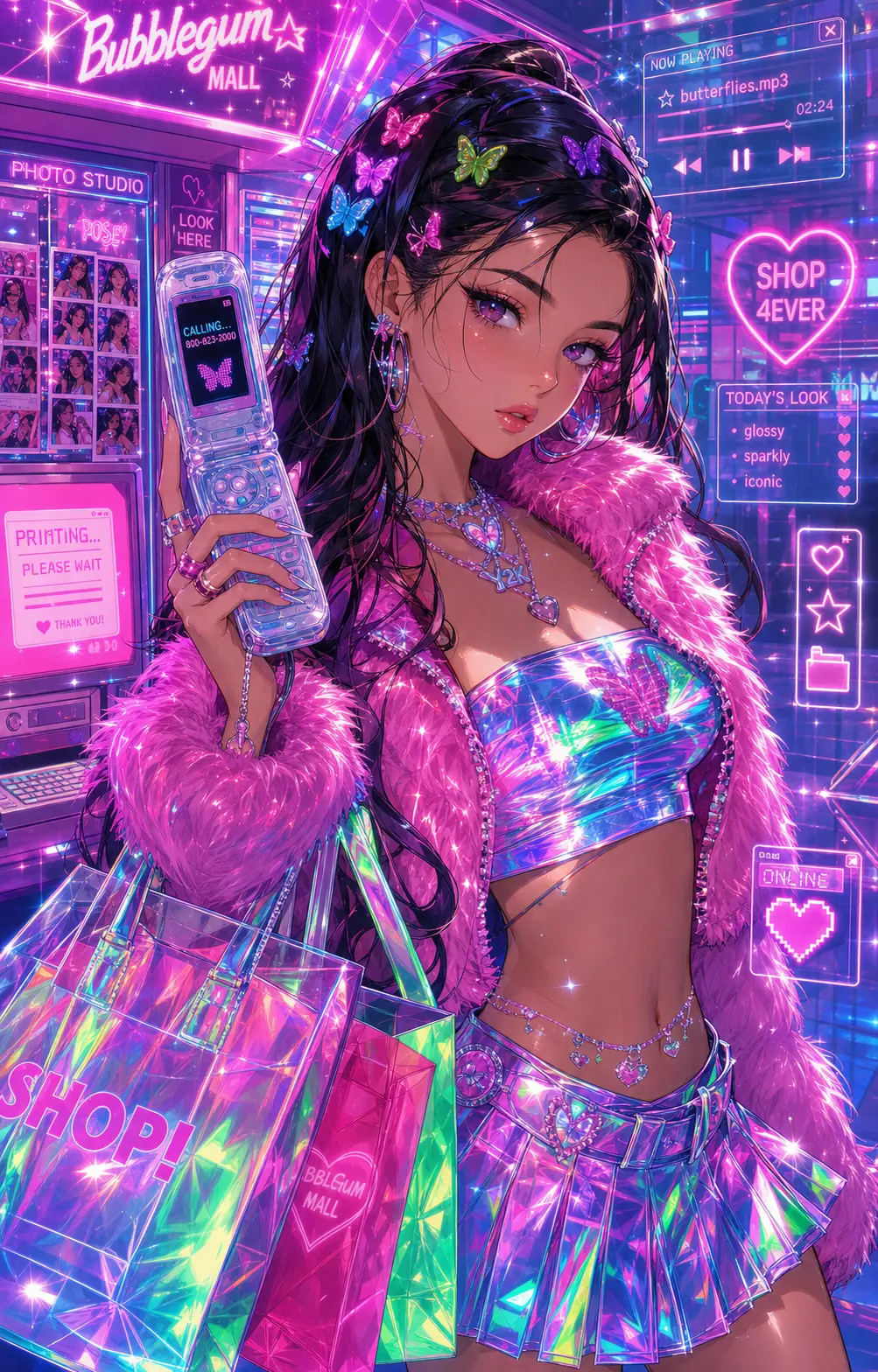
Bubblegum mall Y2K
Hot pink, frosted plastic, glitter — that early-2000s mall photo studio vibe, ideal for personal nostalgia avatars and themed birthdays.
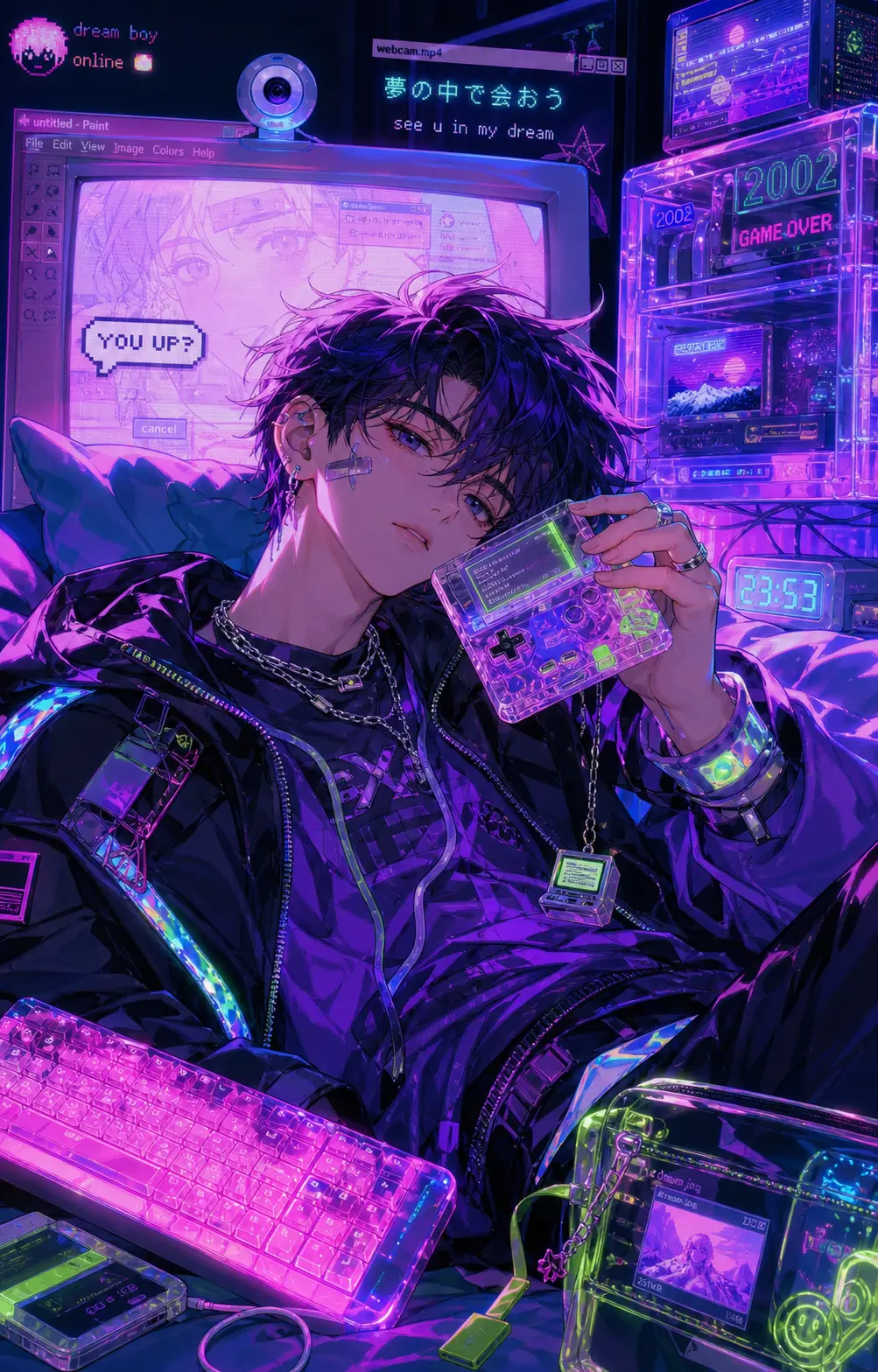
Low-fi early-digital Y2K
JPEG compression vibe, slight CRT glow, mid-2000s webcam nostalgia — ideal for retro visuals and throwback short-form covers.
Recommended PixMelody models
Nano Banana
Nano Banana is the model you reach for when the idea isn't decided yet — light credits, fast renders, every common ratio covered. Try ten directions in the time it takes a flagship to ship one.
GPT Image 2
GPT Image 2 takes a long brief and gives back a finished image with the type set right, the references locked, and the world it depicts true to life — what diffusion-only models still get wrong.
Related styles
Retro Digital Camera Filter
Turn any photo into a 2000s compact digital camera snapshot — direct flash, CCD color noise, glossy highlights, mild motion blur, timestamp feel. Perfect for social avatars, event recaps, and nostalgic brand campaigns.
AI Glow Up Filter — Natural Beauty Portrait
Upload a portrait or selfie and the AI Glow Up filter gently lifts skin, eyes, lighting, and overall energy — same person, but as if a professional photographer reshot you. Identity preserved, ready for avatars, IG content, and personal brand pages.
Fashion Collage Generator — AI Editorial Collage
Turn photos into editorial fashion collages — layered outfits, magazine-grade composition, clean negative space. Drop straight into brand moodboards, lookbook concepts, seasonal campaigns, and creative proposal visuals.
FAQ
What is the Y2K aesthetic, and how does the AI generator work?
The Y2K aesthetic spans roughly 1998 to 2004 — liquid chrome, frosted blue and pink palettes, holographic textures, early-digital glow, flip phones, butterfly clips, the retro-future optimism of pre-iPhone consumer tech. PixMelody's AI Y2K generator rebuilds your uploaded photo in that full visual language while preserving the subject's face and scene structure — material, palette, lighting, and styling all become millennium-era.
What kind of photo converts best to the Y2K aesthetic?
Fashion portraits, half-body or full-body personal photos, band-member shots, and styled product flat-lays work best. The model adds liquid metal accessories, frosted plastic detail, cyber-space silhouettes while preserving the original pose and expression. Dim or unfocused photos should be cleaned up before uploading.
Does it preserve the subject's identity?
Yes. The model preserves face features, hair outline, and basic posture, then replaces styling, accessories, palette, and material with millennium-era visual language. The portrait still reads as the same person — just placed inside the world of 2002.
How is the Y2K aesthetic different from the retro digital camera filter?
The Y2K Aesthetic rebuilds the era's full visual language — palette, material, styling, accessories, mood. The Retro Digital Camera Filter focuses narrowly on the compact-camera imaging look — direct flash, color noise, timestamp — without the broader Y2K styling vocabulary. Use Y2K for full-era visuals, the camera filter for capture quality.
How do I land that 2002 magazine cover look?
Specify material in the prompt (liquid chrome, frosted plastic, holographic), palette (icy blue, hot pink, silver, pastel), and styling details (butterfly clip, metallic accents, early-2000s styling). Generate the chrome cyber, mall pink, and low-fi early-digital variants and pick by use case.
How long does each generation take?
Most runs finish in 20 to 60 seconds once you upload a photo, depending on the model, scene complexity, and current queue. Pro-tier models run a touch longer on heavy detail, and you see live progress while it works.
Can I use the generated images commercially?
Yes. As long as the source photo is yours or you have permission to edit it, outputs can be used in personal portfolios, social posts, brand campaigns, e-commerce assets, and client deliverables. For commercial use that features recognizable people or third-party brands, confirm likeness and trademark rights separately.
How many credits does this style use?
The inline generator runs on the same PixMelody account and credit system as the main creator. Each generation deducts credits based on the model you pick, and the exact cost shows live on screen. New accounts get free credits to try the style before topping up.