
AI 3D Toy Generator
Turn any photo or character into a 3D toy — chibi figurines, articulated action figures, Funko-style vinyl avatars, collectible character toys with clean studio lighting. Perfect for creator avatars, character moodboards, and gift concepts.
0/5
Nano Banana 2 Results
Ways to use this style
Each variation pairs a sample image with the exact prompt — copy any prompt to start.
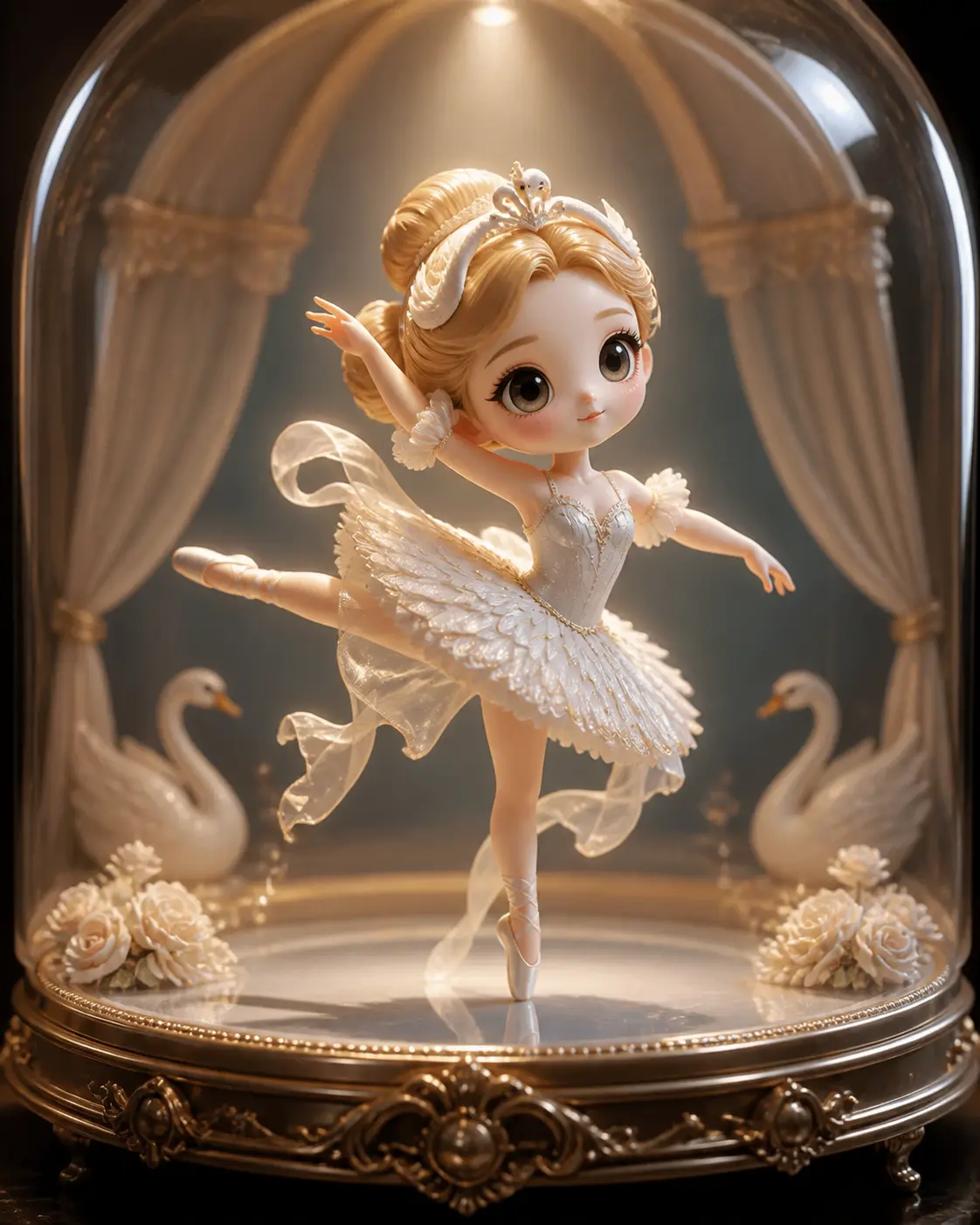
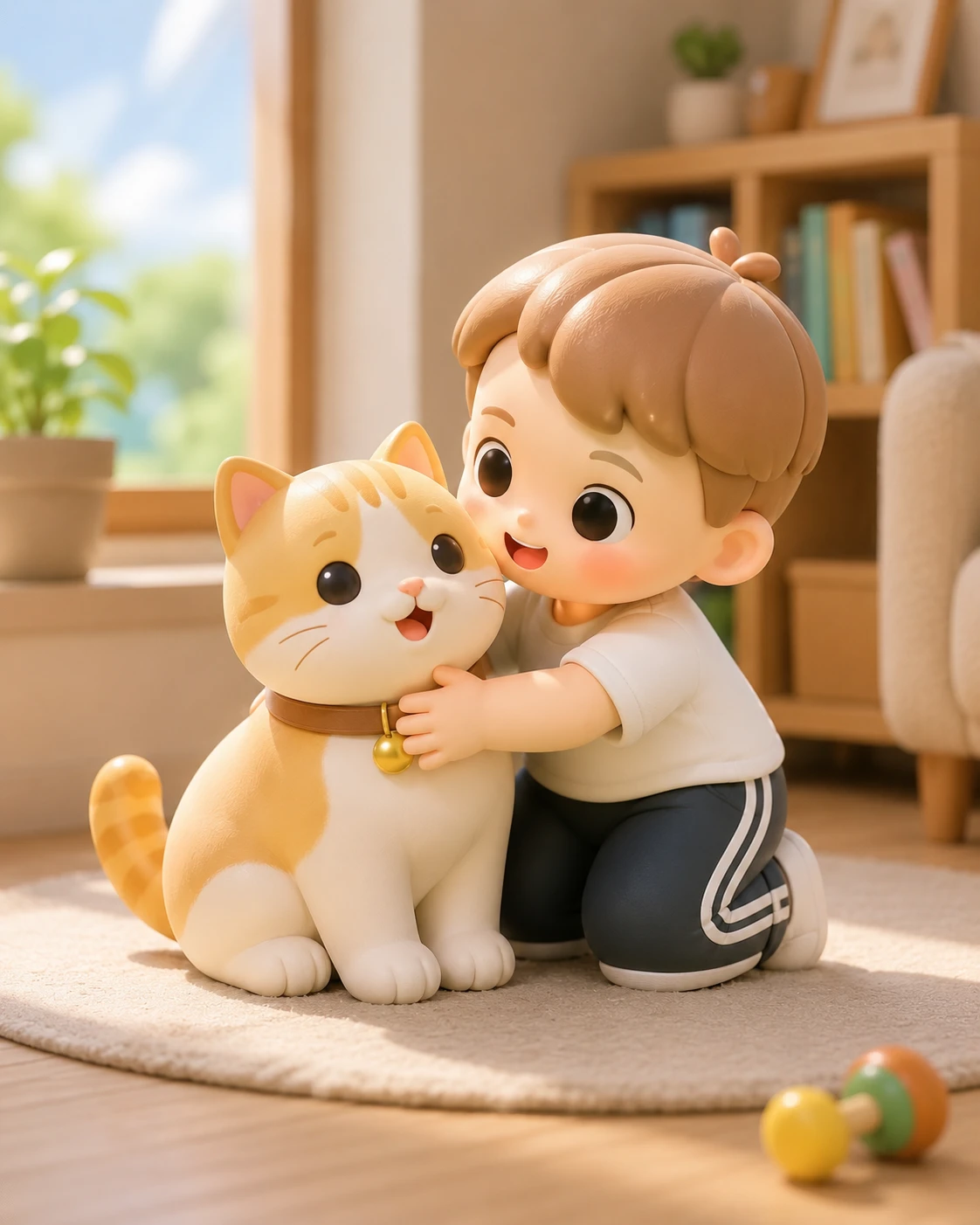
Chibi 3D figurine
Big head, small body, expressive face — a friendly Q-version of the subject, great for social avatars and gift concepts.
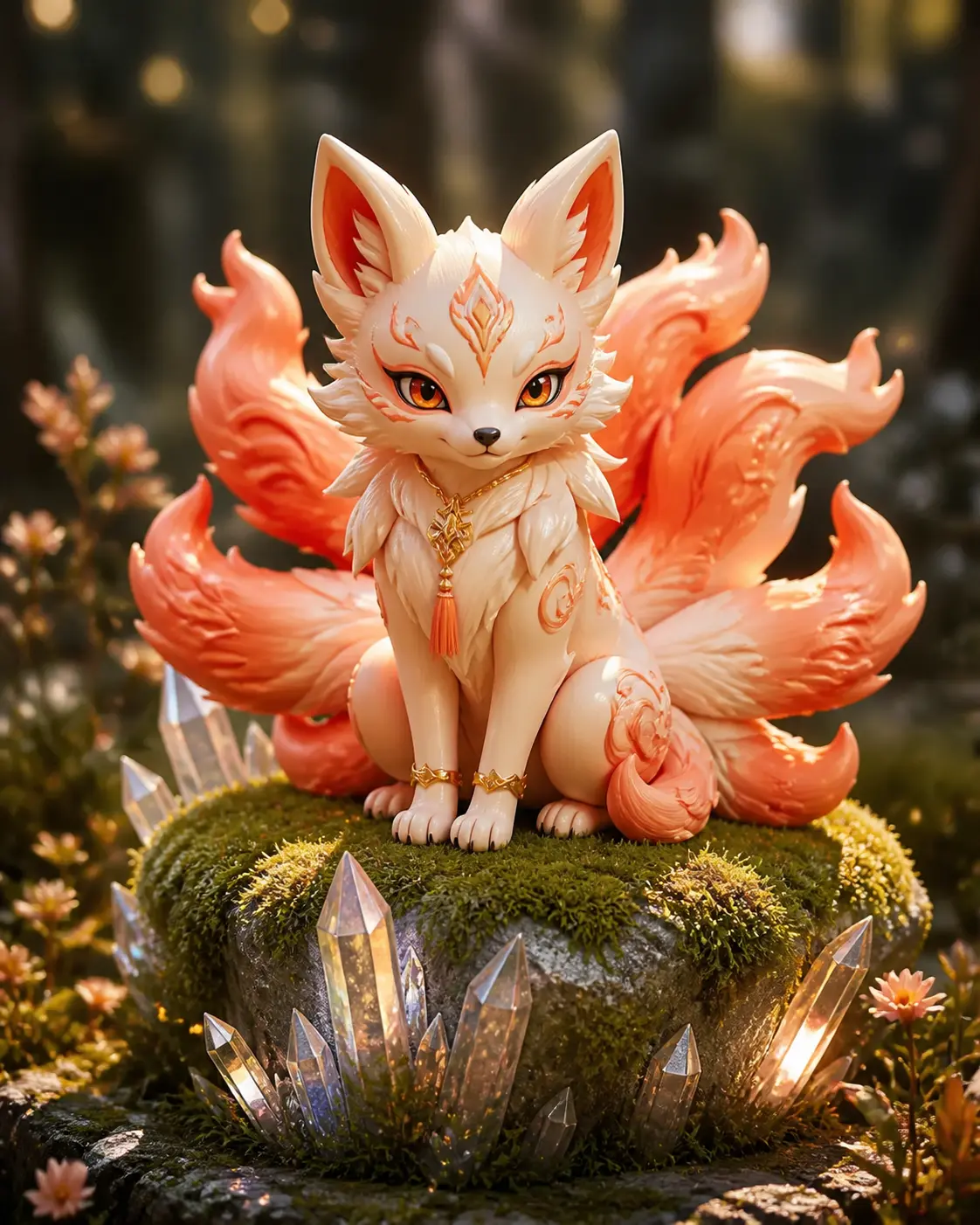
Articulated action figure
Posable joints, painted detail, hero pose — like a premium 6-inch collectible, great for character designer portfolios.
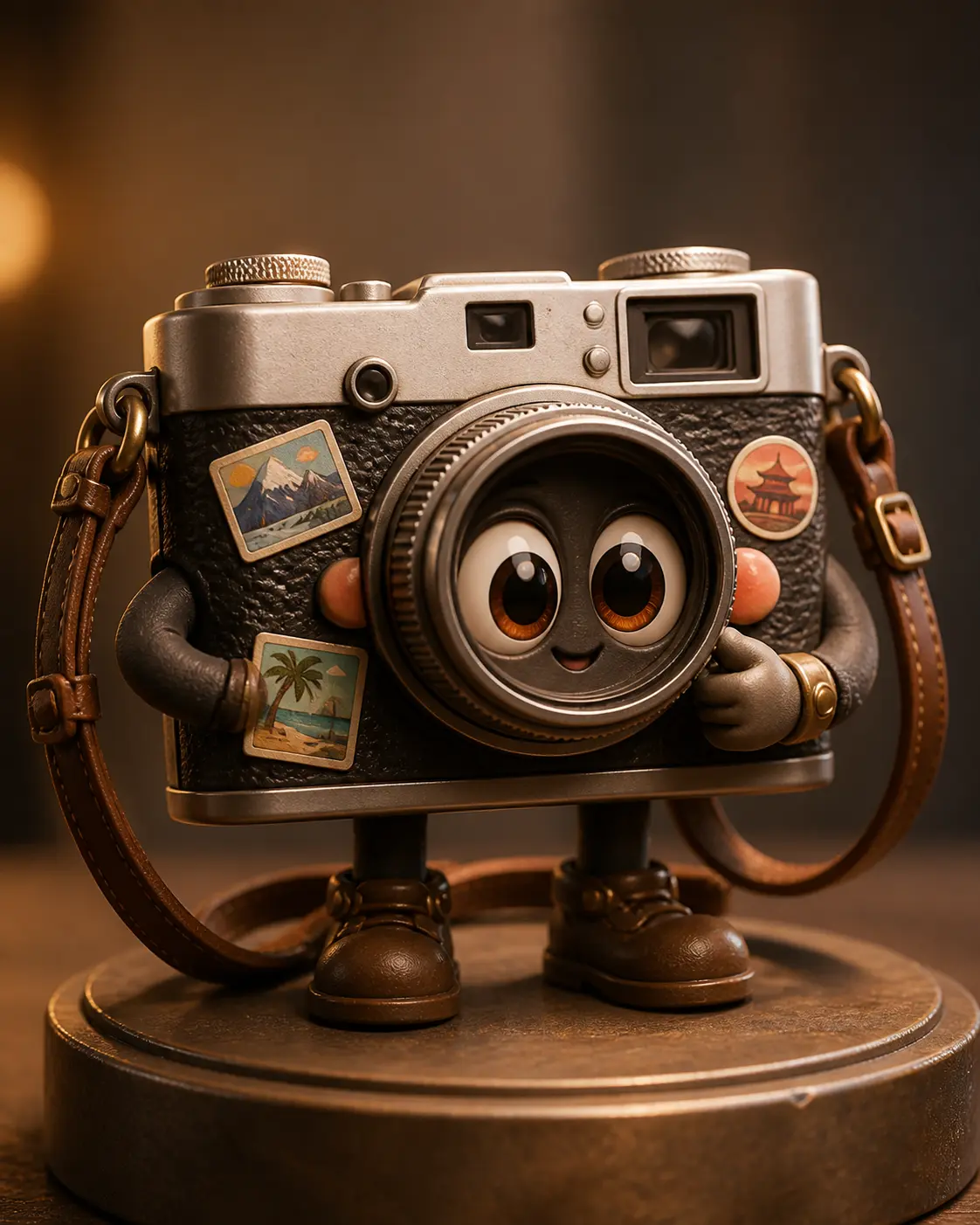
Funko-style stylized toy
Square head, large round eyes, simplified body — the iconic vinyl collectible look, ideal for IP merch and fan creations.
Recommended PixMelody models
Nano Banana 2
Nano Banana 2 keeps the speed of the base model but adds a quality dial — preview at 1K, sign off at 2K, ship at 4K. The detail in faces, hands, and material textures survives the upscale.
GPT Image 2
GPT Image 2 takes a long brief and gives back a finished image with the type set right, the references locked, and the world it depicts true to life — what diffusion-only models still get wrong.
Related styles
AI Action Figure Generator
Turn any person, brand mascot, or product concept into a collectible action figure — with blister-pack packaging, themed accessories, and studio product photography. Ready for creator merch concepts, mascot pitches, and product proposal visuals.
AI 3D Figure Generator — Collector Scale Figure
Turn any character or photo into a premium 3D collector figure — anime scale figures, video-game collector statues, diorama-grade pieces with sculpted detail and presentation bases. Built for figure pitches, fan-collector renders, and commission concepts.
AI Glow Up Filter — Natural Beauty Portrait
Upload a portrait or selfie and the AI Glow Up filter gently lifts skin, eyes, lighting, and overall energy — same person, but as if a professional photographer reshot you. Identity preserved, ready for avatars, IG content, and personal brand pages.
FAQ
What is the AI 3D Toy Generator?
It's the PixMelody AI stylized-toy conversion tool. Upload a photo or character concept and the model reshapes the subject into a 3D toy — chibi figurines, articulated action figures, Funko-style vinyl heads — and renders it with clean studio product lighting.
What kind of photo gives the best result?
Front-facing, sharp, distinctive single subjects deliver the most stable output — clear face and hair for people, signature features for pets, hero wardrobe for IP characters. Crop or remove background for busy source images before uploading.
Can I turn my own photo into a 3D toy? Will it look like me?
Yes. Upload a clear front-facing portrait and the model translates face shape, hair, expression, and signature accessories into a 3D toy character while preserving recognizable identity features. For tighter likeness, upload two or three different-angle reference photos.
What's the difference between 3D Toy, Action Figure, and 3D Figure?
3D Toy focuses on the stylized figurine itself — chibi, articulated, or Funko-style — the rendered toy as the hero. Action Figure leans into retail product photography with blister-pack packaging and catalog quality. 3D Figure is the premium collector tier (anime scale figures, video-game statues). Pick by the toy context you want to convey.
How do I make the 3D toy feel most collectible?
Specify material in the prompt (matte plastic, vinyl, resin), lighting (soft studio lighting, collector-photography lighting), and backdrop (clean seamless backdrop, gradient backdrop). Generate the chibi, articulated, and Funko variants and pick the one that best matches the character concept. For extra polish, add a display base and transparent acrylic stand.
How long does each generation take?
Most runs finish in 20 to 60 seconds once you upload a photo, depending on the model, scene complexity, and current queue. Pro-tier models run a touch longer on heavy detail, and you see live progress while it works.
Can I use the generated images commercially?
Yes. As long as the source photo is yours or you have permission to edit it, outputs can be used in personal portfolios, social posts, brand campaigns, e-commerce assets, and client deliverables. For commercial use that features recognizable people or third-party brands, confirm likeness and trademark rights separately.
How many credits does this style use?
The inline generator runs on the same PixMelody account and credit system as the main creator. Each generation deducts credits based on the model you pick, and the exact cost shows live on screen. New accounts get free credits to try the style before topping up.