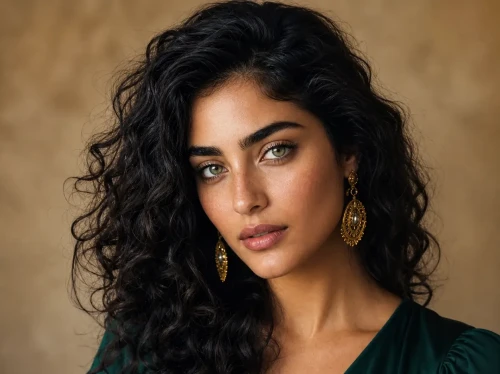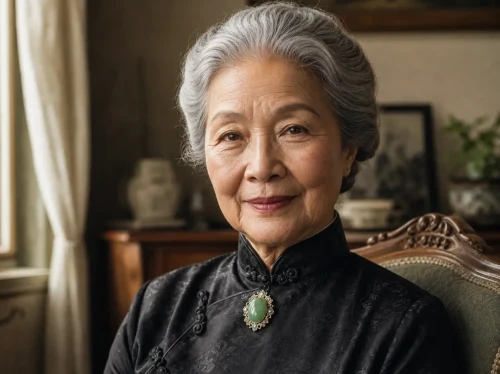
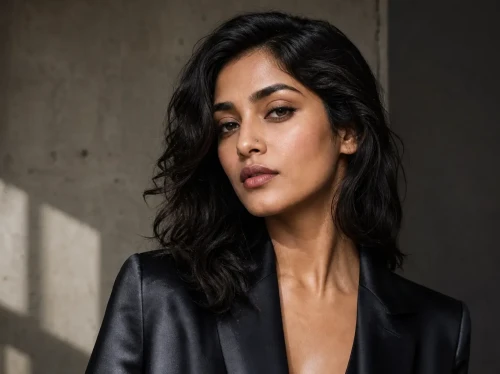
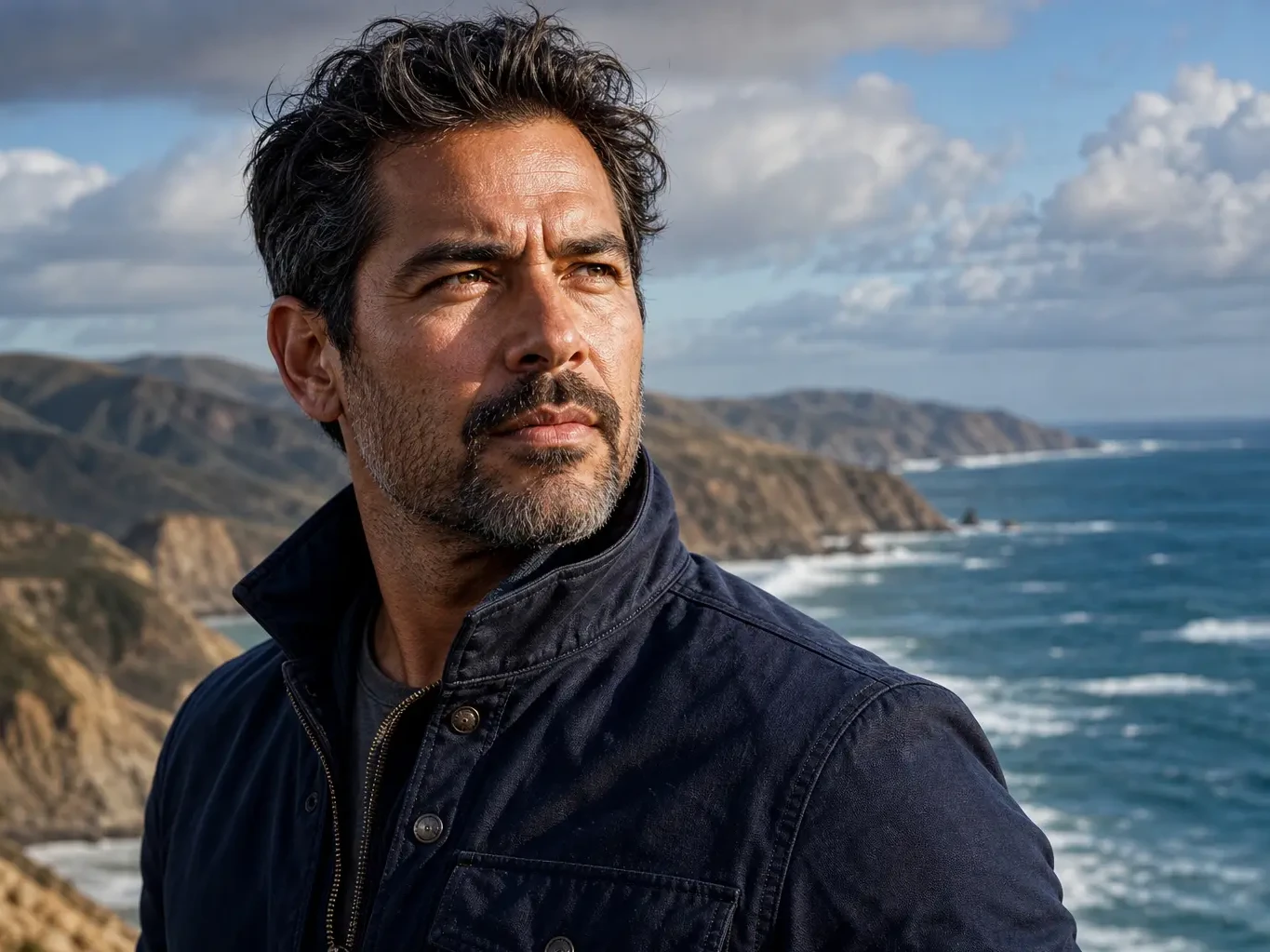
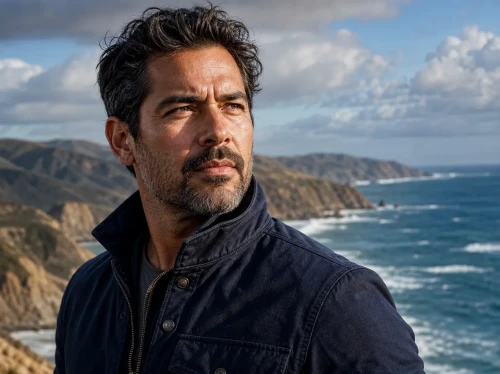
Before
After
01
Standard photo → 4K hero
Increase resolution for landing pages, decks, and large previews while keeping edges and fine texture crisp.
Upload one image, choose a scale factor, and upscale it through the existing Replicate upscaler integration.
Drop an image to start — your result appears here
1 credit per run
Upload a supported image under 10MB.
Choose 2x, 4x, or 8x scale and optional face enhancement.
Open or download the returned upscaled image.
Three concrete moments where this tool saves a step.
Recover detail from low-res family scans for archival prints.
Take a thumbnail and push it to 4K for the top of your landing page.
Upscale a draft from Nano Banana before the final touch-up pass.
Drag each image to see what changes, then run the same workflow on your own upload.
Increase resolution for landing pages, decks, and large previews while keeping edges and fine texture crisp.
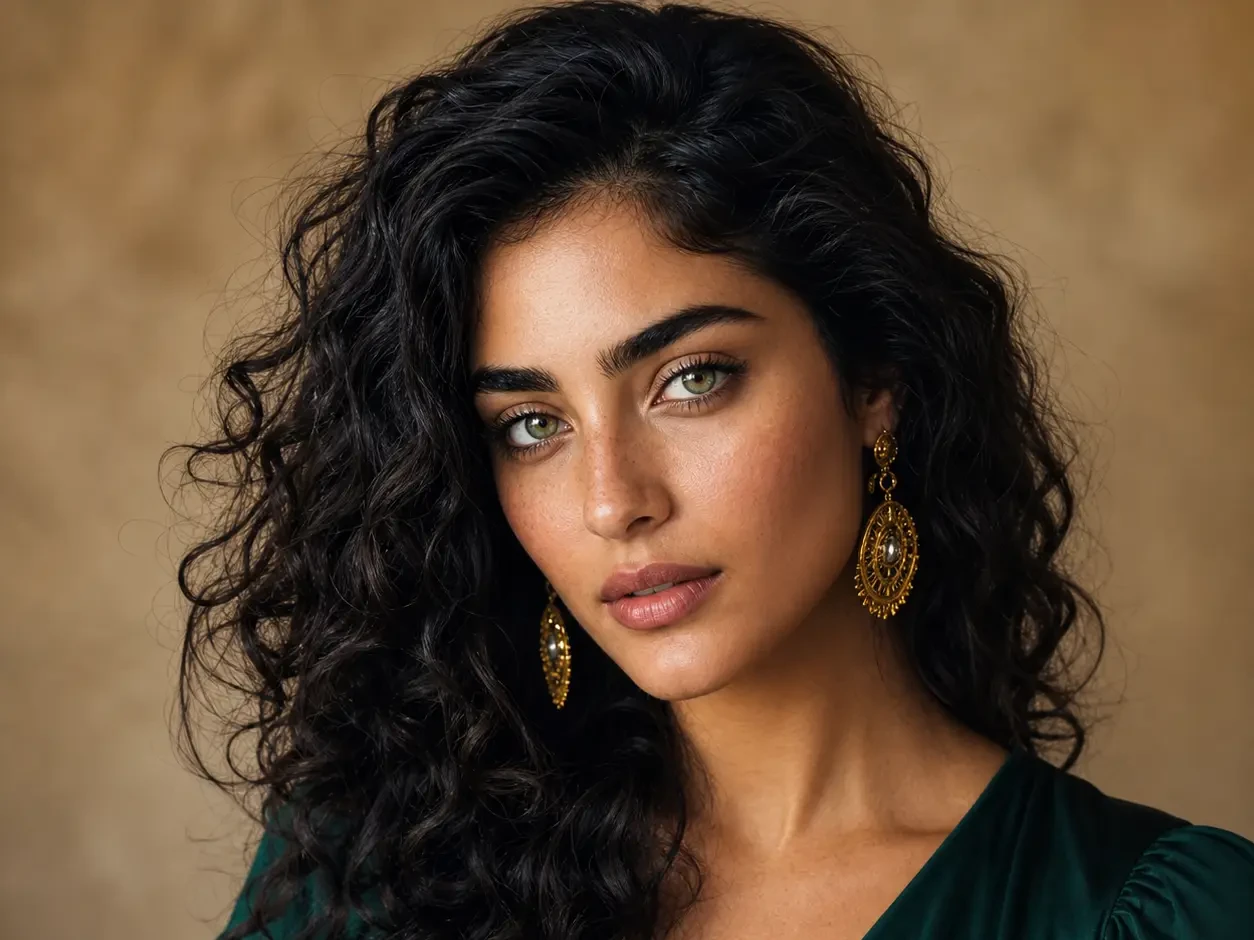
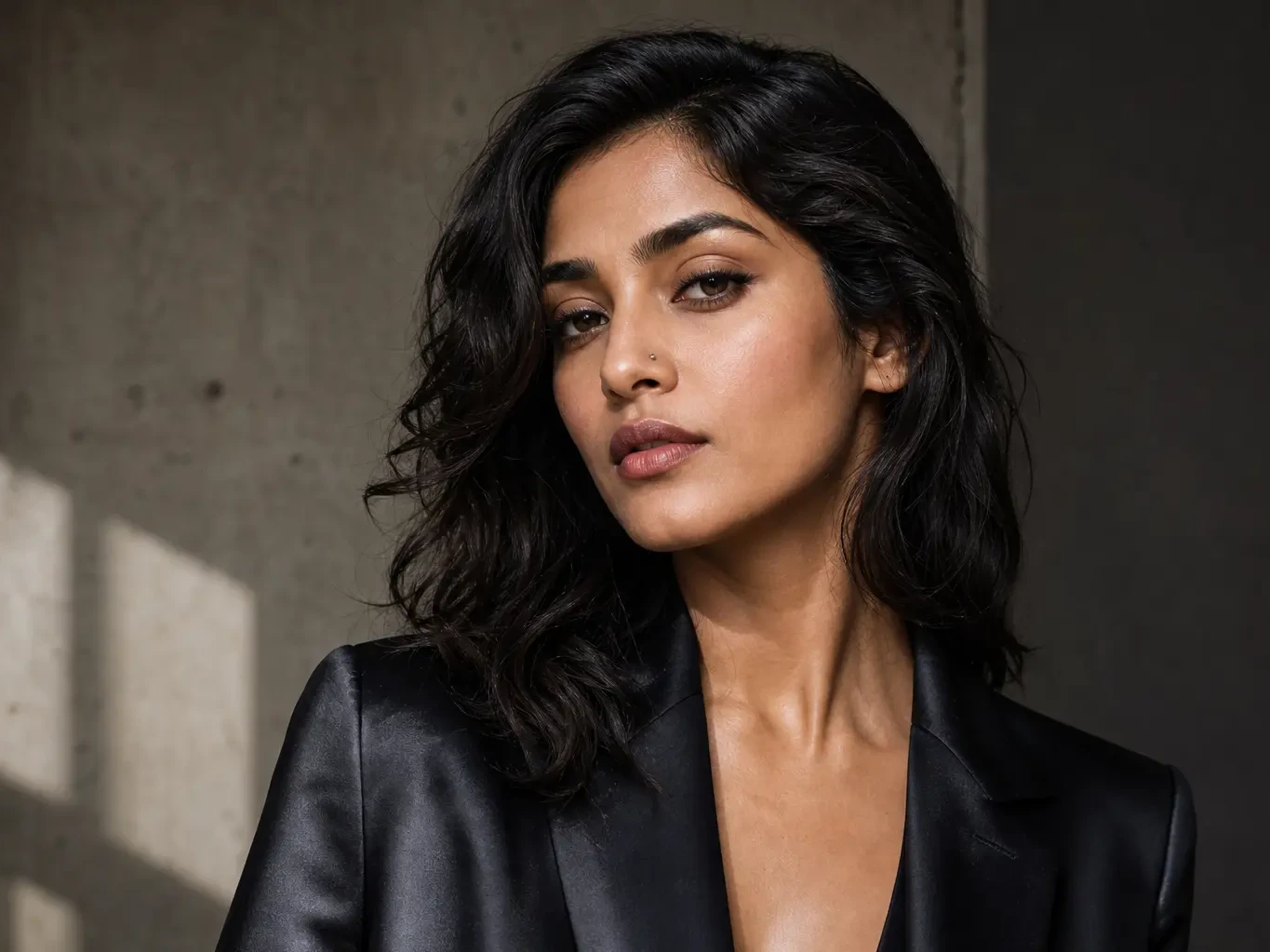
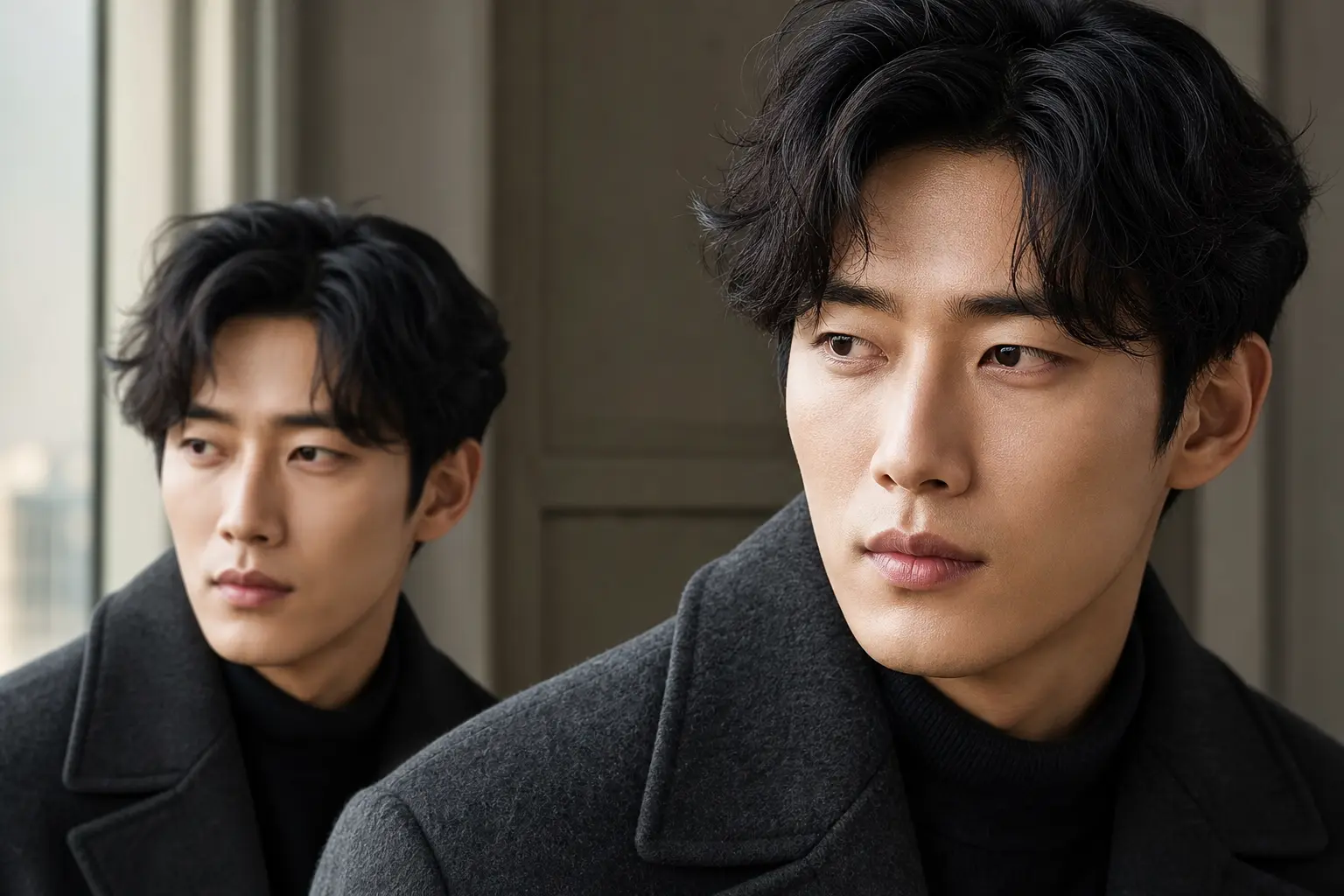
Recover portrait detail from small web images with optional face enhancement for a natural final look.
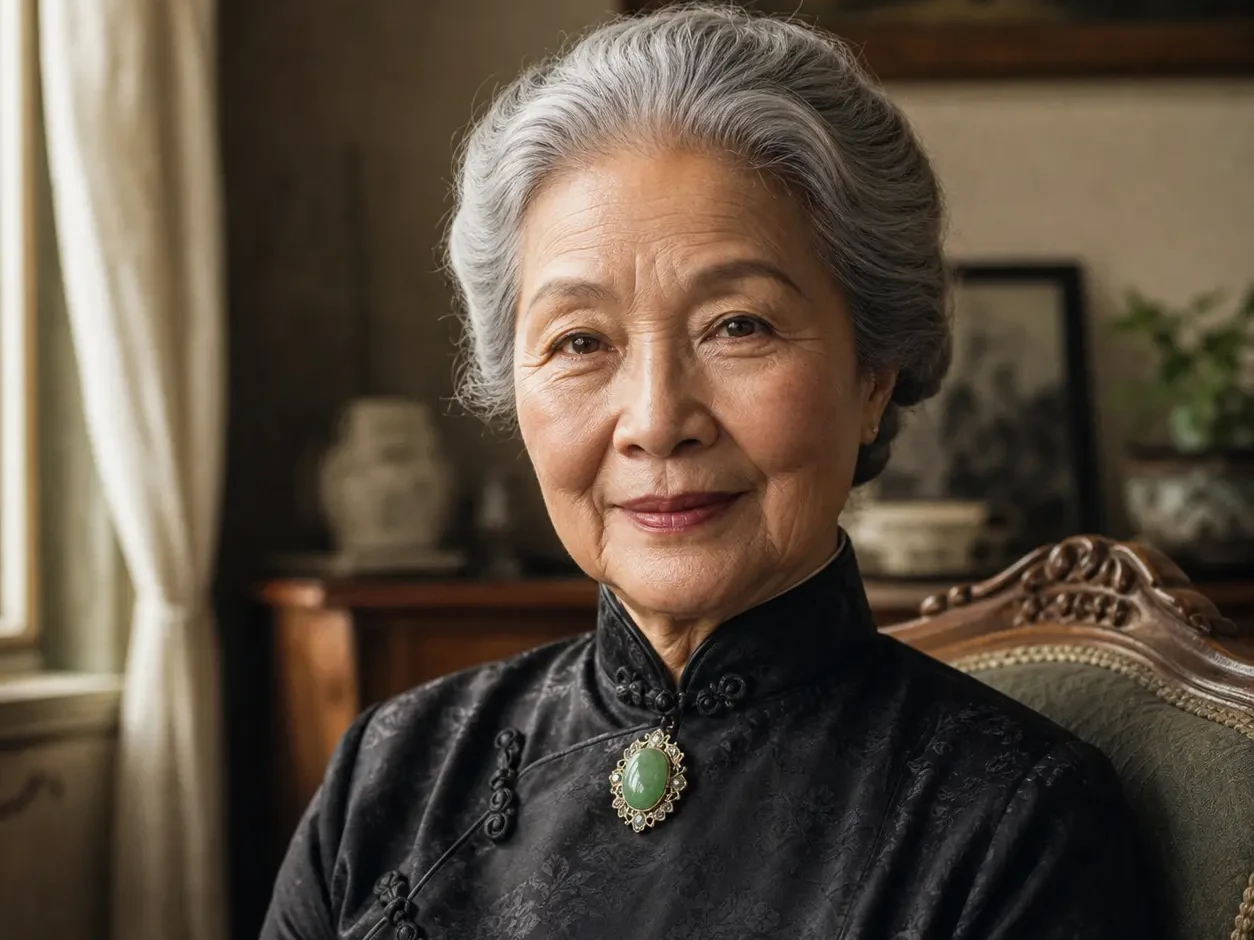
Prepare older scans and compressed images for higher-quality sharing, printing, and restoration workflows.
We didn't roll our own — we route through the same model production studios use.
Toggle face-specific cleanup on or off; portraits look natural, not waxy.
Pick the scale once; result lands in seconds for most images.
Nano Banana 2
Nano Banana 2 keeps the speed of the base model but adds a quality dial — preview at 1K, sign off at 2K, ship at 4K. The detail in faces, hands, and material textures survives the upscale.
GPT Image 2
GPT Image 2 takes a long brief and gives back a finished image with the type set right, the references locked, and the world it depicts true to life — what diffusion-only models still get wrong.
AI Old Photo Restoration
Upload old, faded, scratched, or low-contrast scans and PixMelody repairs damage, restores detail, and recovers natural color — with optional realistic colorization for black and white prints, while preserving the original people and scene.
LinkedIn Headshot Generator
Upload a casual selfie and get a studio-grade LinkedIn headshot in 30 seconds. PixMelody swaps in proper attire, cleans up lighting and background, and preserves your face — ready for LinkedIn, resumes, and team pages.
AI Glow Up Filter — Natural Beauty Portrait
Upload a portrait or selfie and the AI Glow Up filter gently lifts skin, eyes, lighting, and overall energy — same person, but as if a professional photographer reshot you. Identity preserved, ready for avatars, IG content, and personal brand pages.
It increases image resolution while rebuilding edges, texture, and small details that normal resizing usually blurs. Creators use it to turn small web images, AI drafts, product photos, portraits, scans, and social assets into sharper files for web, print, or further editing.
Choose 2x for light cleanup, 4x for most product, portrait, and web-to-hero uses, and 8x when the source is small and you need a much larger output. Very aggressive scaling can reveal artifacts, so start with 4x when you are unsure.
It can improve many low-resolution, compressed, or slightly blurry images, but it cannot recover details that are completely missing. Old scans, thumbnails, and AI generations often improve well; heavy motion blur, severe noise, or tiny faces may still need restoration or manual retouching.
Use face enhancement for portraits, profile photos, group images, and people in product or lifestyle shots. Turn it off for illustrations, product-only photos, screenshots, typography, logos, or images where you want to preserve the original face texture exactly.
Upload the highest-quality version you have, with the subject in focus and not overly compressed. Product photos, portraits, AI-generated art, real estate images, old scans, and social media assets are good candidates. Screenshots with tiny text may sharpen, but text accuracy is not guaranteed.
Use a supported image under the upload limit shown in the tool. JPG, PNG, and WebP are the safest choices for most workflows.
You can use the upscaled output commercially when you have the rights to the original image and any visible brands, people, products, or artwork. Upscaling improves quality, but it does not change the licensing status of the source image.