AI Line Art to Image Generator
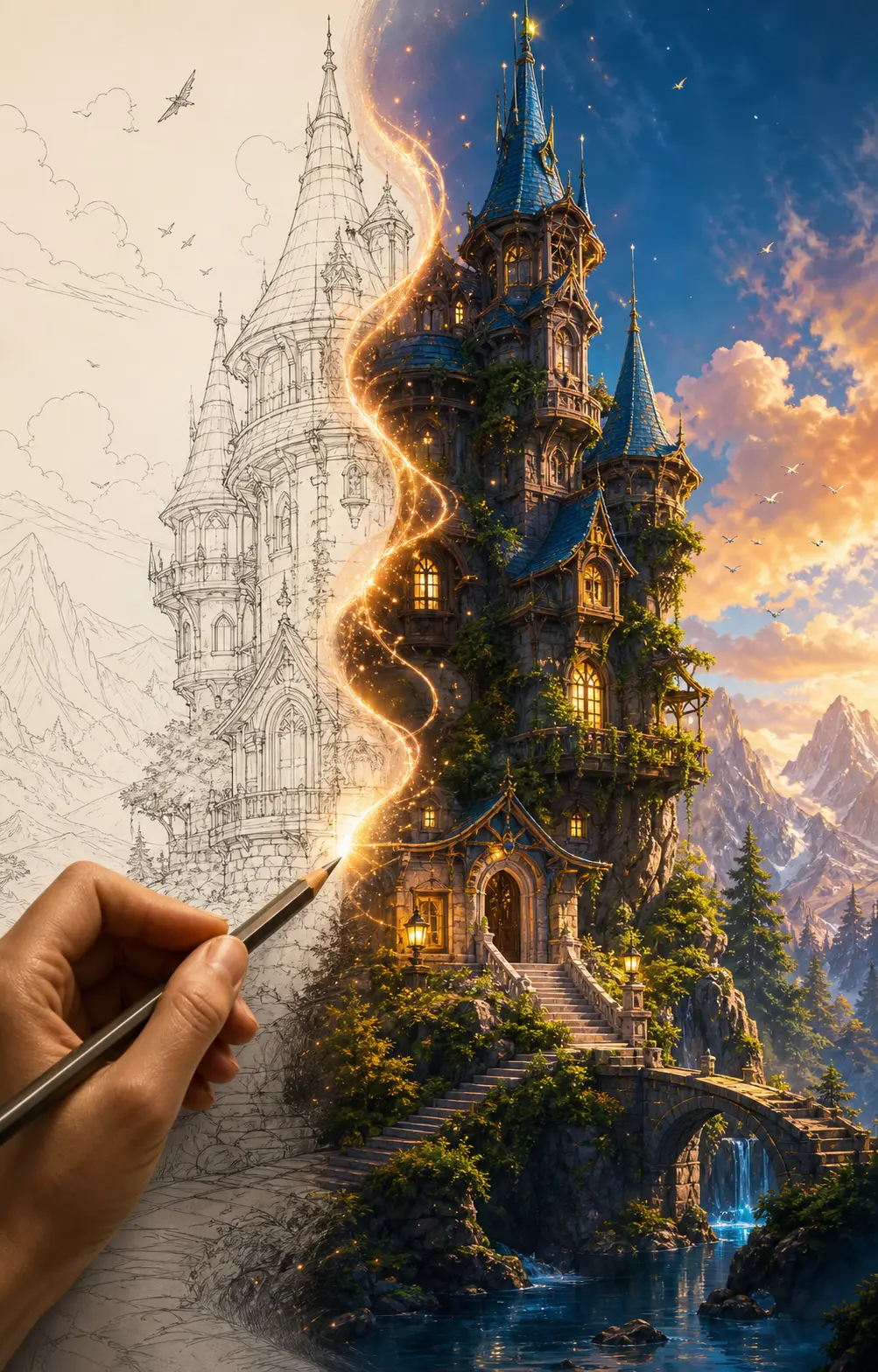
Turn your line art, sketch, or outline into a finished image — characters, products, and scenes rendered with color, light, material, and background, while preserving your original linework.
0/5
Nano Banana Pro Results
Ways to use this style
Each variation pairs a sample image with the exact prompt — copy any prompt to start.
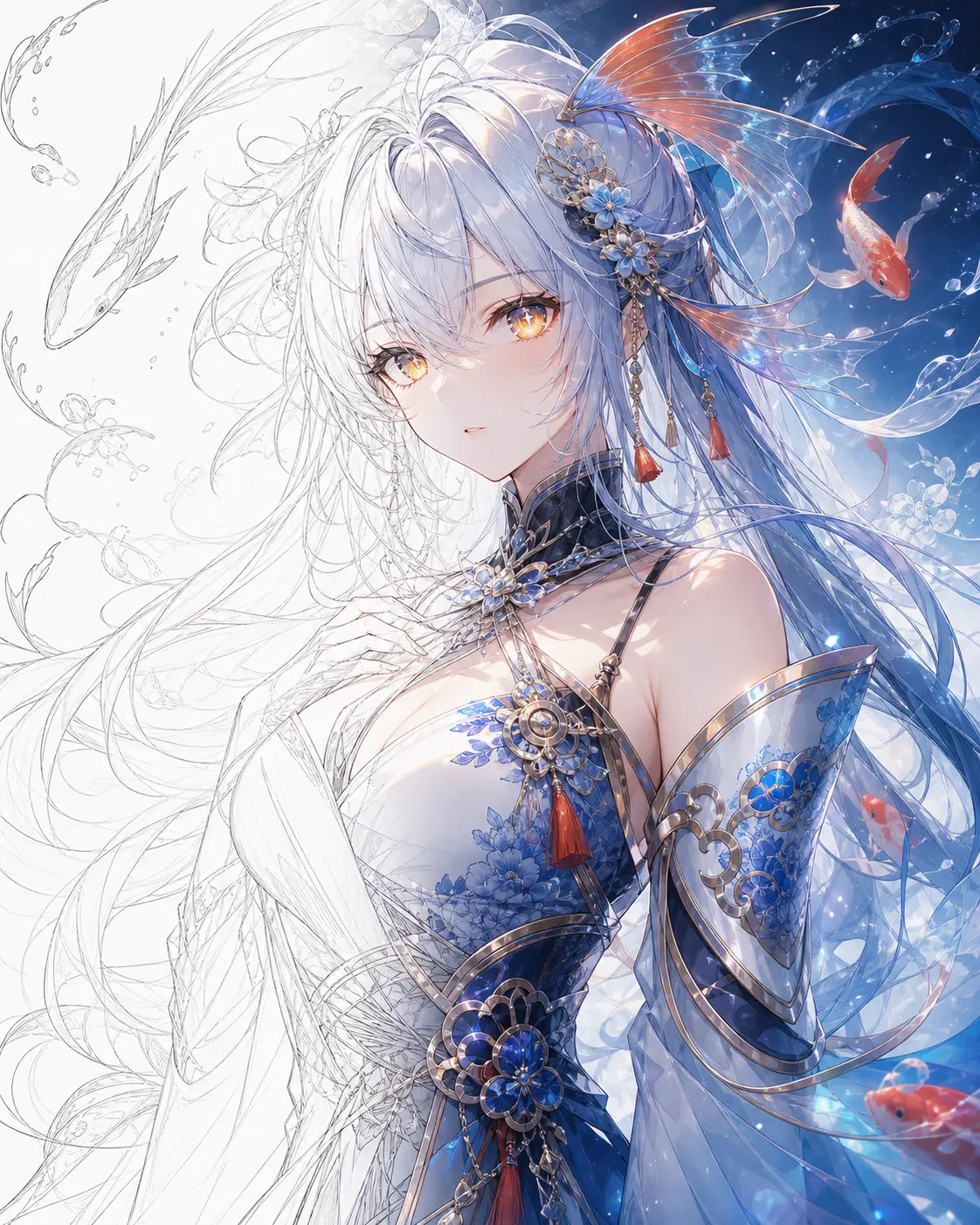
Anime line art to colored character
Cel-shaded color, clean palette, anime finish — your line art rendered fully, perfect for anime illustrators and doujin creators.
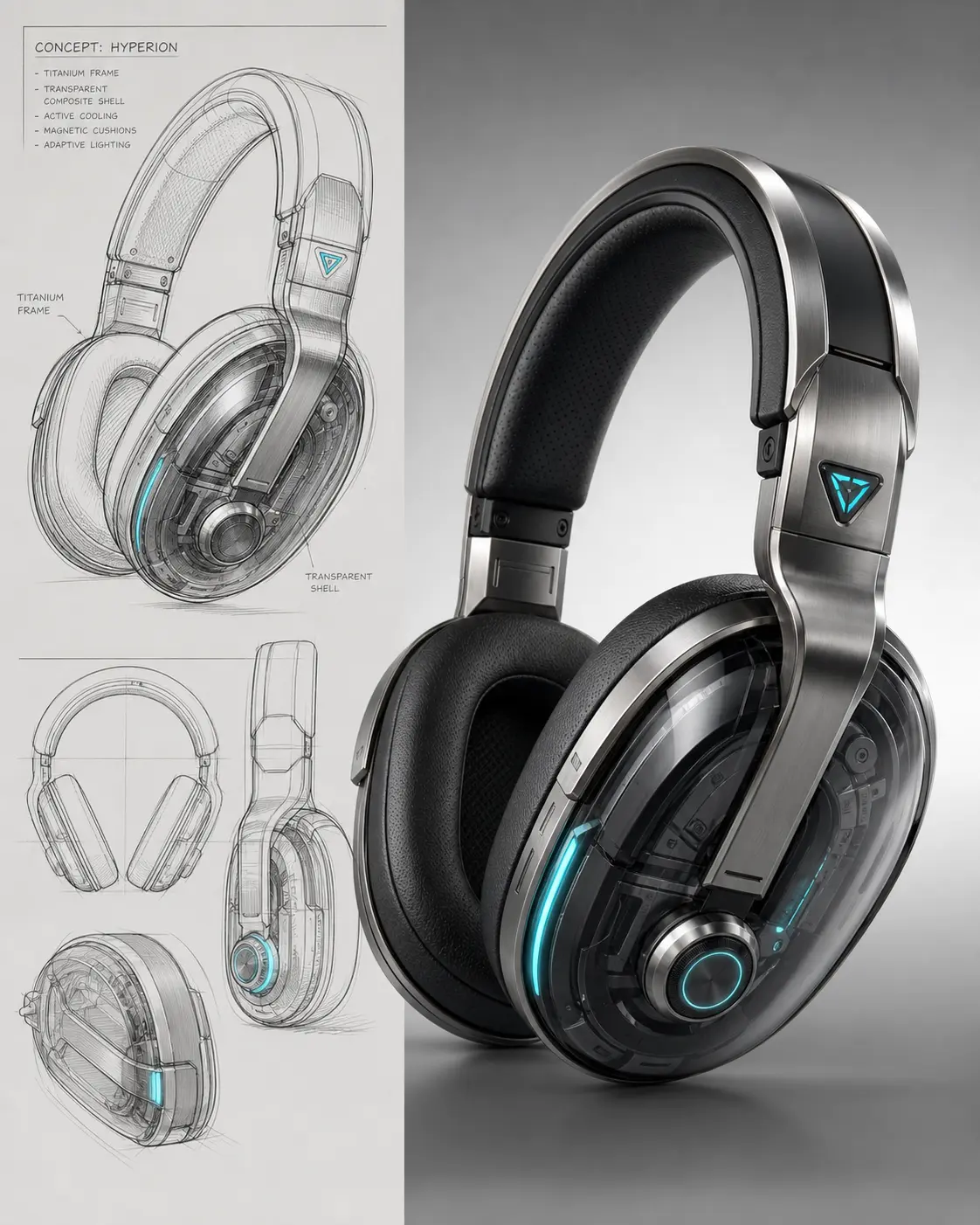
Product sketch to render
Industrial-design sketch with materials, lighting, and a clean studio backdrop — ready for product design pitches and patent illustrations.
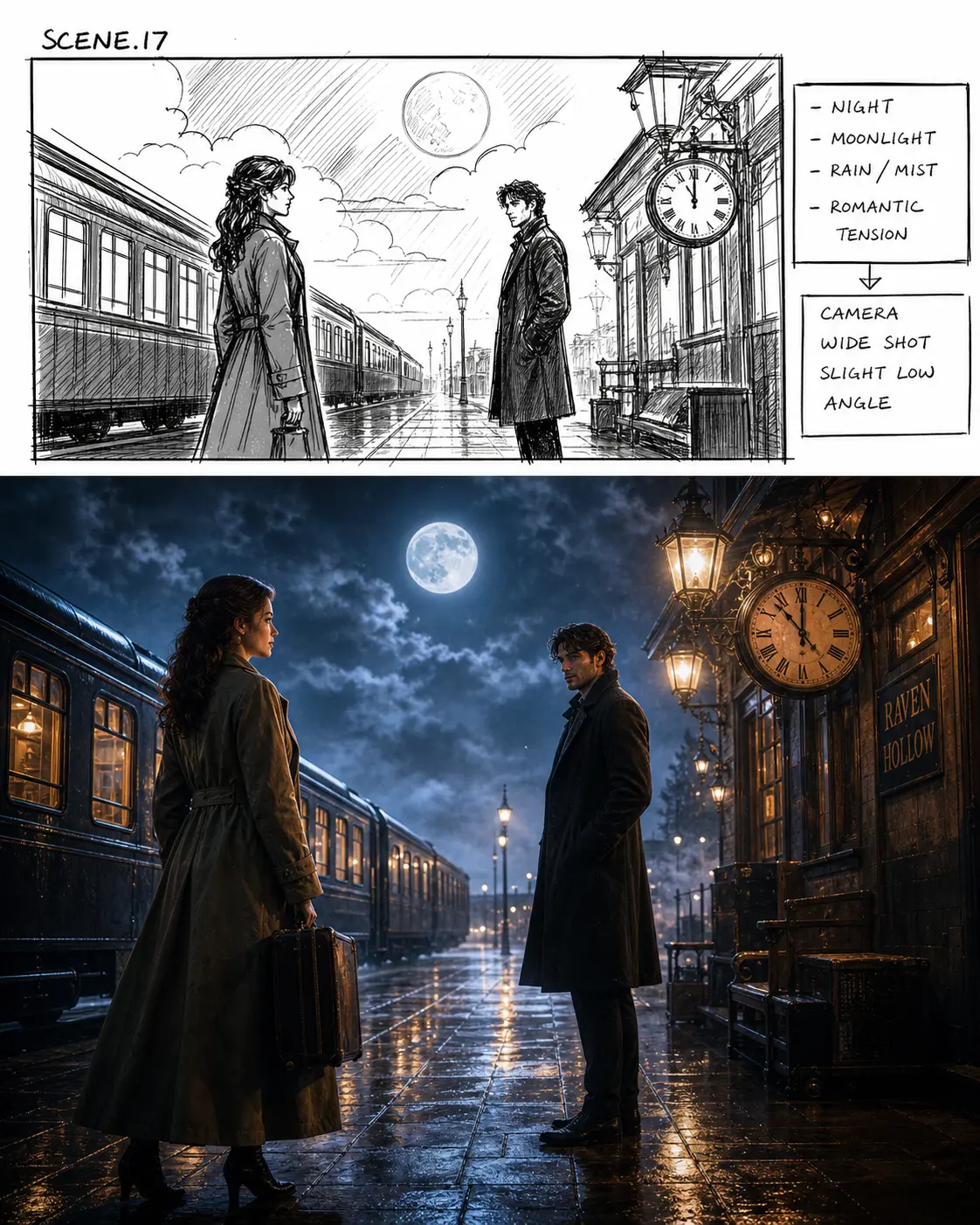
Storyboard scene to cinematic frame
Rough scene sketch promoted to a cinematic finished frame with light and color — ready for animation pre-production, ad storyboards, and game scene design.
Recommended PixMelody models
Nano Banana Pro
Nano Banana Pro is built for the work where 'good enough' isn't. 4K renders with painterly tones, up to 14 references locked across a campaign, multi-turn edits on a single concept — the model that ships first-render hero shots without a retouching pass.
Nano Banana 2
Nano Banana 2 keeps the speed of the base model but adds a quality dial — preview at 1K, sign off at 2K, ship at 4K. The detail in faces, hands, and material textures survives the upscale.
Related styles
AI Coloring Page Generator — Printable Line Art
Turn any idea, photo, or pet into a printable coloring page — pure white background, clean black line art, no shading, no fill. Ready for kids' books, adult relaxation pages, classroom packs, and custom activity sheets.
Studio Ghibli Style Filter
Turn any photo into a hand-painted Studio Ghibli scene — gouache backgrounds, drifting cumulus clouds, wind-moved grass, the quiet slice-of-life mood of Miyazaki's films. Faces stay recognizable, the output looks like a single frame from an animated feature.
AI 3D Figure Generator — Collector Scale Figure
Turn any character or photo into a premium 3D collector figure — anime scale figures, video-game collector statues, diorama-grade pieces with sculpted detail and presentation bases. Built for figure pitches, fan-collector renders, and commission concepts.
FAQ
What is the AI Line Art to Image Generator?
It's the PixMelody AI line-rendering tool built for illustrators and designers. Upload a line drawing, sketch, or outline and the model paints color, lighting, material, and background onto the line structure you drew — output is a finished illustration. The original lines are preserved, not redrawn.
What kind of line art works best?
Clean black lines on a white background give the cleanest result — scanned ink work, digital line art, or pencil sketches all work as long as the lines are dark enough and the background is clean. Export at 1024×1024 or higher with compression off so the lines stay sharp.
Will it preserve my original line work?
Yes. The model treats your line art as the structural guide and fills color, material, and lighting around it — without reshaping the lines you drew. To strengthen that constraint, add 'preserve original linework, do not redraw lines' to the prompt.
How is this different from the coloring page generator?
They're inverses. The Line Art to Image Generator paints color, lighting, and material onto a line drawing you already made — finished render. The Coloring Page Generator goes the other way — turns a photo into a black line drawing for humans to color. Pick the direction you need.
How do I get a result that looks like a professional finish?
Specify the rendering style (cel-shaded, painterly, watercolor, industrial render), light direction (soft anime lighting, cinematic key light, studio softbox), and material detail (metallic finish, fabric texture, skin highlights). Generate two or three directions and pick the one closest to your intent.
How long does each generation take?
Most runs finish in 20 to 60 seconds once you upload a photo, depending on the model, scene complexity, and current queue. Pro-tier models run a touch longer on heavy detail, and you see live progress while it works.
Can I use the generated images commercially?
Yes. As long as the source photo is yours or you have permission to edit it, outputs can be used in personal portfolios, social posts, brand campaigns, e-commerce assets, and client deliverables. For commercial use that features recognizable people or third-party brands, confirm likeness and trademark rights separately.
How many credits does this style use?
The inline generator runs on the same PixMelody account and credit system as the main creator. Each generation deducts credits based on the model you pick, and the exact cost shows live on screen. New accounts get free credits to try the style before topping up.