
AI Eid ul-Adha Photo Generator
Upload a family portrait, a solo selfie, or a snapshot of the kids in their Eid clothes and PixMelody rebuilds it as a warm AI Eid ul-Adha photo. Golden hour lighting, refined traditional outfits, a soft mosque silhouette or henna-pattern backdrop, a crescent moon overhead — the kind of Eid Mubarak picture you'd be happy to send to family on WhatsApp, post as a story, or print as a Bakra Eid greeting card.
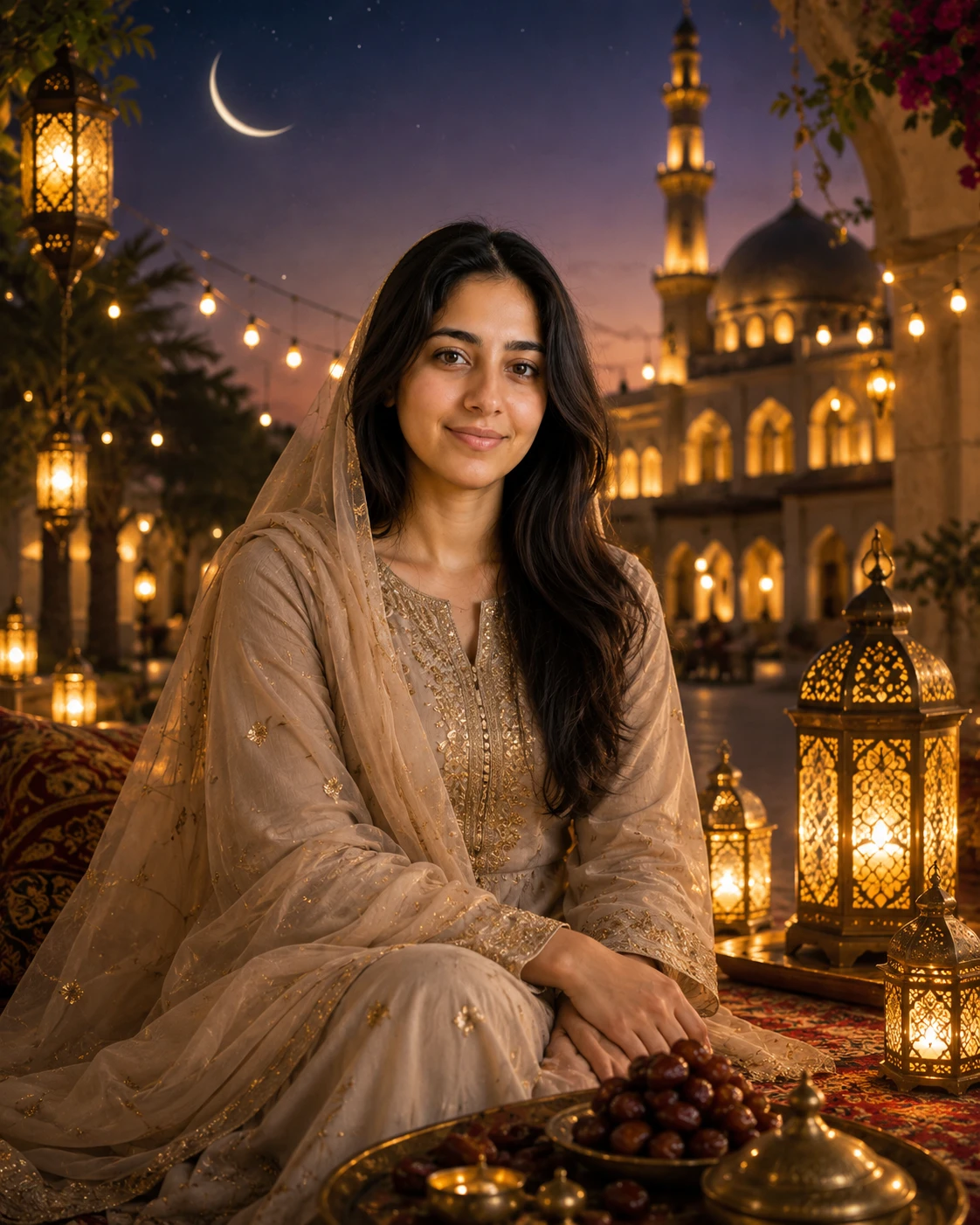
0/5
Nano Banana 2 Results
Ways to use this style
Each variation pairs a sample image with the exact prompt — copy any prompt to start.
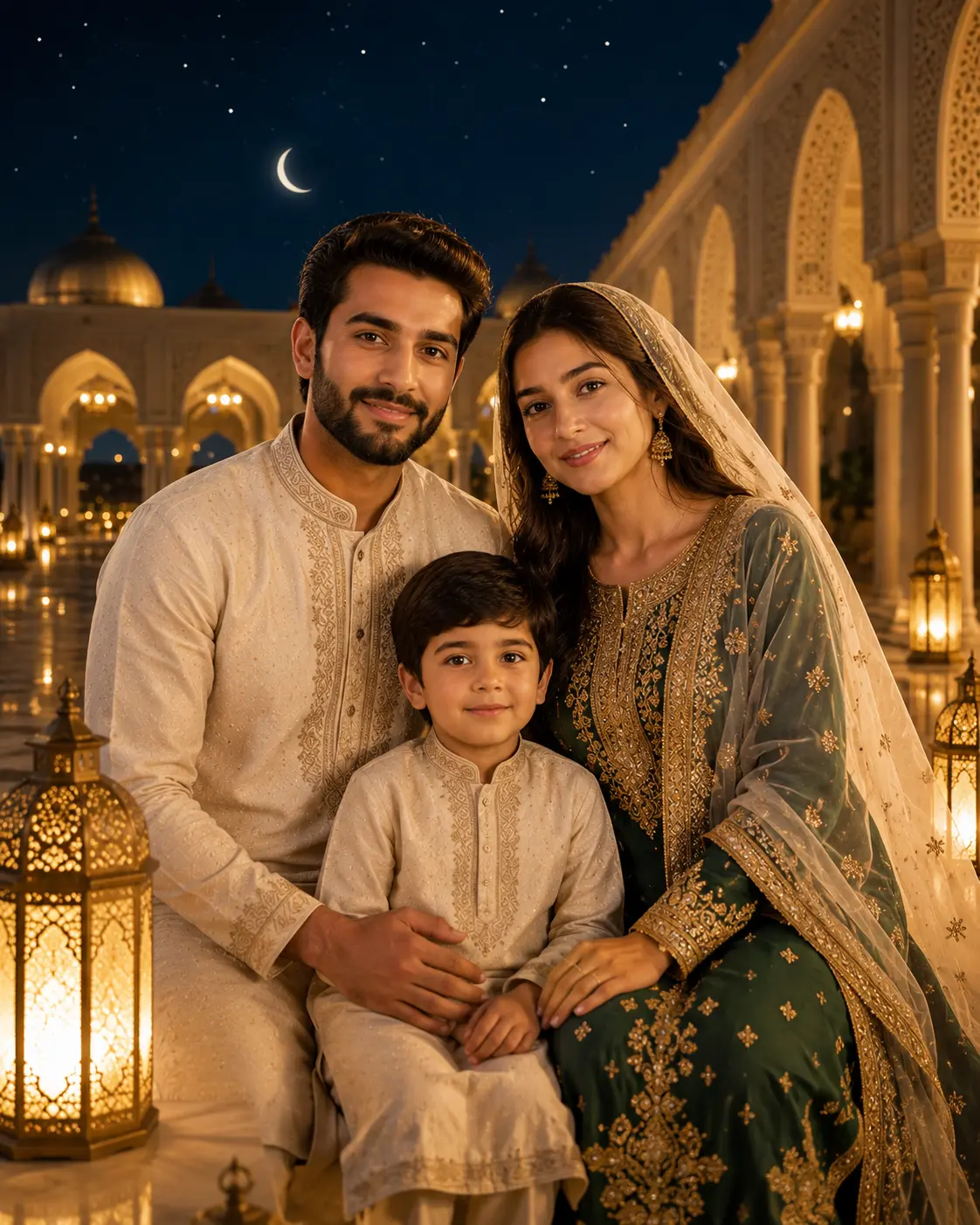
Family Eid portraits that still look like your family
Drop in an ordinary family photo and the model walks everyone into a warm Eid ul-Adha scene — soft golden lighting, refined traditional Eid clothes, a hint of crescent moon or hanging lantern in the background — without losing the faces, ages, or grouping you uploaded. The Eid Mubarak feeling fills the room; the family is still recognizably yours, just dressed for the day.
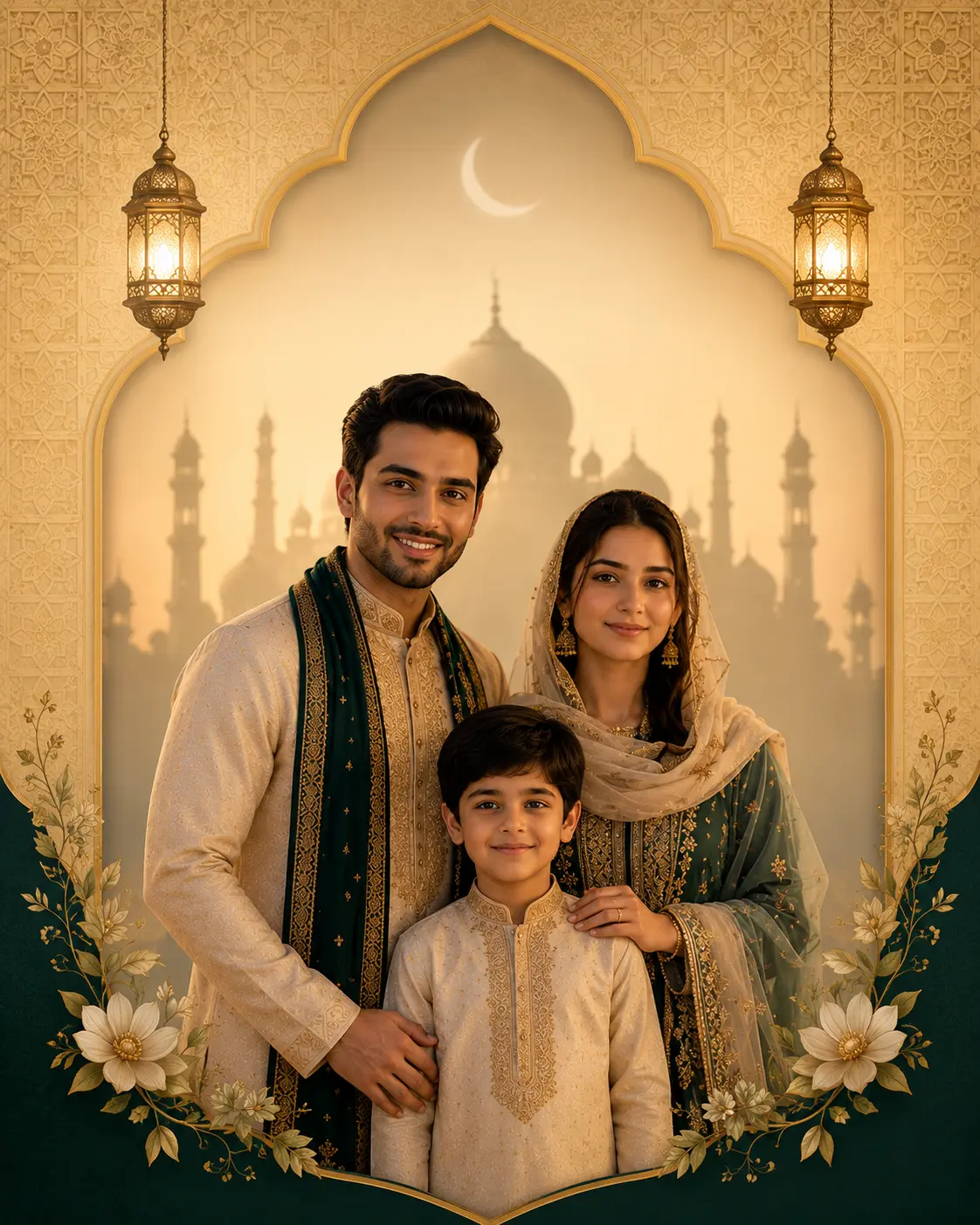
Drop-ready Eid Mubarak greeting cards
Same input photo, framed for the greeting-card moment. Your portrait sits centered against a soft mosque silhouette or arabesque pattern, gentle gold and emerald tones, room left around the figure so an Eid Mubarak caption lands cleanly. Sharable as a WhatsApp DP, an Instagram story, or a printed Eid ul-Adha greeting card without any extra editing.
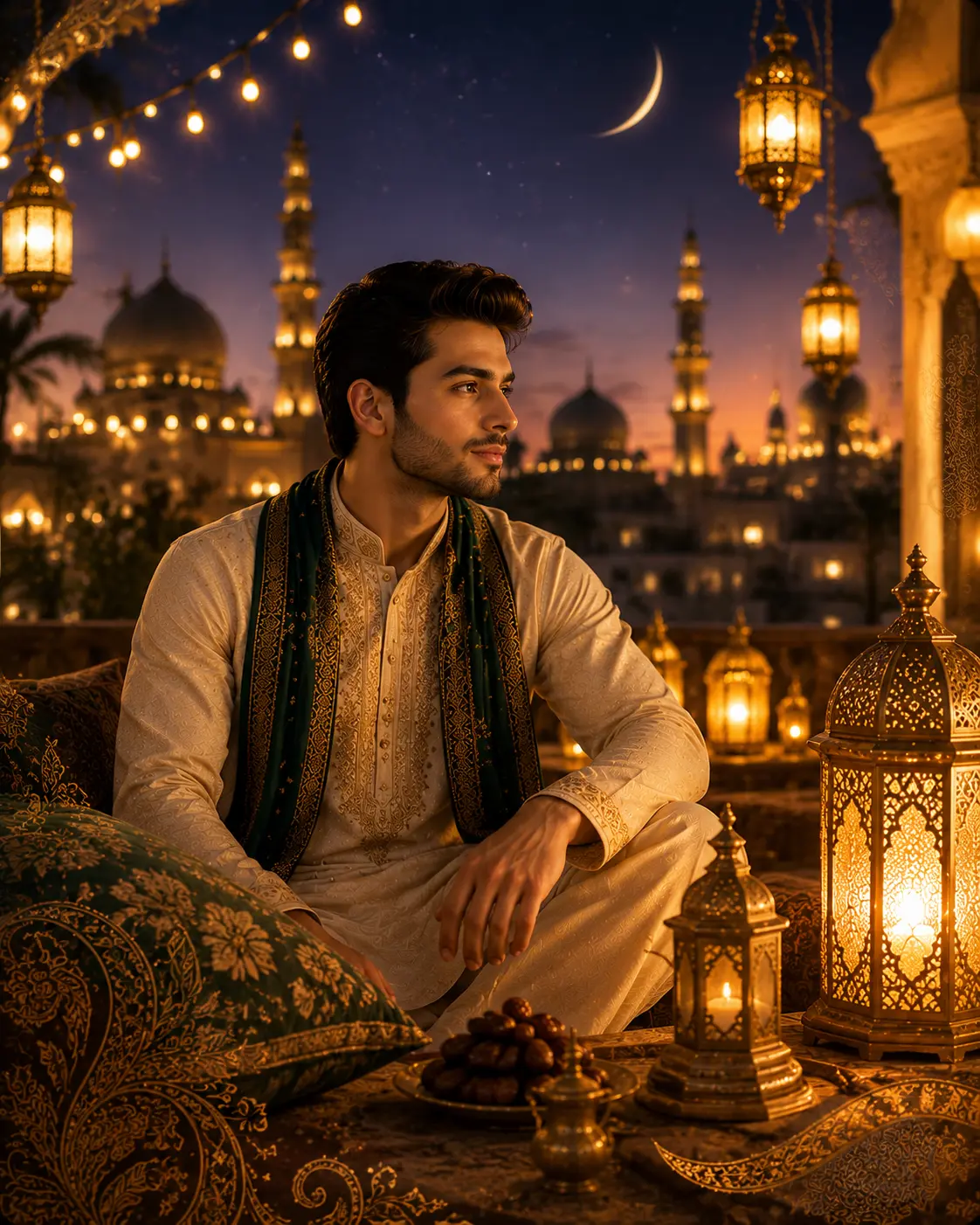
Festive Eid scenes — lanterns, crescent moon, henna
If you want the full Bakra Eid mood, the generator rebuilds the scene around your subject — warm fairy lights, hanging lanterns, the silhouette of a mosque dome at dusk, soft henna-pattern overlays in the foreground. The Eid ul-Adha atmosphere does most of the storytelling; the subject just lives inside it without losing identity.
AI Eid ul-Adha photo prompt ideas
Stick with the default Eid Mubarak look, or grab one of these variants — copy, paste into the generator, and swap in your own subject words.
Family Eid Portrait
Use the uploaded family photo as the only reference. Keep every face, age, and grouping intact. Restage the family as a warm Eid ul-Adha portrait, refined traditional outfits, soft golden hour lighting, a clean backdrop with subtle crescent moon and hanging lantern accents, gentle bokeh, natural skin tones, premium Eid Mubarak family photo finish, no text, no watermark.
Eid Mubarak Greeting Card
Use the uploaded portrait as the only reference. Preserve the subject's face, hair, and outfit. Compose a centered Eid Mubarak greeting card layout, soft mosque silhouette behind the subject, gentle gold and emerald palette, ornate arabesque pattern frame, room around the figure for an Eid Mubarak caption to land, polished Bakra Eid greeting card finish, no rendered text inside the image.
Lantern Evening Scene
Use the uploaded photo as the only reference. Keep the subject's identity, expression, and outfit. Rebuild the surrounding scene as a warm Eid ul-Adha lantern evening — hanging fanoos lanterns, soft golden fairy lights, blurred mosque dome at dusk, deep emerald and amber palette, cinematic Bakra Eid mood, natural skin tones, no text, no watermark.
Kids In Eid Clothes
Use the uploaded photo of the children as the only reference. Preserve every child's face, age, and grouping. Refresh their outfits as crisp new Eid clothes, soft mosque-courtyard backdrop with morning light, subtle crescent and lantern accents, joyful natural expressions, gentle bokeh, polished Eid ul-Adha family-keepsake finish, no text, no watermark.
Recommended PixMelody models
Nano Banana 2
Nano Banana 2 keeps the speed of the base model but adds a quality dial — preview at 1K, sign off at 2K, ship at 4K. The detail in faces, hands, and material textures survives the upscale.
GPT Image 2
GPT Image 2 takes a long brief and gives back a finished image with the type set right, the references locked, and the world it depicts true to life — what diffusion-only models still get wrong.
Related styles
AI Glow Up Filter — Natural Beauty Portrait
Upload a portrait or selfie and the AI Glow Up filter gently lifts skin, eyes, lighting, and overall energy — same person, but as if a professional photographer reshot you. Identity preserved, ready for avatars, IG content, and personal brand pages.
Fashion Collage Generator — AI Editorial Collage
Turn photos into editorial fashion collages — layered outfits, magazine-grade composition, clean negative space. Drop straight into brand moodboards, lookbook concepts, seasonal campaigns, and creative proposal visuals.
LinkedIn Headshot Generator
Upload a casual selfie and get a studio-grade LinkedIn headshot in 30 seconds. PixMelody swaps in proper attire, cleans up lighting and background, and preserves your face — ready for LinkedIn, resumes, and team pages.
FAQ
What is the AI Eid ul-Adha Photo Generator?
It's the PixMelody tool for turning a regular family photo into a polished Eid ul-Adha picture without staging a shoot. You upload a photo, the model preserves the people you already love, and it rebuilds the lighting, outfits, and backdrop into a warm Eid Mubarak scene — ready to send on WhatsApp, post as a Bakra Eid story, or print as a greeting card. No PhotoShop knowledge, no manual mosque backdrops to drag in.
What kind of photo should I upload?
Anything with clear faces and a recognizable grouping. A regular family snapshot, a portrait of the kids in their Eid clothes, a couple's selfie, even a casual phone photo — as long as the faces are reasonably well-lit. The AI Eid ul-Adha effect lands hardest when the underlying composition is clean, so a sharp front-facing shot beats a small, dark, low-resolution one.
Will my family still look like themselves?
Yes. The model treats the uploaded photo as the only reference — it preserves faces, expressions, ages, skin tones, and the way people are standing together. It only refines outfits into more festive Eid clothes and rebuilds the backdrop and lighting around them. You should still feel like you're looking at your own family, just dressed for Eid ul-Adha.
Is this for Eid ul-Adha specifically, or also Eid al-Fitr?
The default prompt leans into Eid ul-Adha (Bakra Eid) mood — golden hour, lanterns, crescent moon, mosque silhouette — but the same generator handles Eid al-Fitr scenes just as well. If you want Eid al-Fitr instead, swap a few words in the prompt (lighter pastel palette, sweets on the table, morning post-prayer mood). The model adapts to either Eid without needing a separate tool.
How do I get the cleanest Eid Mubarak look?
Upload a higher-resolution photo so the generator has room to refine outfits and lighting without softening faces. Pick one with a clear foreground subject — single portrait, couple, or compact family group — and a not-too-busy background. If you want the photo to double as a printable Eid Mubarak greeting card, keep one side of the composition simple so there's room for caption text after the fact.
How long does each generation take?
Most runs finish in 20 to 60 seconds once you upload a photo, depending on the model, scene complexity, and current queue. Pro-tier models run a touch longer on heavy detail, and you see live progress while it works.
Can I use the generated images commercially?
Yes. As long as the source photo is yours or you have permission to edit it, outputs can be used in personal portfolios, social posts, brand campaigns, e-commerce assets, and client deliverables. For commercial use that features recognizable people or third-party brands, confirm likeness and trademark rights separately.
How many credits does this style use?
The inline generator runs on the same PixMelody account and credit system as the main creator. Each generation deducts credits based on the model you pick, and the exact cost shows live on screen. New accounts get free credits to try the style before topping up.