
吉卜力風格 AI 濾鏡
把照片轉換成手繪吉卜力風格——水粉背景、空氣感雲光、被風吹動的草地、宮崎駿動畫電影裡那種安靜的日常氛圍。保留人物臉部辨識度,輸出像動畫電影裡截下來的某一格。
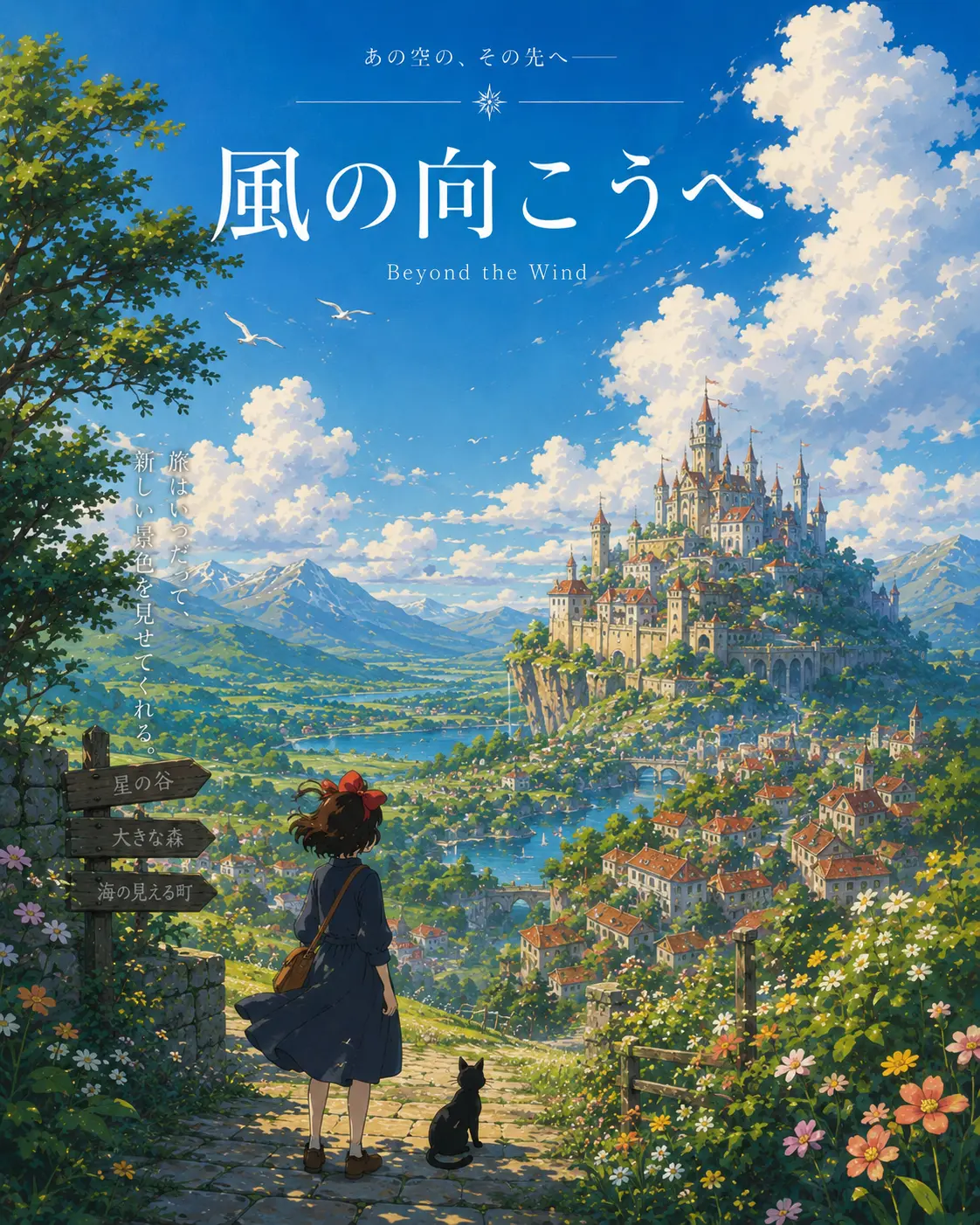
0/5
Nano Banana Results
這個風格的使用方式
每個變體都附上範例圖與對應提示詞 —— 複製即可開始。
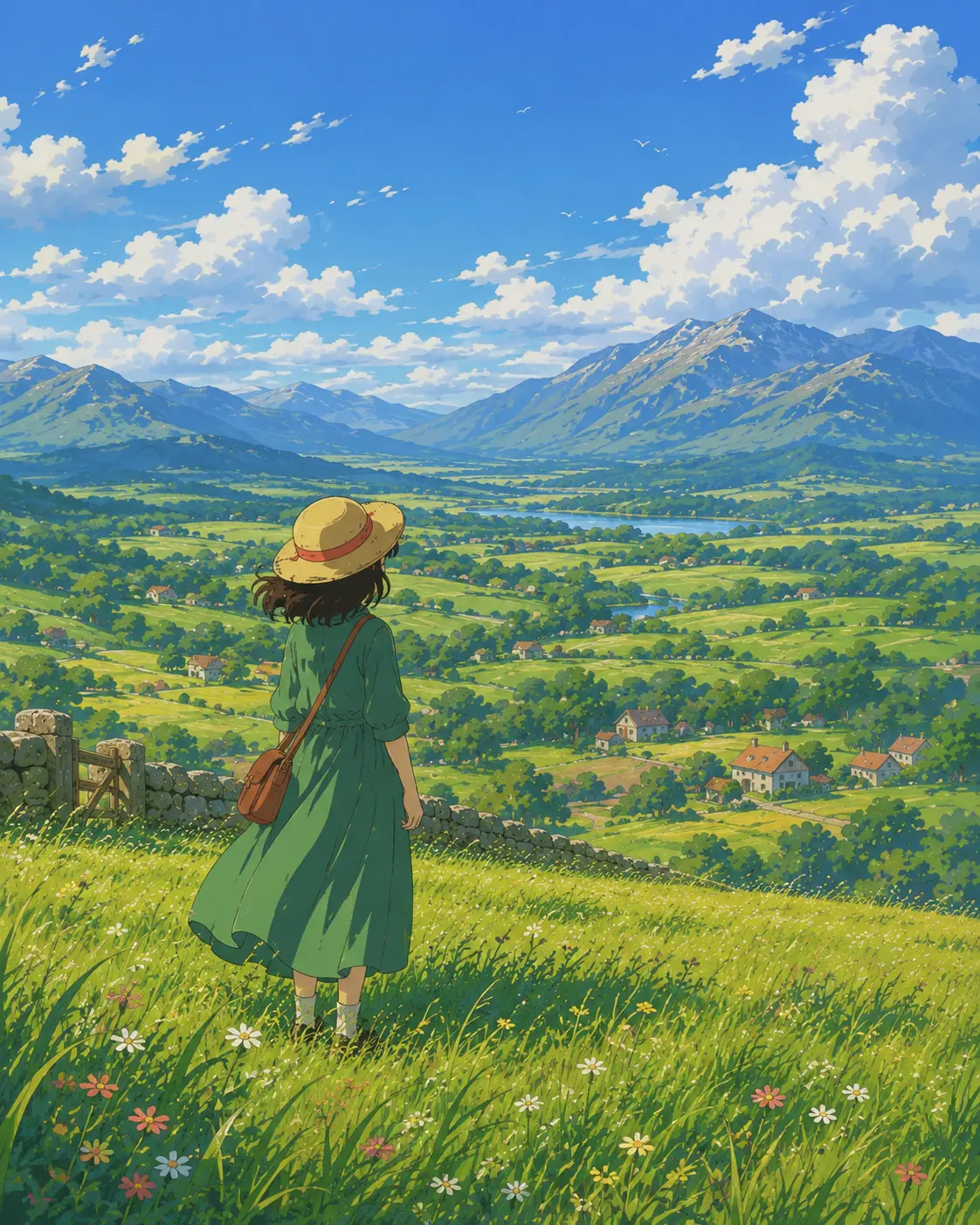
田園鄉村午後
風吹麥浪、遠方煙嵐山色,一個身影在陽光下短暫停留——把日常人像與風景照轉成手繪動畫的午後一格。
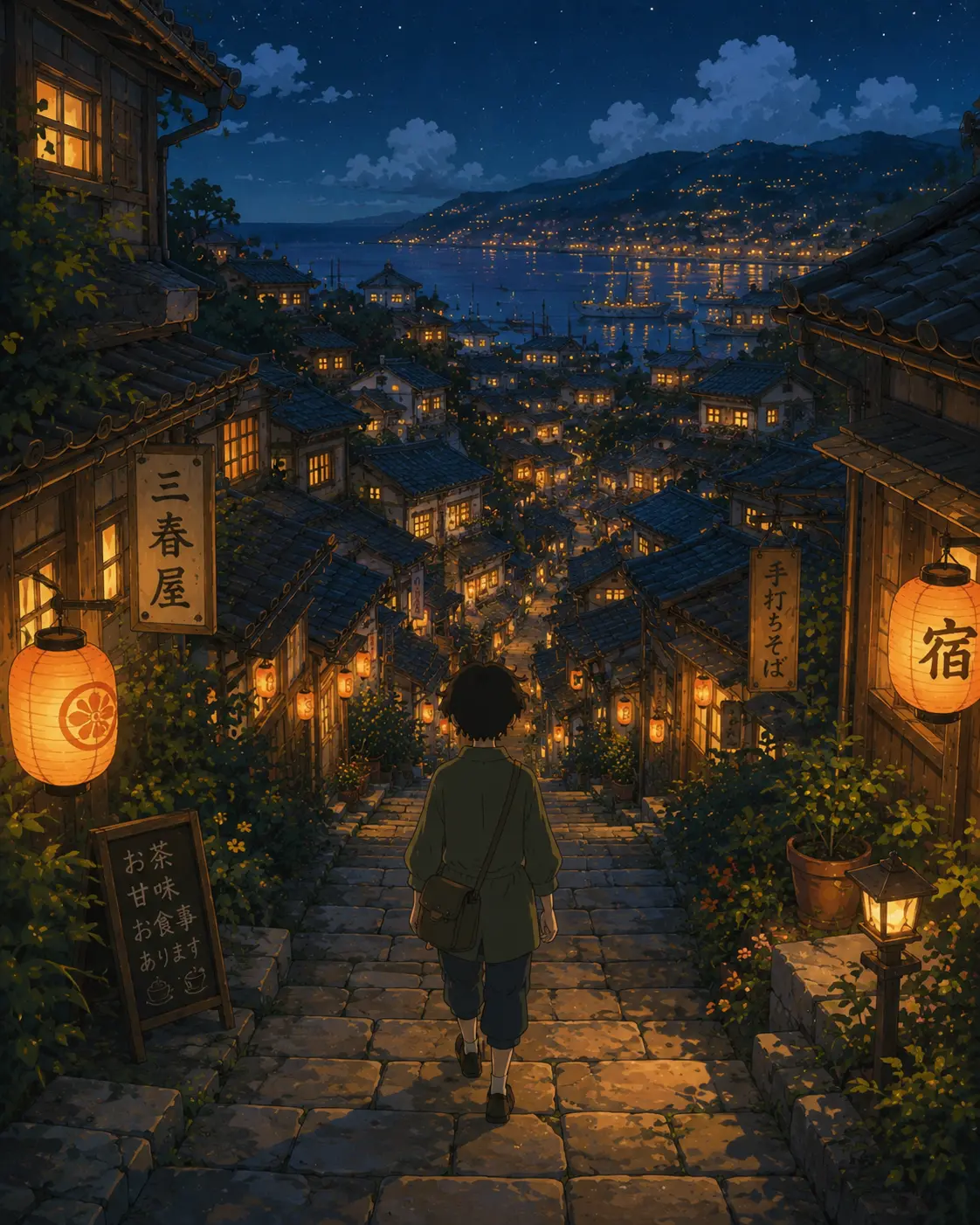
燈籠光的山坡小鎮
瓦片屋頂、窄窄的石板巷,溫暖窗光裡有人慢慢走回家——適合旅行照、街景與夜晚場景轉成宮崎駿風格。
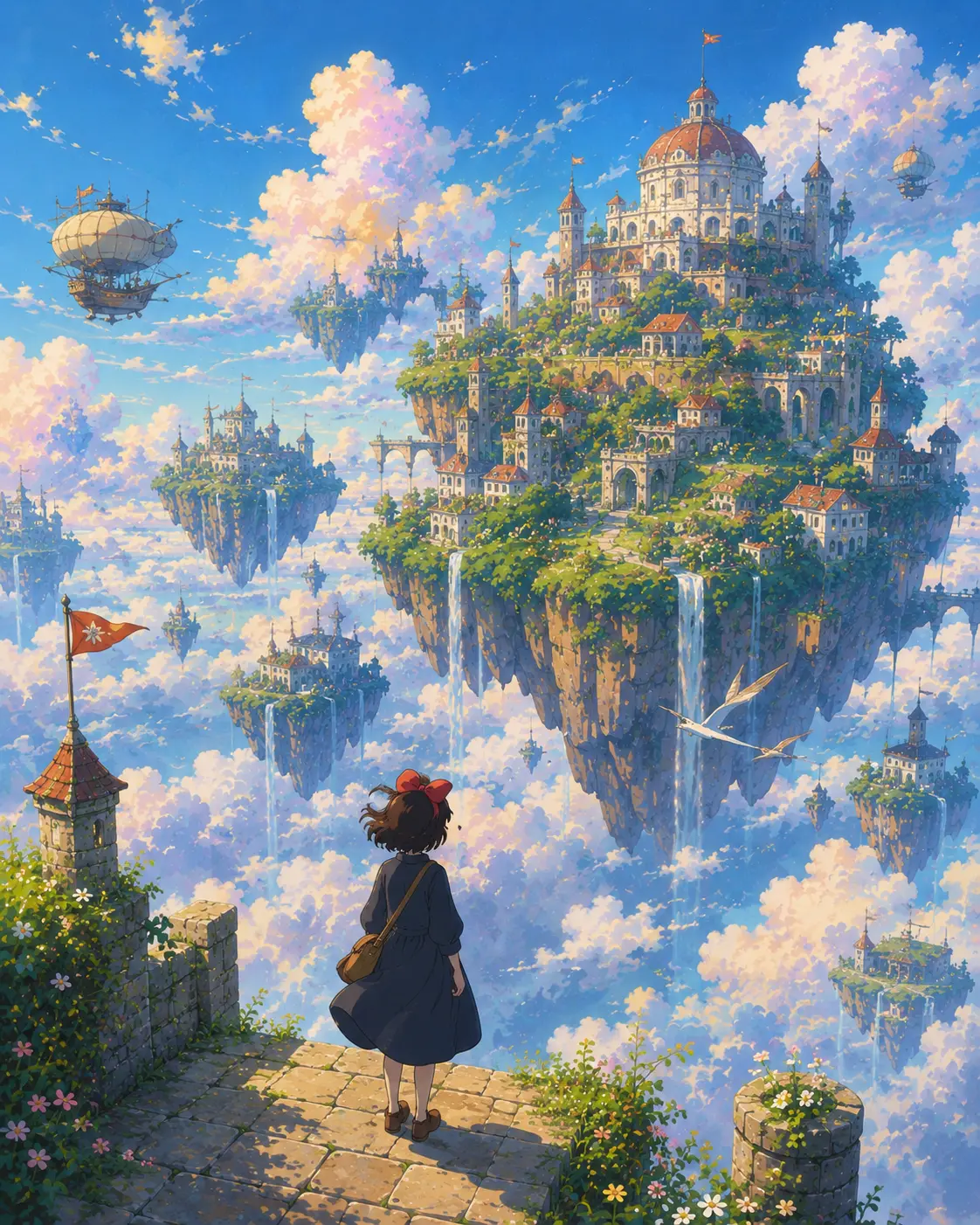
懸浮空中島嶼
雲端王國漂浮在粉彩天空裡——把這個風格推到完全虛構的奇幻地景,適合海報、桌布與童書視覺。
吉卜力提示詞範本
把同一張照片放進不同的吉卜力世界——田園午後、黃昏小鎮、奇幻王國、或安靜的角色特寫。
田園午後
Reimagine the uploaded photo in hand-painted Studio Ghibli animation style, set in a soft countryside afternoon — golden grass, painted cumulus clouds drifting over rolling hills, warm low sun, a wooden fence or distant farmhouse hinted in the background. Preserve the subject's pose, expression, and outfit colors as a Ghibli character design. Painted line work, cel-shaded skin, soft watercolor wash on the landscape, cozy storybook mood.
黃昏小鎮
Convert the uploaded photo into a Ghibli-style scene set in a quiet small town at dusk — warm lantern light along stone alleyways, painted rooftops, faintly glowing windows, soft purple-orange sky overhead, distant chimney smoke. Preserve the subject as a recognizable Ghibli-styled character with original outfit colors and pose. Hand-painted detail, gentle ambient glow, that lingering 'walking home in summer' mood.
奇幻王國遠景
Render the uploaded photo as a Studio Ghibli fantasy-kingdom scene — sprawling painted clouds, a distant floating island or grand mountain temple, lush detailed foliage in the foreground, a soft wind in the air. Subject placed as a hand-drawn Ghibli character with original outfit, expression, and pose preserved. Painterly atmospheric perspective, dreamy color palette, rich storybook scenery.
角色臉部特寫
Reimagine the uploaded portrait as a tight Studio Ghibli character close-up — large expressive painted eyes, soft cel-shaded skin, hand-drawn hair detail, subtle painted background suggesting a calm interior or window light. Preserve facial identity, expression, hair, and outfit colors as a recognizable Ghibli character design. Warm gentle palette, careful linework, that quiet animation-still feeling.
推薦 PixMelody 模型
常見問題
吉卜力風格 AI 濾鏡是什麼?
它是 PixMelody 為手繪動畫風調好的 AI 濾鏡——上傳一張照片,模型會用水粉背景、空氣透視、繪畫感的雲光與柔和午後光,把照片重做成宮崎駿動畫電影裡某一格的樣子。你的臉、姿態與場景結構會被保留,材質與光線換成手繪語言。
什麼樣的照片最適合轉吉卜力風格?
光線柔和、主體清晰的人物、寵物或戶外風景效果最乾淨。窗光人像、田野照、街景、旅行回憶照都很適合。畫面太亂、太暗、強烈濾鏡或重度後製的照片會跟手繪質感衝突,通常需要重跑一次或先做基礎修圖。
會保留我的臉和姿態嗎?
會。模型會保留臉部結構、表情、髮型與身體比例,只把材質、光線與背景的語言替換成柔和的手繪質感。最後看到的還是你,只是站在了一部動畫電影的某一格裡。
跟一般動漫濾鏡或 Anime AI 有什麼不同?
主流動漫濾鏡走的是銳利線條、光滑賽璐珞陰影、高飽和配色。吉卜力風格 AI 濾鏡走手繪水粉背景、空氣透視、繪畫感的雲光與安靜田園日常氣質——更接近動畫電影的背景美術,而不是商業動漫的人物原畫。
怎麼跑出最有氛圍的吉卜力畫面?
選戶外風景、火車與窗景、灑進陽光的廚房、制服肖像、鄉間住家——這些經典動畫常常回到的日常題材最容易跑出空氣感。在提示詞裡指定時段(清晨、黃昏、黃金時刻)和天氣(薄雲、雨後、霧),會大幅提升手繪電影感。
一次生成大概要多久?
上傳照片後通常 20 到 60 秒就能拿到結果,會依模型、畫面複雜度與當前排隊情況微調。Pro 等級模型在重度細節場景下會稍久,但你會看到即時進度。
生成的圖能用在商業專案嗎?
可以。只要來源照片是你擁有或有編輯權限的素材,輸出圖可用於個人作品集、社群、品牌行銷、電商素材與客戶交付。涉及可辨識人物或第三方品牌的商業用途,請另行確認肖像權與商標授權。
這個風格會消耗多少點數?
內嵌生成器使用與 PixMelody 主生成器相同的帳號與點數系統,每次生成的點數依所選模型計算,畫面上會即時顯示消耗。新用戶註冊就送免費點數,可以先試效果再決定。