
AI 產品攝影生成器 — Product Hero AI
把普通的產品照轉成主視覺等級的電商素材——情境生活照、棚拍柔光箱主視覺、編輯風平拍俯視,可直接套進電商商品頁、廣告創意與品牌行銷活動。
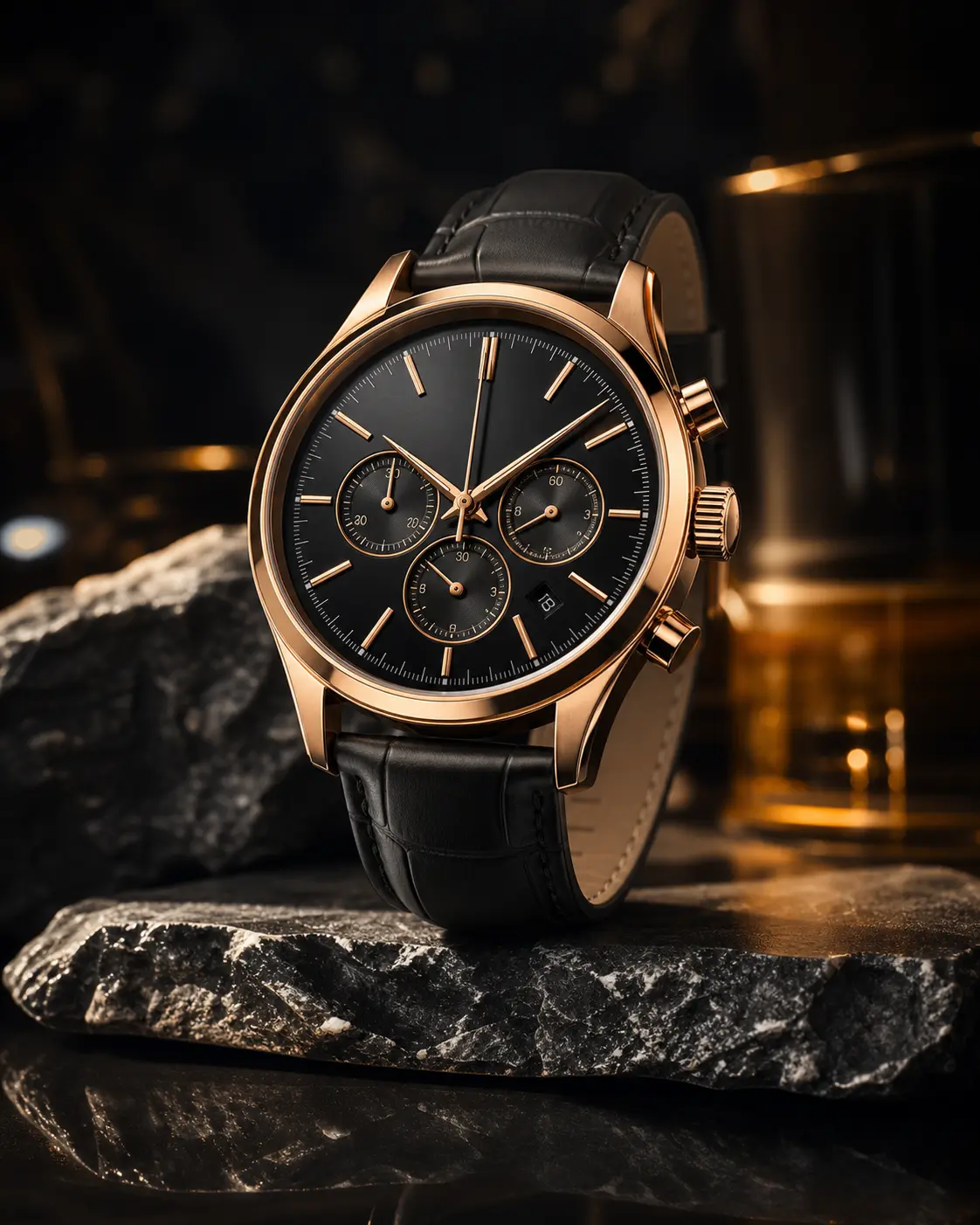
0/5
Nano Banana 2 Results
這個風格的使用方式
每個變體都附上範例圖與對應提示詞 —— 複製即可開始。
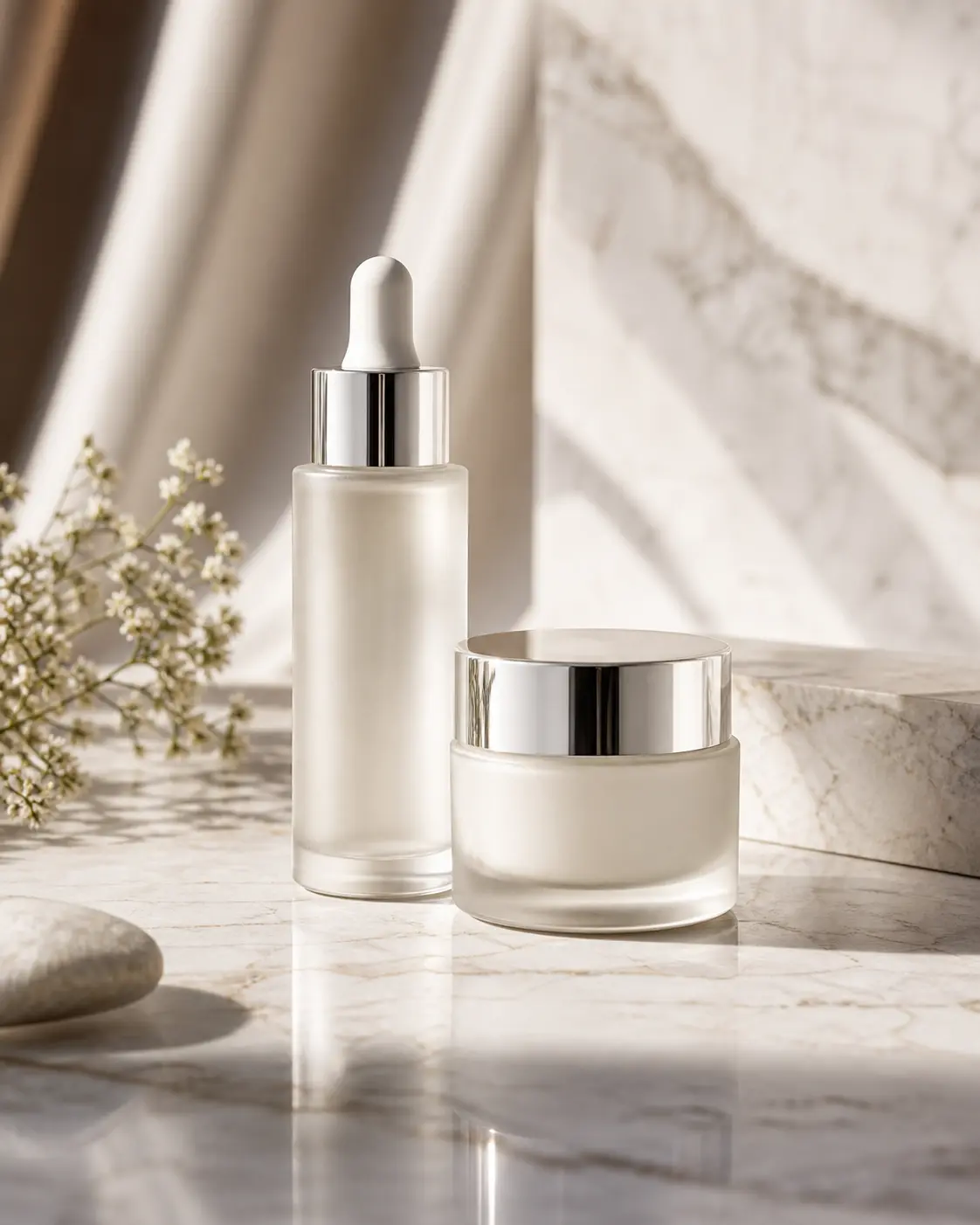
棚拍柔光箱主視覺
乾淨無縫背景、柔和定向光——經典型錄等級的產品照,適合電商首屏與廣告主視覺。
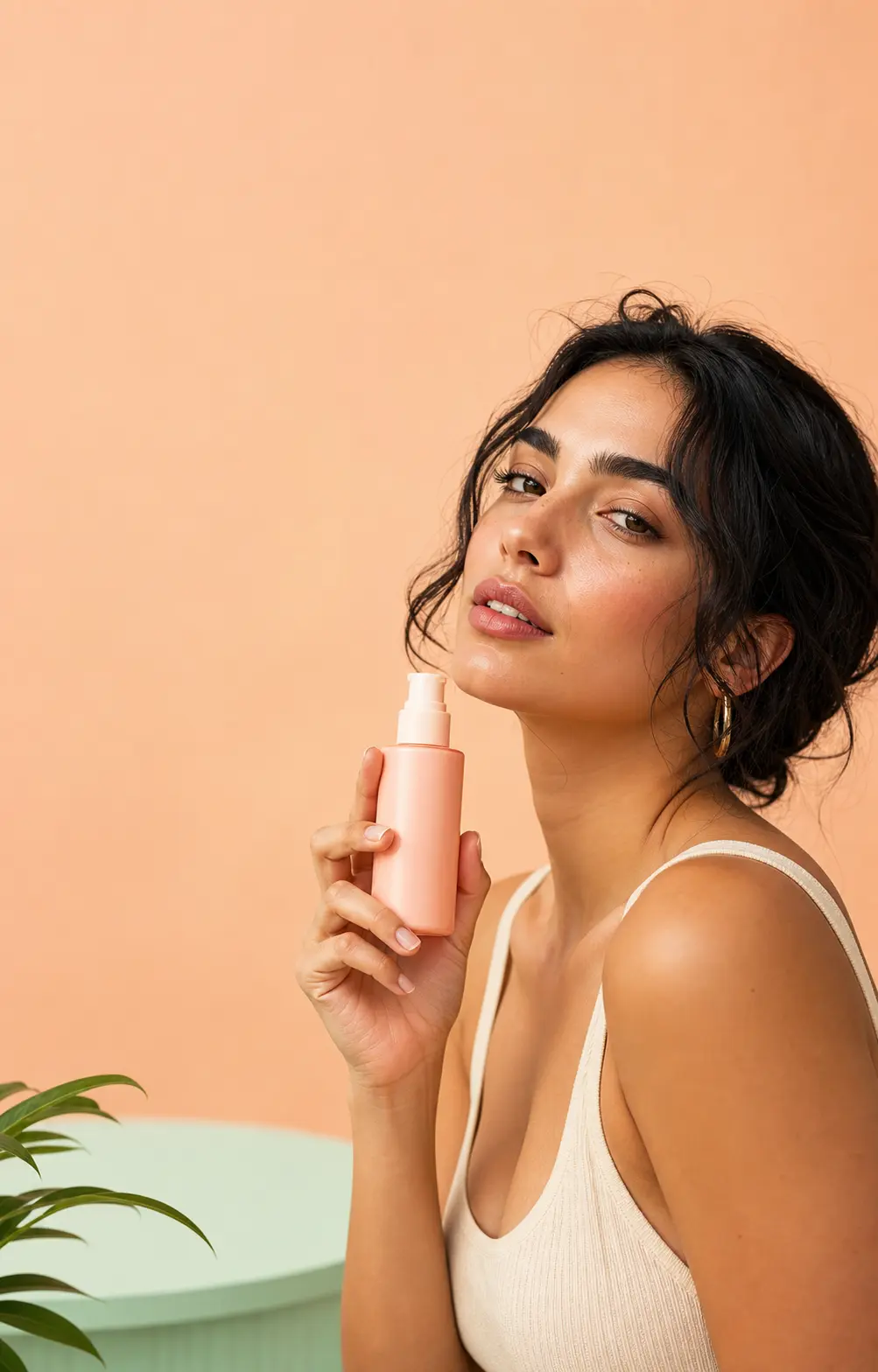
生活情境照
產品放進真實場景搭配自然光——有編輯感、不死板,適合社群貼文、品牌部落格與用戶故事。
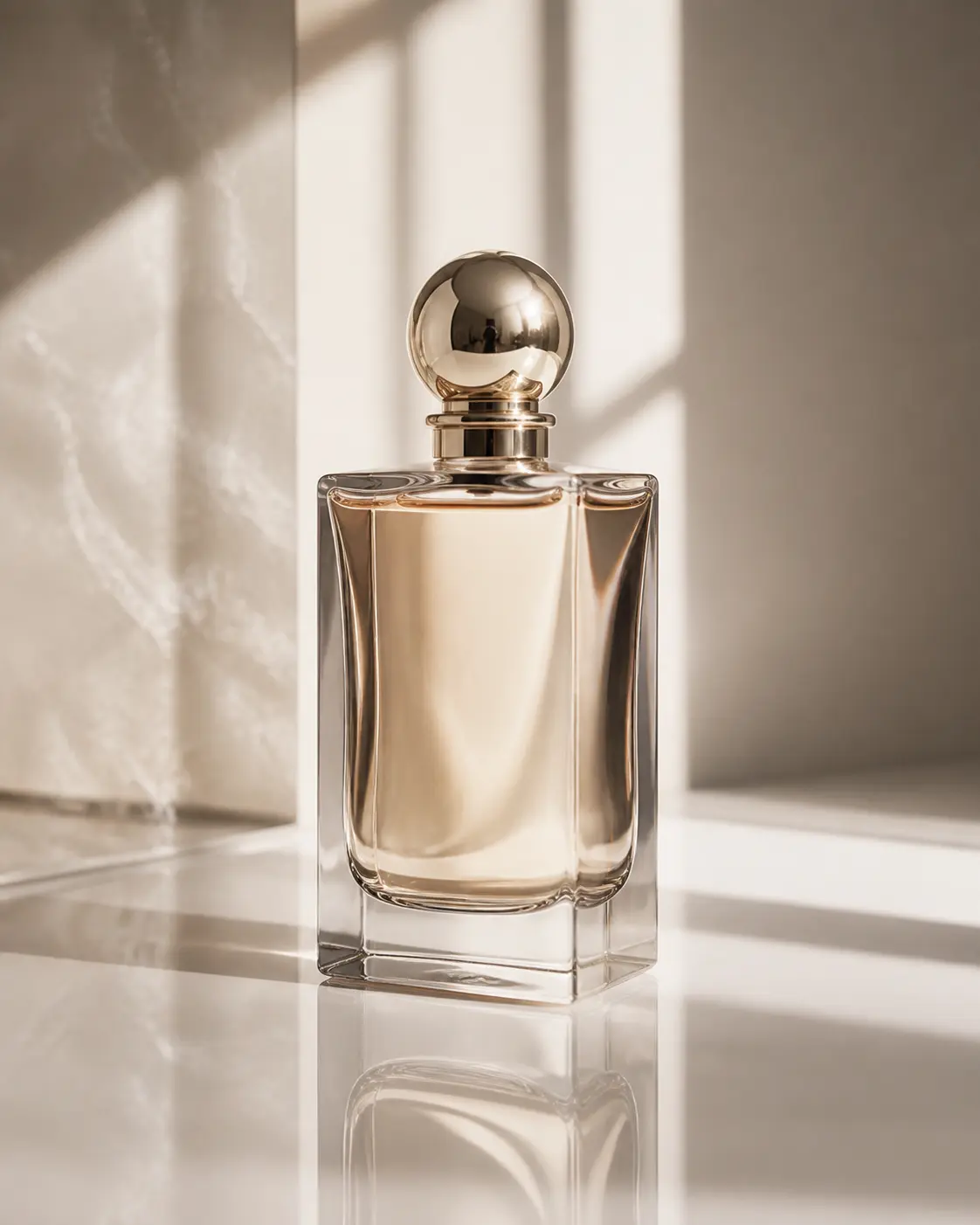
編輯風平拍俯視
俯視構圖搭配精選道具——雜誌跨頁的能量,適合季節企劃、季刊與目錄首頁。
產品大片提示詞範本
同一個產品可以拍成不同 hero——看 campaign 需要哪個方向:乾淨棚拍、生活場景、平拍、或材質特寫。
乾淨棚拍背景
Photograph the uploaded product as a hero shot on a clean seamless studio backdrop in soft neutral gray or off-white. Sharp focus on the product, balanced soft directional lighting with subtle shadow grounding, accurate color reproduction, no distracting reflections, no props. Preserve product shape, branding, label text, materials, and proportions exactly. Premium catalog photography finish, ready for e-commerce hero placement or campaign use.
生活場景
Place the uploaded product into a styled lifestyle scene that fits its category — minimal countertop, modern desk, sunlit windowsill, or curated tabletop with complementary props in muted tones. Soft directional daylight, shallow depth of field, warm but clean color grade. Keep the product itself as the visual hero, sharp and properly lit, with the surrounding scene supporting context. Preserve all branding, labels, and material details.
平拍構圖
Create a top-down flatlay hero composition featuring the uploaded product as the centerpiece, arranged on a clean textured surface (linen, soft paper, light wood, or matte stone) with thoughtfully placed complementary objects around it. Even soft overhead lighting, balanced negative space, square composition suited for social hero and campaign creative. Preserve product shape, branding, and materials. Premium editorial styling.
材質特寫
Tighten in on the uploaded product as a macro detail hero shot — close-up on its key material, finish, texture, or signature feature. Razor-sharp focus, soft directional studio light raking across the surface to bring out tactile detail, subtle background falloff, premium product photography mood. Preserve material truth, label position, and branding. Suited for hero strips, banner crops, and product feature pages.
推薦 PixMelody 模型
相關風格
常見問題
AI 產品攝影生成器是什麼?
它是 PixMelody 為電商與品牌行銷設計的 AI 產品照工具——上傳一張普通商品照,模型會保留產品的輪廓、標籤與商標,只重新搭建拍攝場景,輸出棚拍主視覺、情境照或編輯風平拍三種類型的高解析度商品影像,可直接用於電商商品頁與廣告創意。
什麼樣的產品照最適合上傳?
建議上傳乾淨、光線均勻、商品居中、標籤清楚的原始商品照。背景單純(白底、淺灰)、商品輪廓完整、商標文字可辨識的照片效果最好。背景過暗、商品被遮擋、商標模糊的照片建議重拍後再上傳。
會保留產品的標籤、商標與顏色嗎?
會。上傳清楚的原始參考圖,模型會保留品牌關鍵細節——商標位置、標籤文字、產品輪廓、主色——只重新處理光線、背景、道具與情境。如果需要更高的還原度,可以同時上傳 2 到 3 張不同角度的參考圖。
跟時尚拼貼生成器有什麼不同?
AI 產品攝影聚焦在「單一商品的主視覺」——重新搭建拍攝場景,輸出可直接上架的商品影像。時尚拼貼則是把多個元素編排成一張雜誌跨頁——重點在版式與編輯敘事。電商商品頁用產品攝影,品牌情緒板用時尚拼貼。
怎麼讓輸出最像專業棚拍?
在提示詞裡指定光線(softbox、natural window light、even daylight)、背景(seamless backdrop、neutral textured background)、構圖(hero shot、top-down flatlay、lifestyle scene)。建議生成棚拍、情境、平拍三個變體,再依電商商品頁、廣告或品牌情緒板挑選對應的版本。
一次生成大概要多久?
上傳照片後通常 20 到 60 秒就能拿到結果,會依模型、畫面複雜度與當前排隊情況微調。Pro 等級模型在重度細節場景下會稍久,但你會看到即時進度。
生成的圖能用在商業專案嗎?
可以。只要來源照片是你擁有或有編輯權限的素材,輸出圖可用於個人作品集、社群、品牌行銷、電商素材與客戶交付。涉及可辨識人物或第三方品牌的商業用途,請另行確認肖像權與商標授權。
這個風格會消耗多少點數?
內嵌生成器使用與 PixMelody 主生成器相同的帳號與點數系統,每次生成的點數依所選模型計算,畫面上會即時顯示消耗。新用戶註冊就送免費點數,可以先試效果再決定。