
AI 老照片修復
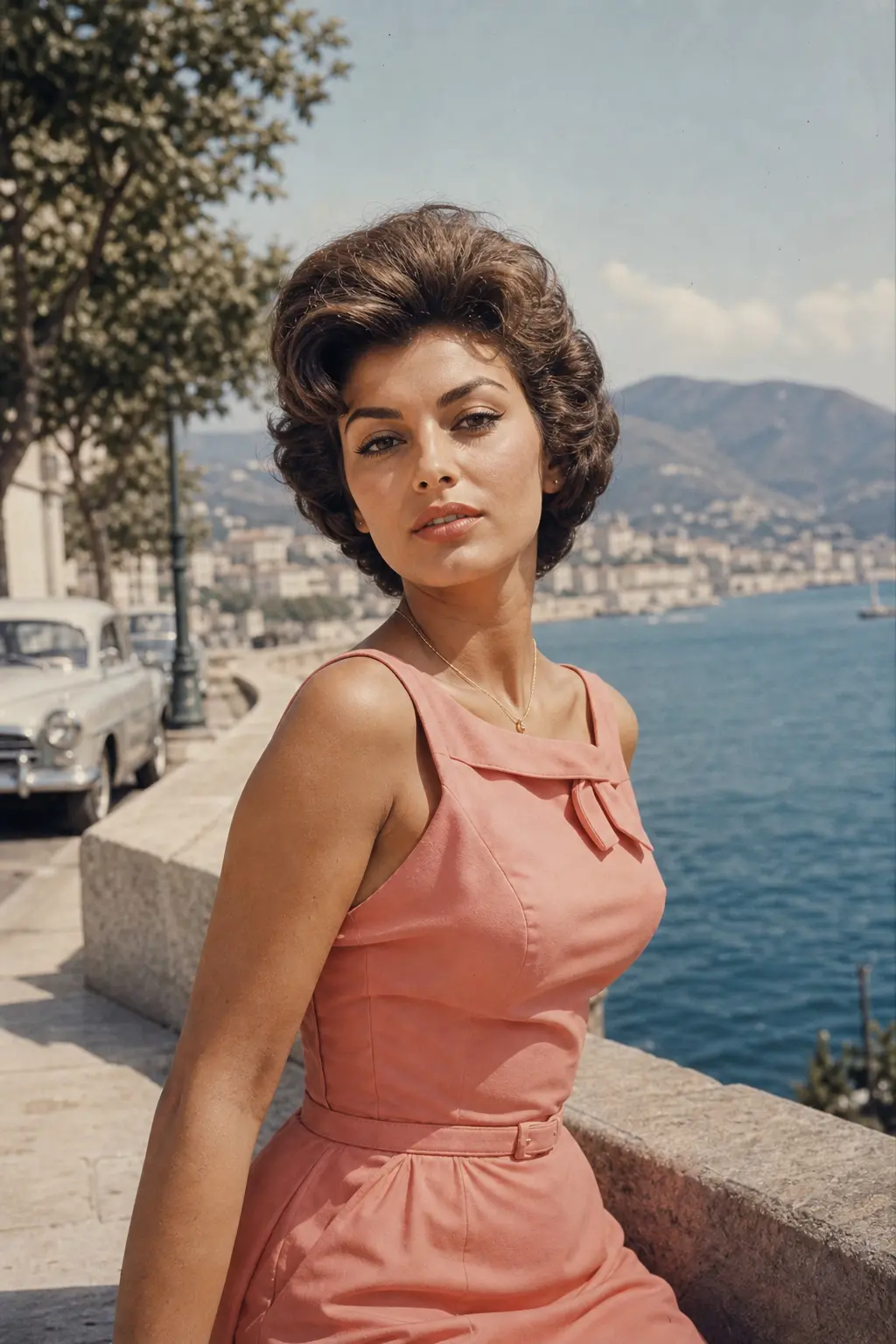
上傳老照片、模糊照片或低對比的舊掃描檔,AI 圖像修復會自動清除刮痕、補回褪色、提升細節,並可選擇幫黑白照片自然上色,整個過程保留原本的人物與場景。
0/5
Nano Banana 2 Results
這個風格的使用方式
每個變體都附上範例圖與對應提示詞 —— 複製即可開始。
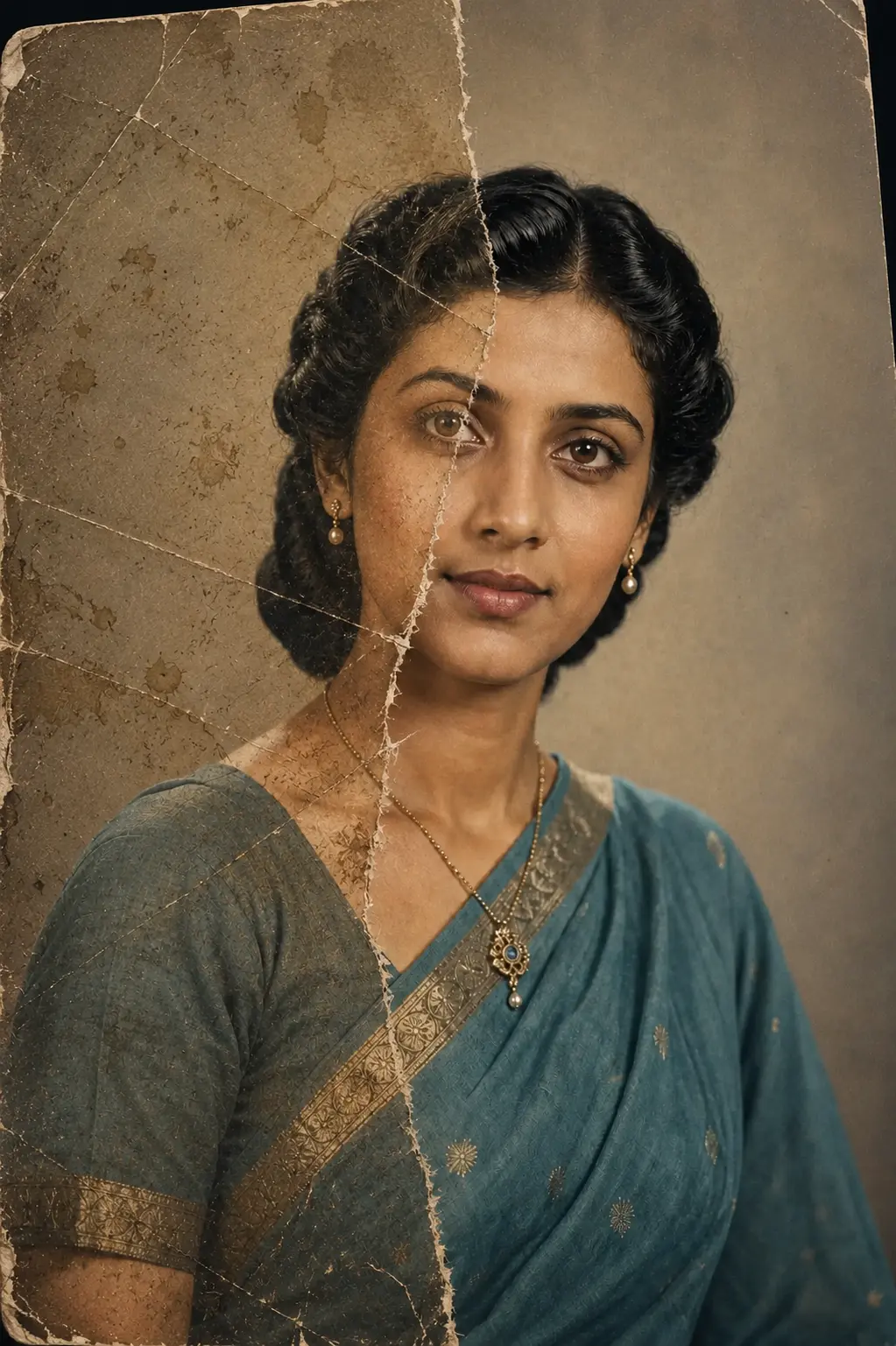
刮痕與破損修復
去除撕裂、白色刮痕、灰塵與霉斑,五官與構圖不被改寫,保留照片原本的顆粒與時代感。
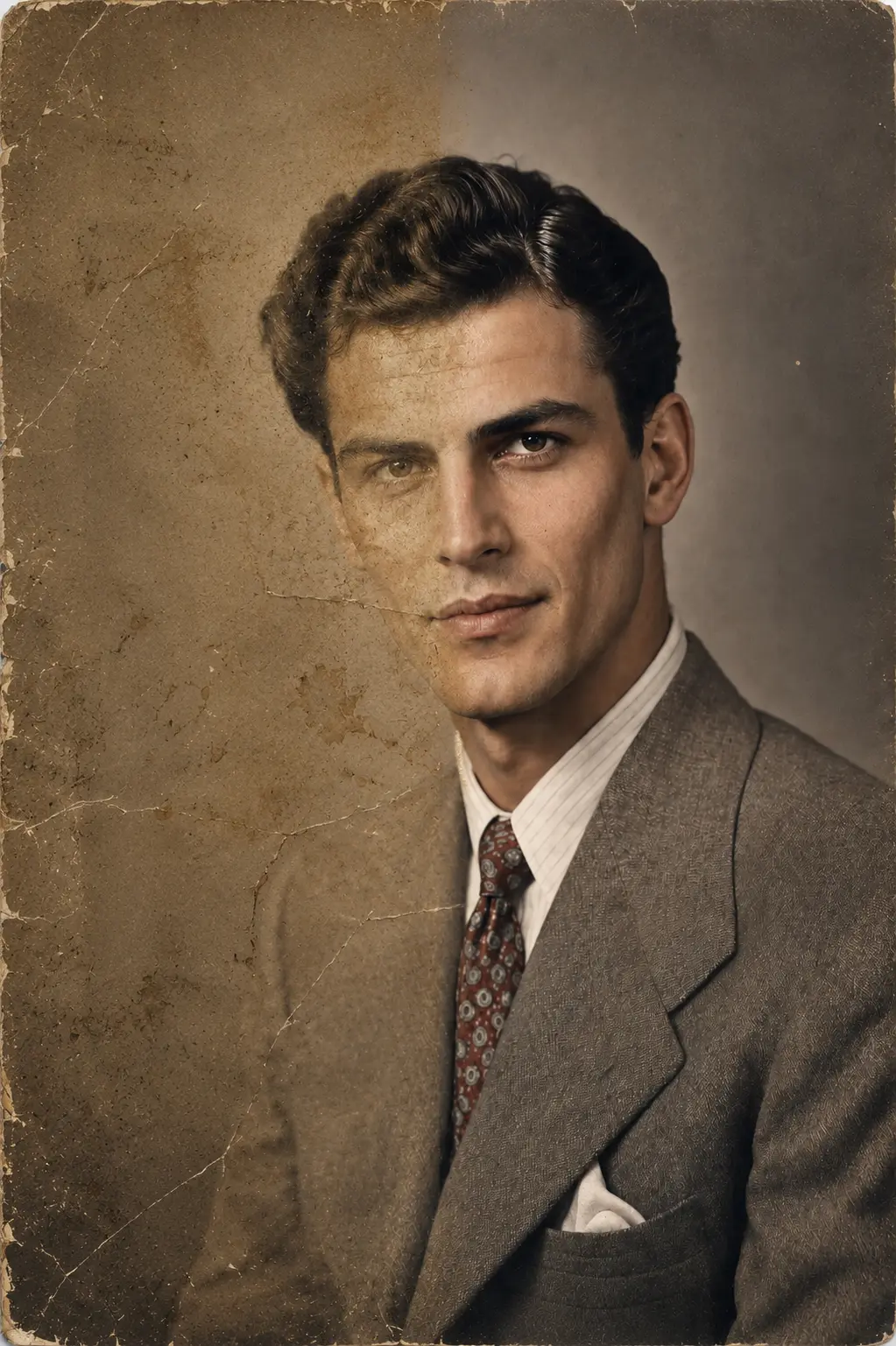
褪色與對比還原
找回褪色照片的層次與膚色,同時保留符合年代的暖黃或冷藍色調,不會把舊照片硬處理成現代相機的味道。
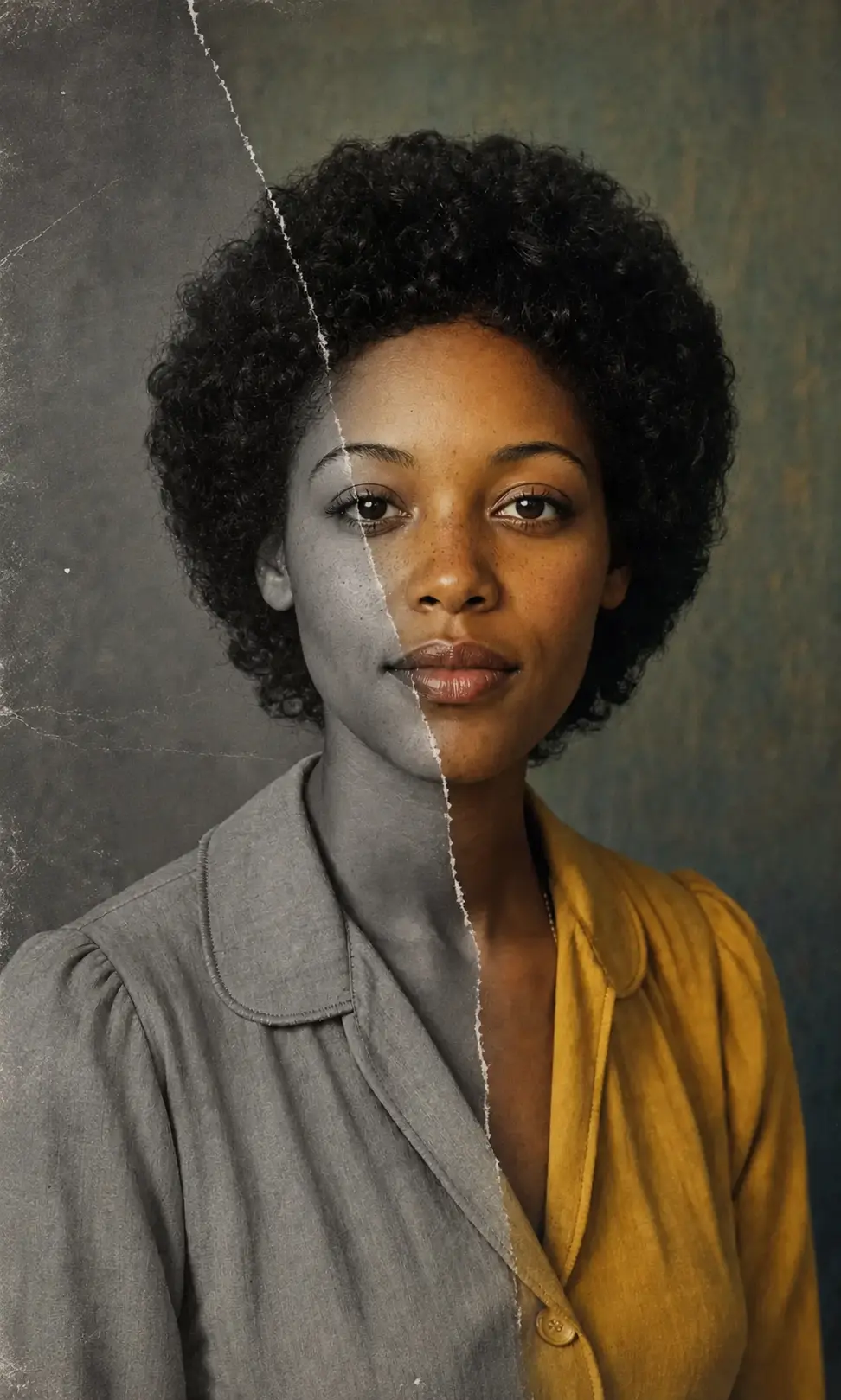
黑白照片自然上色
為黑白老照片加上克制的色彩——膚色、衣著、背景都按年代細節推理,不會出現飽和度爆掉的數位味。
老照片修復提示詞範本
想更精準控制刮痕修復、褪色還原、黑白照片上色或家庭檔案修復時,可以直接套用下面的提示詞;核心都是保留原人物與原場景。
刮痕與撕裂修復
Restore the uploaded old photograph while preserving the original people, faces, clothing, pose, background, and period feel. Remove visible scratches, tears, dust, mildew spots, fold marks, and white damage lines. Reconstruct only the damaged areas naturally, recover gentle contrast and detail, and keep the original film grain and authentic archival texture. No modern beauty retouching, no changed identity, no invented new people, no text.
褪色照片還原
Repair the uploaded faded photo as a realistic archival restoration. Preserve every person's identity, age, expression, hairstyle, clothing, and the original scene composition. Recover natural tonal range, deepen washed-out shadows, restore highlight detail, reduce haze, and bring back era-appropriate warmth without making the image look modern or over-processed. Keep subtle paper texture and film grain.
黑白照片自然上色
Colorize the uploaded black-and-white photo with restrained, period-accurate color while preserving the original faces, pose, clothing, background, and photographic grain. Infer natural skin tones, hair color, fabric color, and environmental color from era cues. Keep the palette gentle and realistic, like a carefully restored family archive print. Avoid neon colors, modern filters, plastic skin, and any change to facial identity.
家庭相簿檔案修復
Restore this family archive photo for album printing. Preserve all people exactly as they appear, including face shape, age, expression, posture, clothing, and grouping. Clean dust, scratches, stains, compression artifacts, and mild blur; recover balanced contrast and natural detail; keep the original crop and historical atmosphere. Output should feel like the best possible preserved version of the same photograph, not a new photoshoot.
推薦 PixMelody 模型
常見問題
AI 老照片修復可以修哪些問題?
刮痕、撕裂、霉斑、灰塵、褪色、對比過低、模糊、輕度像素化、JPEG 壓縮痕跡——這些常見的舊照片問題都可以由 PixMelody 自動處理。對於黑白照片,還可以額外加上自然的上色處理。
什麼樣的舊照片最容易修出乾淨結果?
建議掃描或翻拍出至少 800×800 像素以上的清晰圖檔,臉部沒有大面積缺失。掃描時保持平整、避開反光,避免用手機強閃直接拍紙本——這些前置處理會顯著提升 AI 修復的結果。
會不會把人臉換掉或改寫長相?
不會。AI 圖像修復的核心目標是身份保留——模型會盡量維持人物的臉型、表情、髮型與身體比例,只修補損壞區域、找回對比與細節。如果照片中的臉部已大面積缺失,建議搭配人工後製審核。
跟一般的圖像放大工具有什麼不同?
純放大工具只是把像素插值放大,遇到刮痕和褪色會一起放大。AI 老照片修復同時處理三件事——修補損壞、找回對比、提升細節——而且會針對人臉、衣著與背景分別優化,整體結果更貼近原照片該有的樣子。
怎麼讓修復結果最自然?
上傳前先把原圖掃描或翻拍乾淨;如果是黑白照片想要上色,在提示詞裡補上年代(1950s、1970s)與衣著線索(軍裝、旗袍),可以幫模型抓對配色。修復完不滿意可以微調提示詞重生,或先做局部修復再做整體上色。
一次生成大概要多久?
上傳照片後通常 20 到 60 秒就能拿到結果,會依模型、畫面複雜度與當前排隊情況微調。Pro 等級模型在重度細節場景下會稍久,但你會看到即時進度。
生成的圖能用在商業專案嗎?
可以。只要來源照片是你擁有或有編輯權限的素材,輸出圖可用於個人作品集、社群、品牌行銷、電商素材與客戶交付。涉及可辨識人物或第三方品牌的商業用途,請另行確認肖像權與商標授權。
這個風格會消耗多少點數?
內嵌生成器使用與 PixMelody 主生成器相同的帳號與點數系統,每次生成的點數依所選模型計算,畫面上會即時顯示消耗。新用戶註冊就送免費點數,可以先試效果再決定。